










Take control over your equipment
Quick, easy and no need for memorizing or installing anything.
All the servers or workstations you have, anytime, anywhere.
Totally free up to 50 computers per user. Try it and decide!
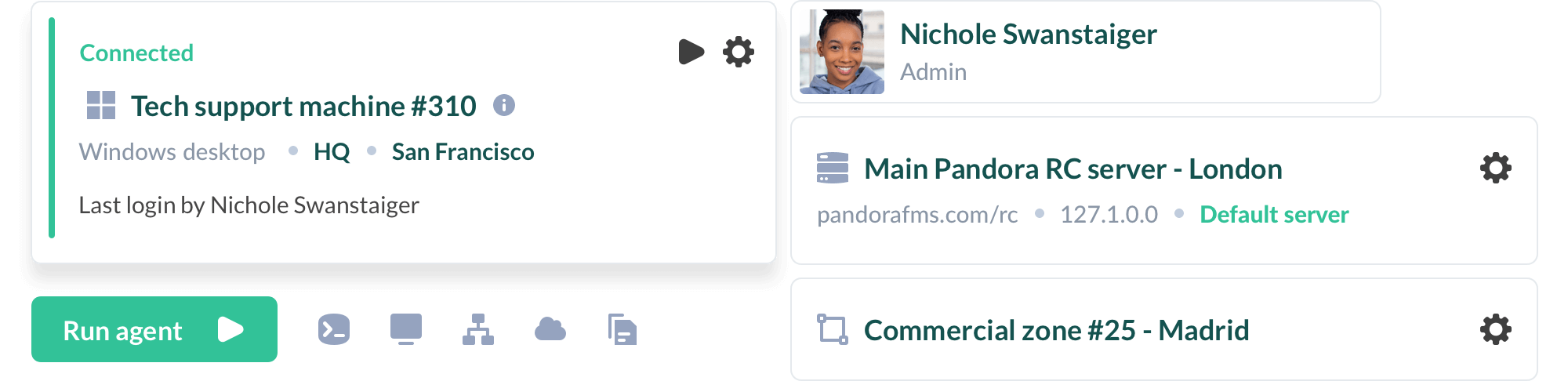
Remote control for servers and computers
Choose the best option for your company or security policies: On-Premise or Cloud
Why choose Pandora RC ?


Security and privacy
Other remote control softwares promises the world, we explain how Pandora RC is impregnable.
Interactive system to request access to the local operator in case of remote connection.

Enjoy high geographic availability and automatic balancing for reliability.

Implement system access policies with robust double authentication.

We use local non-centralized passwords to ensure maximum user control.
100% available for on-premise installations, without any external connectivity.

The agents do not listen on any port; they are not accessible on the local network or from outside.

¿You are a MSP and want to offer value to your customers?
Pandora RC is designed as a scalable, competitive on-premise platform, open to integrations with its own management processes, affordable and backed by a dedicated technical team. Now you can offer fully customized and proprietary-look-like (OEM) solutions, capable of giving service to more than 10,000 workstations with a single mid-range server.
Frequently asked questions about Pandora RC
Blank
How does the license work?
-
- You license by number of machines and have countless concurrent sessions accessing them.
- You may license on-premise and the price will depend on the number of hosts managed.
- You’ll always pay the same. No mandatory upgrades. No updates. No surprises.
Where can I download it?
From the website you may install the software to be installed on the computers you want to control remotely. There is no need to install a “client” on our computer, everything is done through the web interface of the Pandora RC client portal.
What is a user?
What is a device?
What if I need to access more than 50 devices?
You have to buy a user license. The free version is limited to 50 computers per user.
How many devices can I access at a time?
If you have 100 computers, you could connect to all 100 computers at once, you can share the user/password with your team to connect simultaneuosly to all computers managed.
How do I upgrade or add an existing subscription?
Through the website or by contacting our sales team.
Do you offer monthly billing?
Yes we do.
¿Can’t find your question here? Contact us and we will help you get rid of your doubts!
Ready to take control of your equipments?
Choose Pandora RC for seamless IT support & operations. Fast, secure, and reliable, it's the ultimate tool for efficiency and control. Absolutely free for up to 50 devices per user!

