

 Home
Home

Offline installation
Introduction
This document describes the installation process using the offline installation script.
Its use is recommended for environments that cannot activate an internet connection on the machine intended to install the product.
Supported operating systems
- Rocky Linux 9.x .
- RedHat Enterprise Linux 9.x .
Steps to follow for the installation
- Have an instance with the necessary hardware requirements and the supported operating system clean for the installation.
- Go to https://support.pandorafms.com/ and from the download section, download the offline package for the operating system. (The offline package will be available for LTS and prev LTS versions).
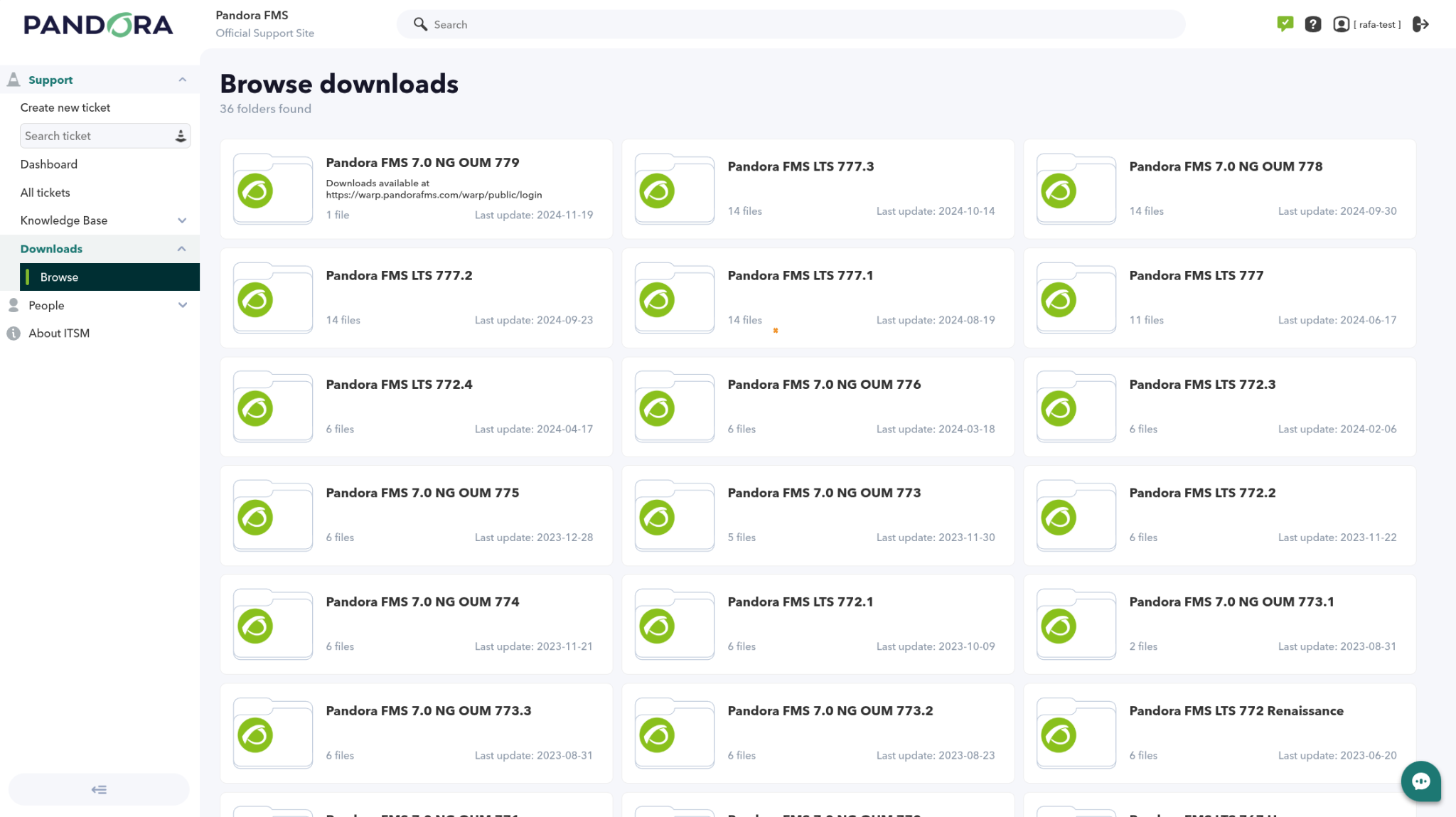
- Upload the tarball package to the server where it will be installed.
- Decompress the package with the tar command (we must have the tar utility installed).
- Move to the generated folder and run the installer.
- Wait for the installation process, until it indicates that it has finished successfully.

Installation command
tar xvzf <offline_package>.tar.gz
cd pandora_packages/
./pandora_deploy_enterprise_local_el9.sh


Accessing the console
Once the installation is finished, go to the Pandora FMS Web Console URL and access with the user admin and password pandora. It is recommended to change this password on the first login.



