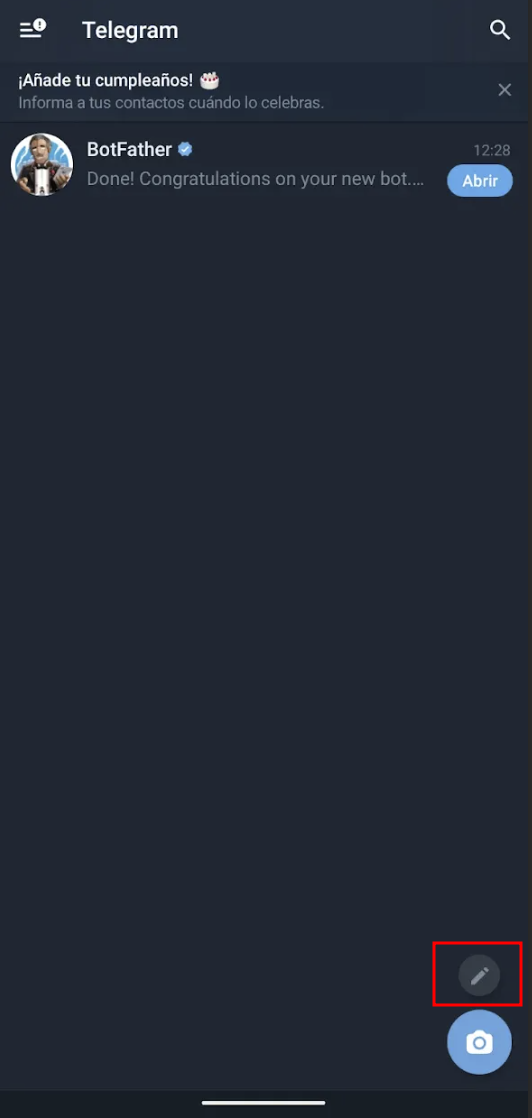
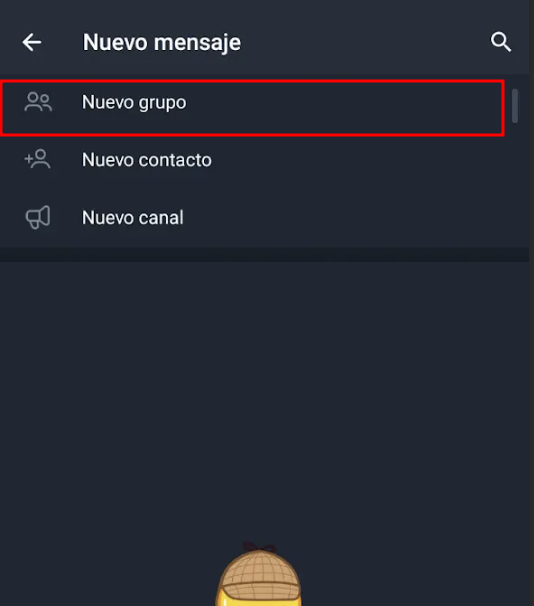
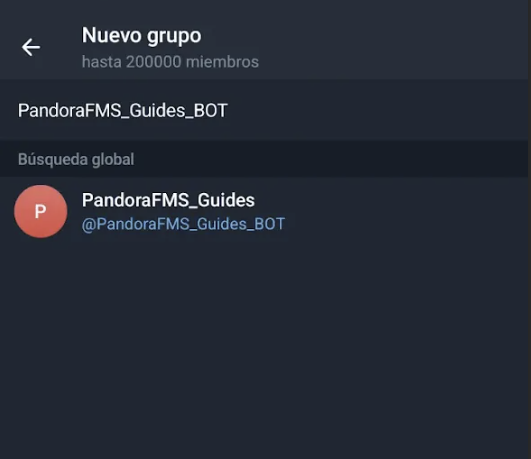
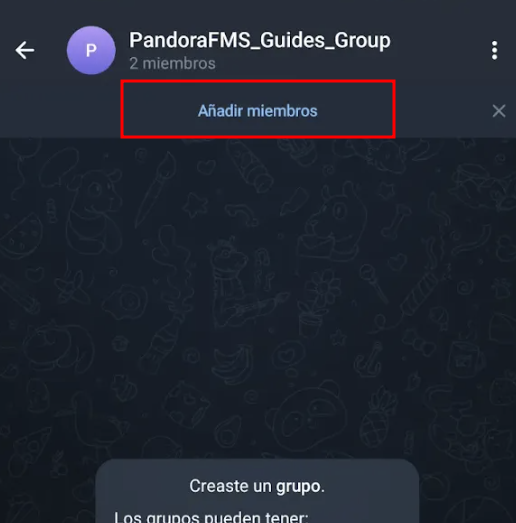
Telegram settings: create a group and add the bots.
The next step is to create a group.
During the creation of this group, add the bot created in the previous step and assign a name to the group.
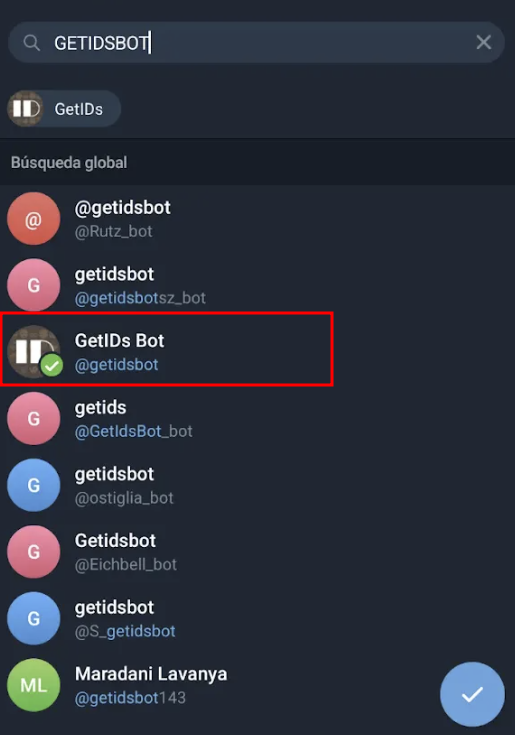
Once the group has been created, add the bot named “getidsbot” (it is very important to add the correct bot, as there are several bots with similar alias).
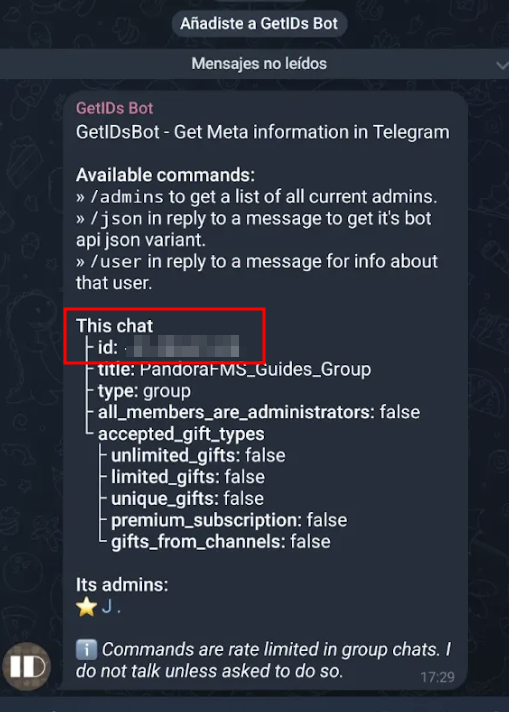
When the bot is added, it will return the group ID. You must save it in order to complete the configuration in the Pandora console, along with the API key and the username of the bot you created and added earlier.