MS Teams Configuration: Creating a Channel
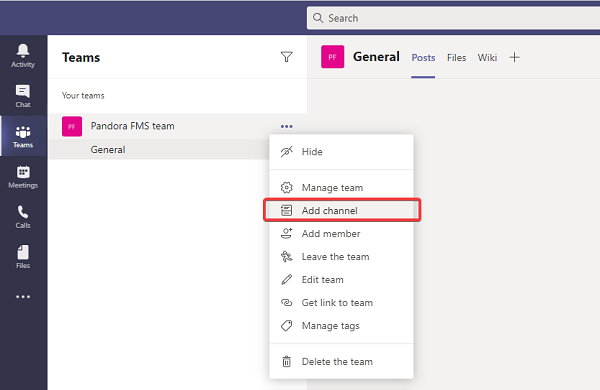
To integrate MS Teams with Pandora FMS, first go to the group where the alert messages will be sent. Once there, select the Add channel option:
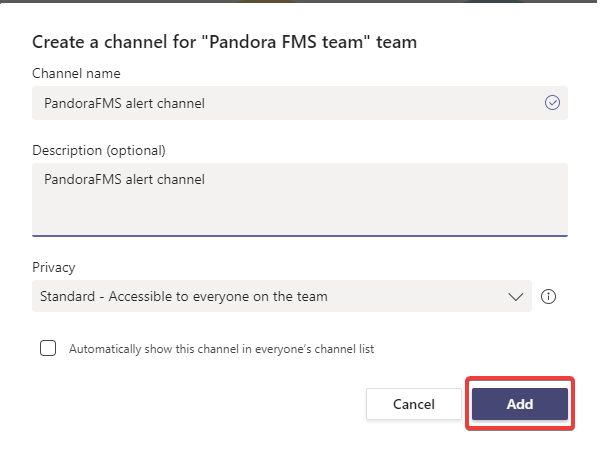
Enter a name, an optional description, and the permissions so that each team member has access to the new channel, then click the Add button.