Discovery
This plugin can be integrated with Pandora FMS Discovery.
To do so, you must load the “.disco” package that you can download from the Pandora FMS library:
https://pandorafms.com/library/
Once loaded, JMX environments can be monitored by creating Discovery tasks from the Management > Discovery > App section.
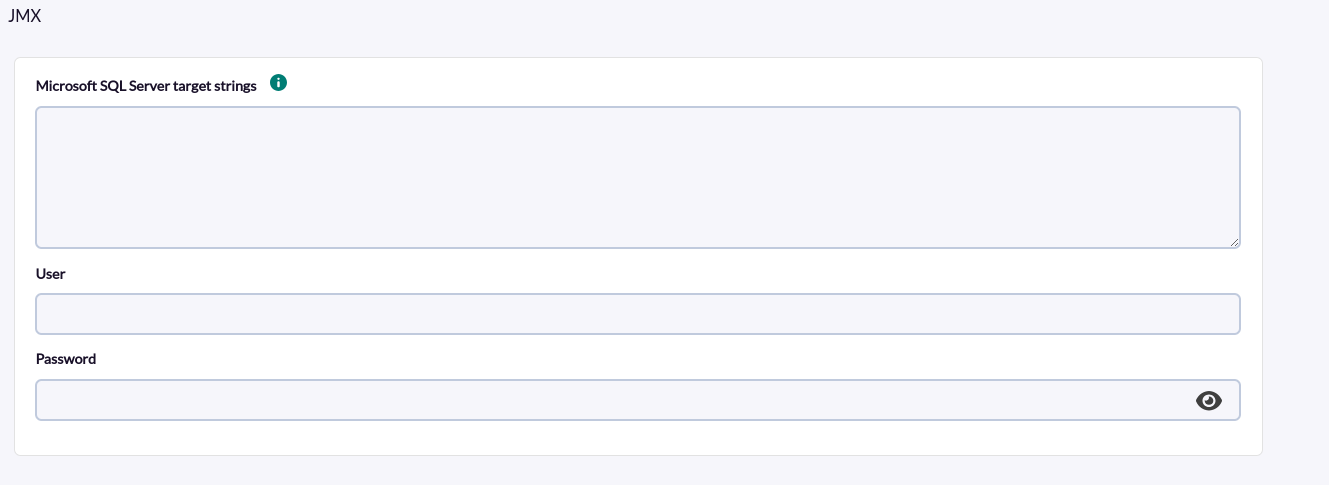
The following minimum data will be requested for each task:
- JMX Target strings:
Example:
service:jmx:rmi:///jndi/rmi://172.17.0.1:9090/jmxrmi
service:jmx:rmi:///jndi/rmi://172.12.0.23:9090/jmxrmi
service:jmx:rmi:///jndi/rmi://172.11.0.1:9090/jmxrmi- User: User of the java environment
- Password : Password of the java environment
And in the next screen :
Max threads: Number of threads to use in the task.
Tentacle IP: Tentacle address.
Tentacle port: Tentacle port.
Tentacle extra options : Tentacle extra options.
Custom Metrics: Metrics to monitor.
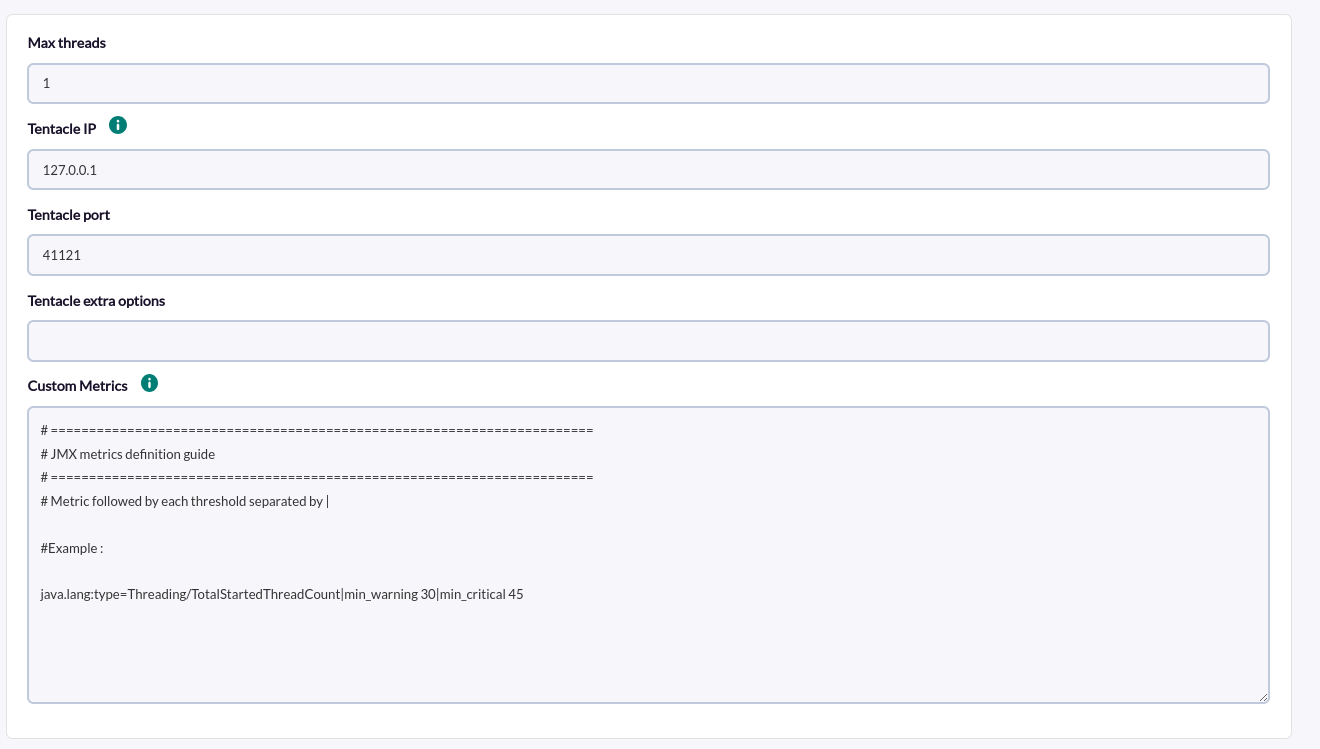
For each line an attribute must be added and this will create a module with that statistic in Pandora. If it is necessary to configure thresholds, they must be specified to the right of the attribute, separating each threshold by |. Example:
Metric without threshold
java.lang:type=Threading/ThreadCount

Metric with threshold
java.lang:type=Threading/TotalStartedThreadCount|min_warning 30|min_critical 45

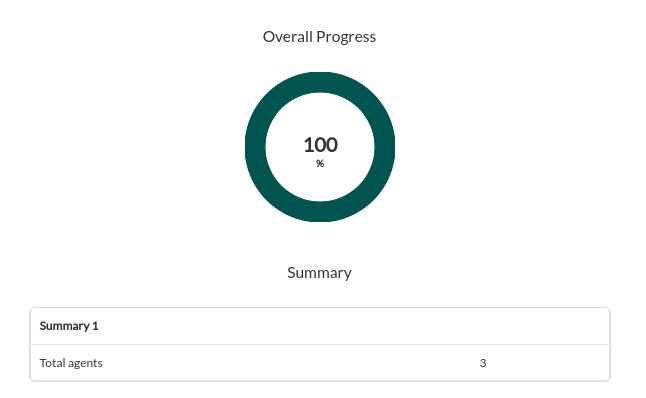
Successfully completed tasks will have an execution summary with the following information:
- Total agents : Total number of agents generated by the task.