Manual installation
Starting with Pandora FMS 783, this component is included in the server installation, so manual installation is no longer required.
You can perform a manual installation of the MQTT server as follows:
el8
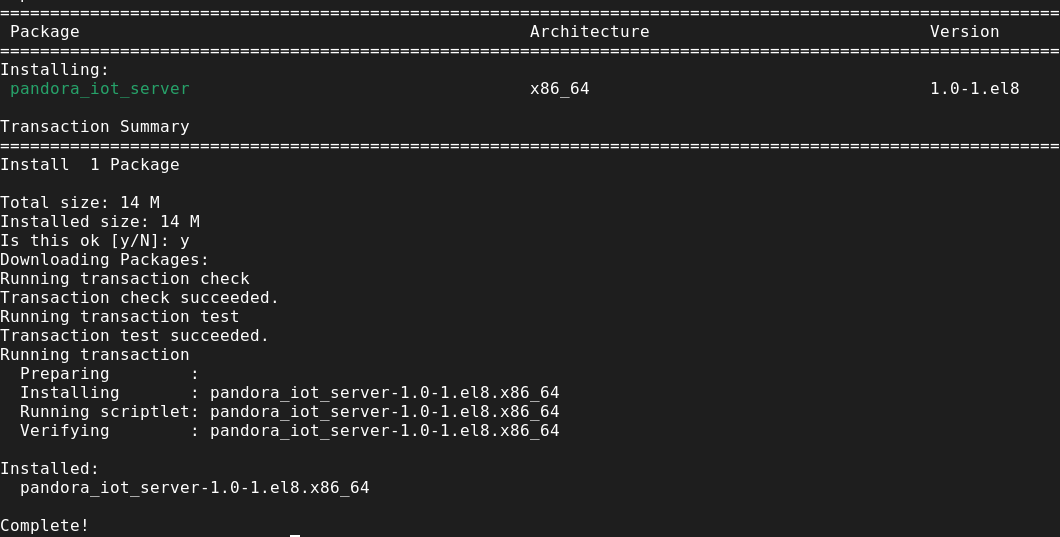
You have to install the .rpm file named pandora_iot_server-1.0-1.el8.x86_64.rpm
sudo dnf install ./pandora_iot_server-1.0-1.el8.x86_64.rpmel9
You have to install the .rpm file named pandora_iot_server-1.0-1.el9.x86_64.rpm
sudo dnf install ./pandora_iot_server-1.0-1.el9.x86_64.rpmubuntu
You must install the .deb file named pandora_iot_server_1.0-1.deb
sudo dpkg -i pandora_iot_server_1.0-1.debOnce the command is executed, it will ask for confirmation to install the server.

After accepting, the server will be installed and we can start configuring the message listener.