Discovery
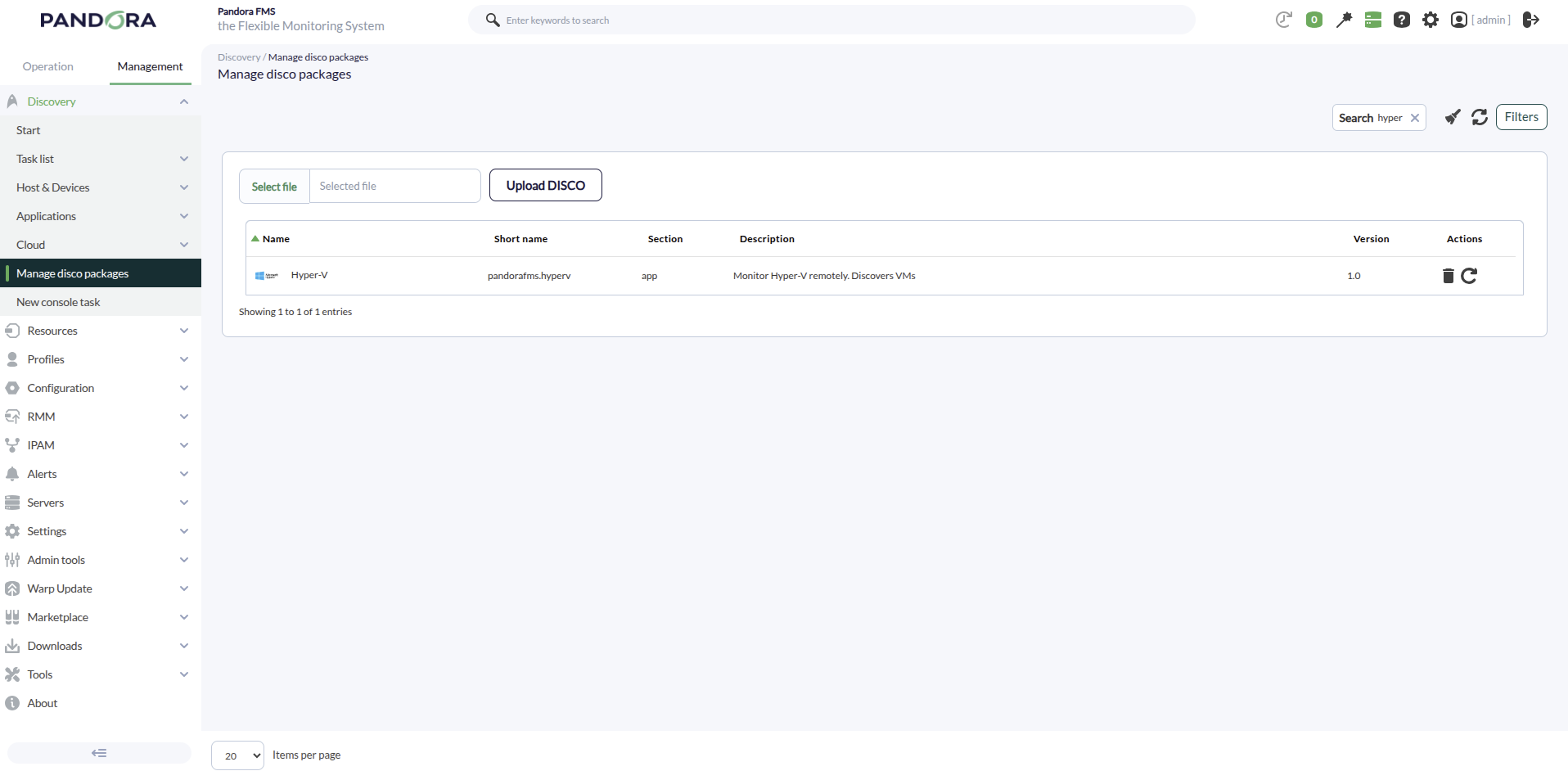
This plugin can be integrated with Pandora FMS Discovery.
To do so, you must upload the “.disco” package, which can be downloaded from the Pandora FMS library:
https://pandorafms.com/library/
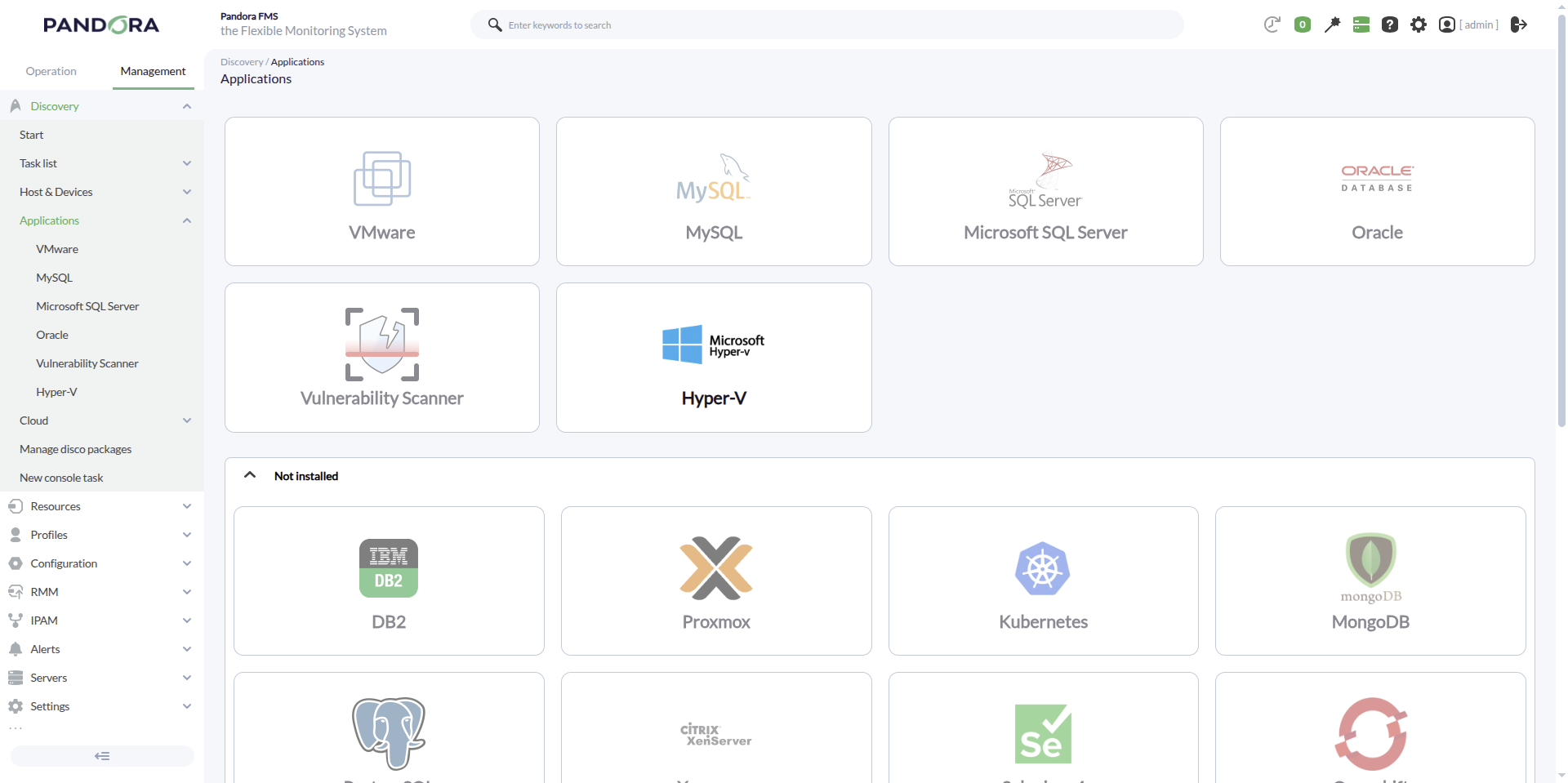
Once uploaded, Hyper-V environments can be monitored by creating Discovery tasks from the Management > Discovery > Applications section
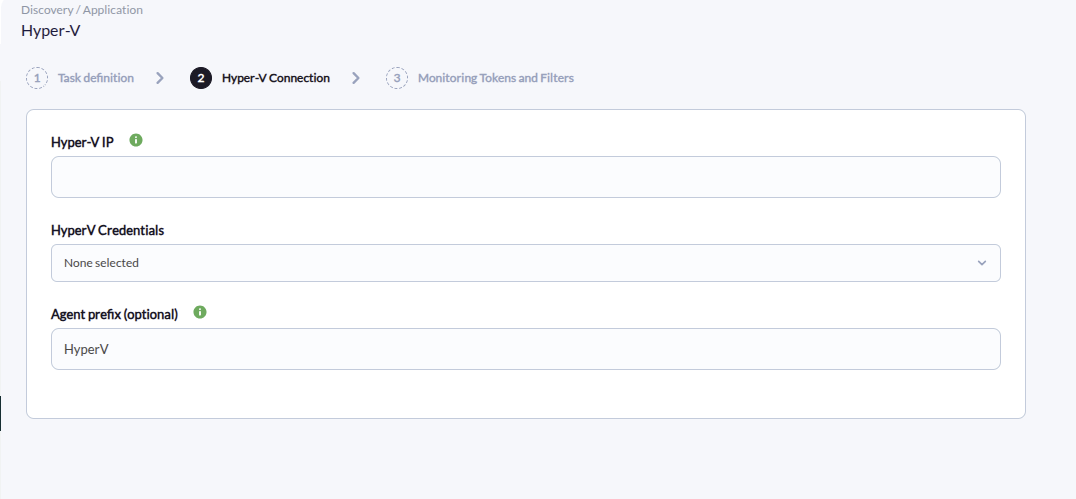
For each task, the following minimum parameters will be required:
- Hyper-V IP: IP address of the host with Hyper-V.
- Credentials: Custom-type username and password. To do this, you will need to create a new credential in the Management > Configuration > Credential store una nueva credencial.
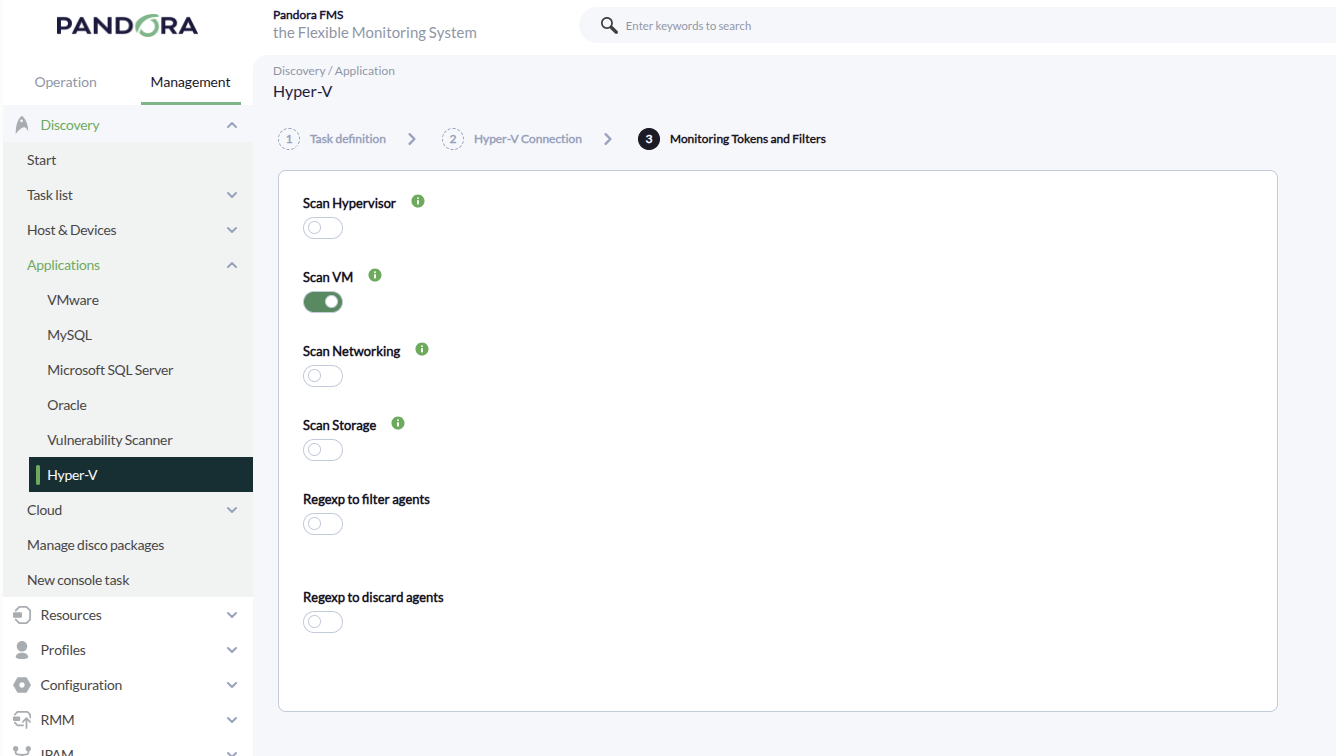
It will also be possible to adjust the task configuration to customize the desired monitoring:
- Scan Hypervisor Will create an agent with modules for the hypervisor host.
- Scan VM Will perform the search to create different agents for the existing VMs.
- Scan Networking Will create modules for the network adapters of the different VMs.
- Scan Storage Will create modules for the different storage disks of the VMs.