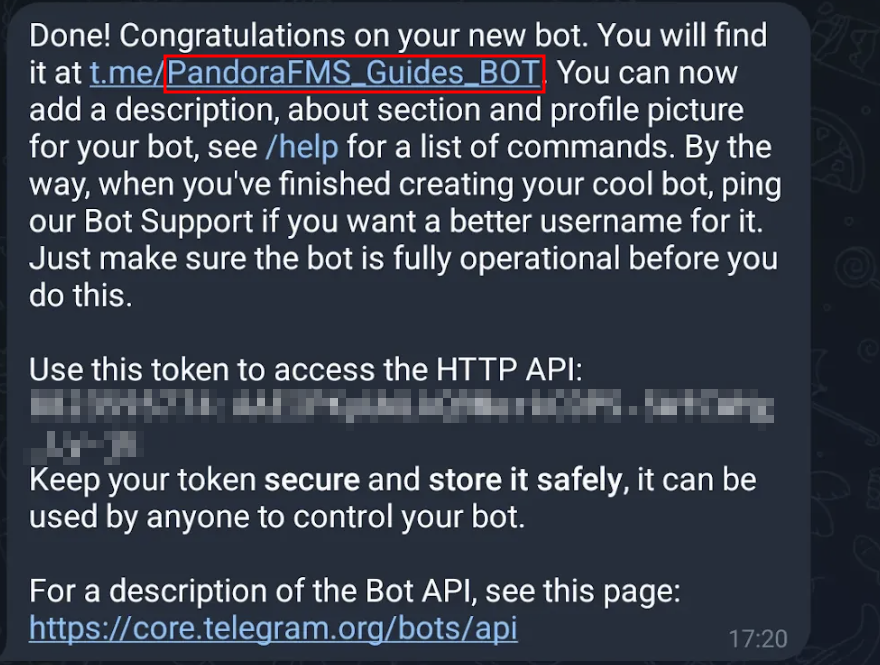
Telegram settings: bot creation
First, you must create a bot in Telegram®.:
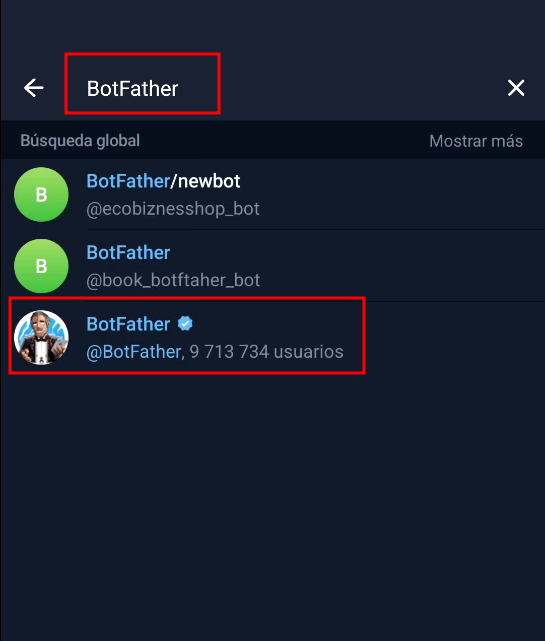
- From your
Telegramaccountaccount,ininteractTelegram, start a conversation with the user BotFatheruser
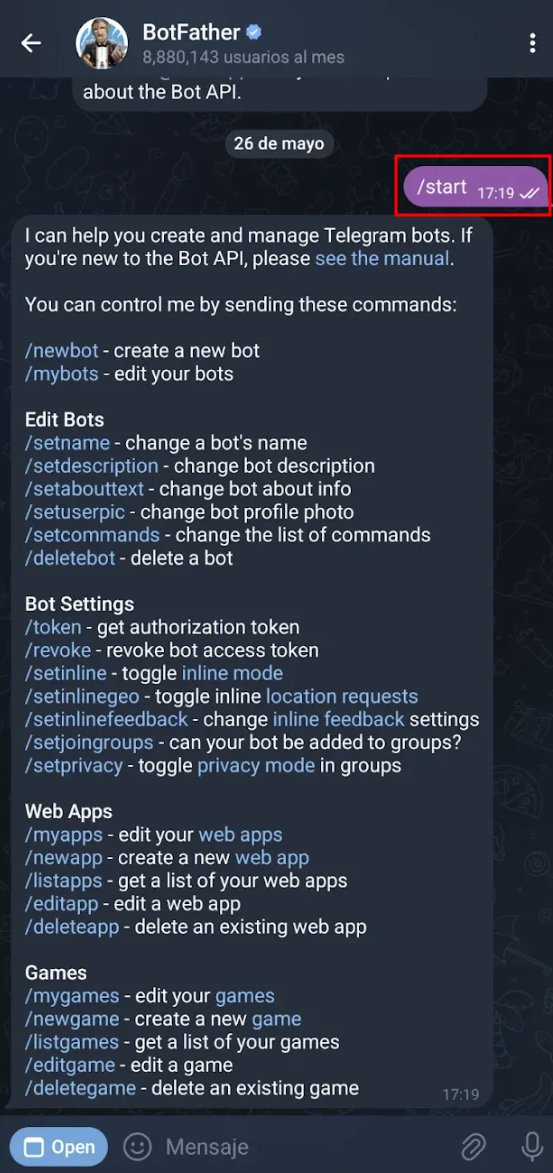
- Once the conversation is initiated, use the
/startcommand:
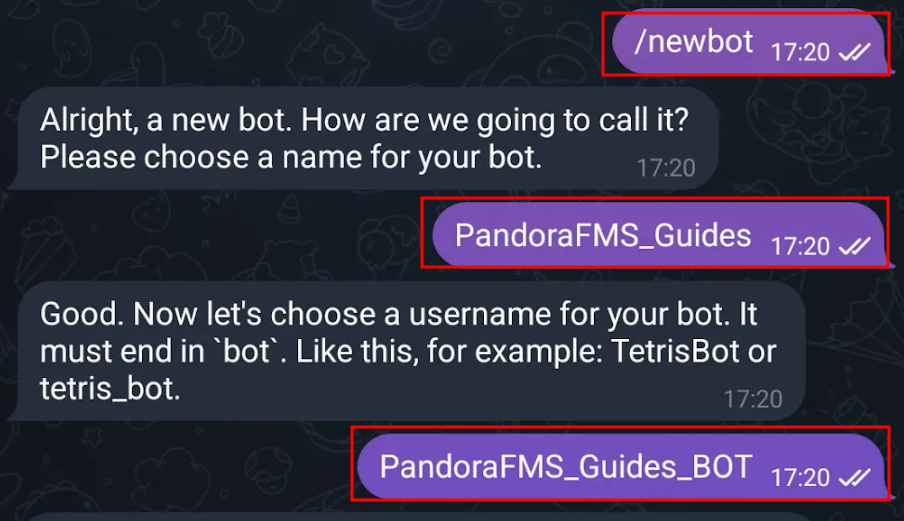
- Next,
respond withenter thecommand/newbotandcommand.enterYou will be prompted to provide a<bot_name>displayendingname for the bot and a username, which must end in “bot”.
Once these steps have been completed, you will be provided with the text string bot:
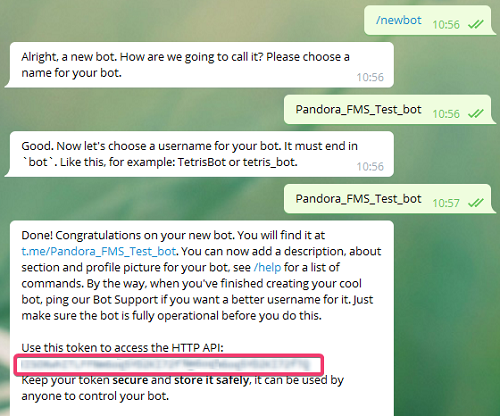
Take note of the generated API token,key save it in a safe place, it will be used later. Next, add the newly created bot to a group (or create a new group), making sure thatfor the bot belongsyou created. It is very important to thatsave group.the API key and remember the bot’s username.