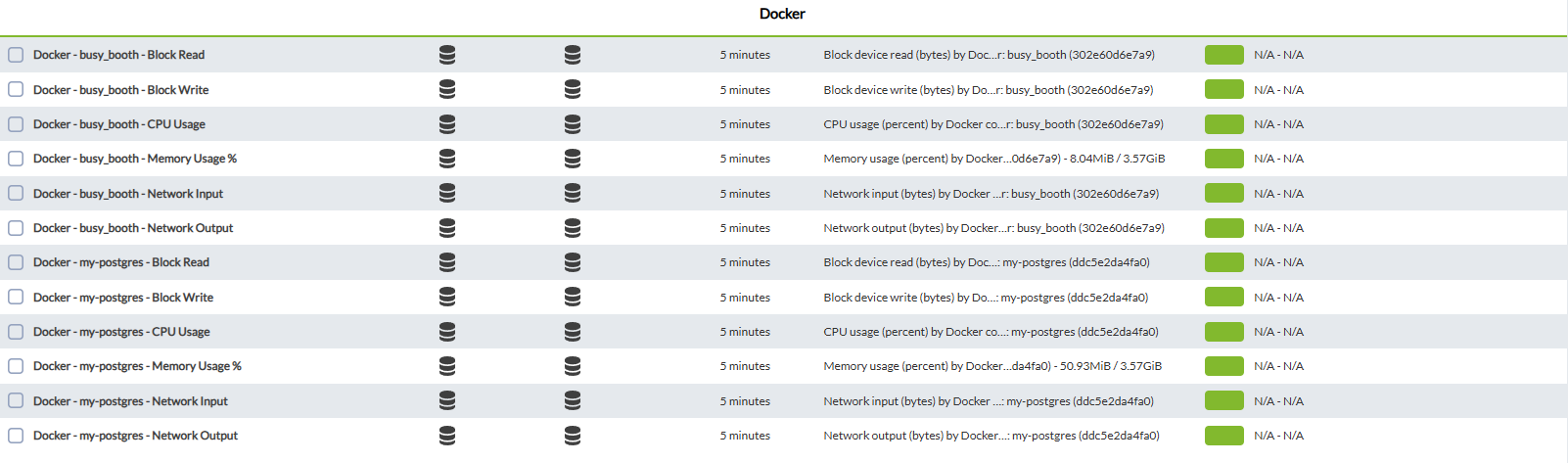
Modules generated by the plugin
IfHaving 2 modes, the default global mode will combine the information of all active containers, while in the container mode, it separates in different modules the information of each container.
We have to add in the plugin by clicking on the metrics_per_containerplugin tab

Then we add the new plugin and click on add

To finish, click on the update plugin parameterbutton

This will successfully add the plugin.
Another way to add it is notto defined,go itto onlythe generatesremote anconfiguration agenttab

and add the plugin with the generalname dockermodule_plugin statisticsplus the location of the machine.binary plus the conf file
InExample
module_plugin it/usr/share/pandora_agent/plugins/docker_stats is--conf enabled,/usr/share/pandora_agent/plugins/docker_stats.conf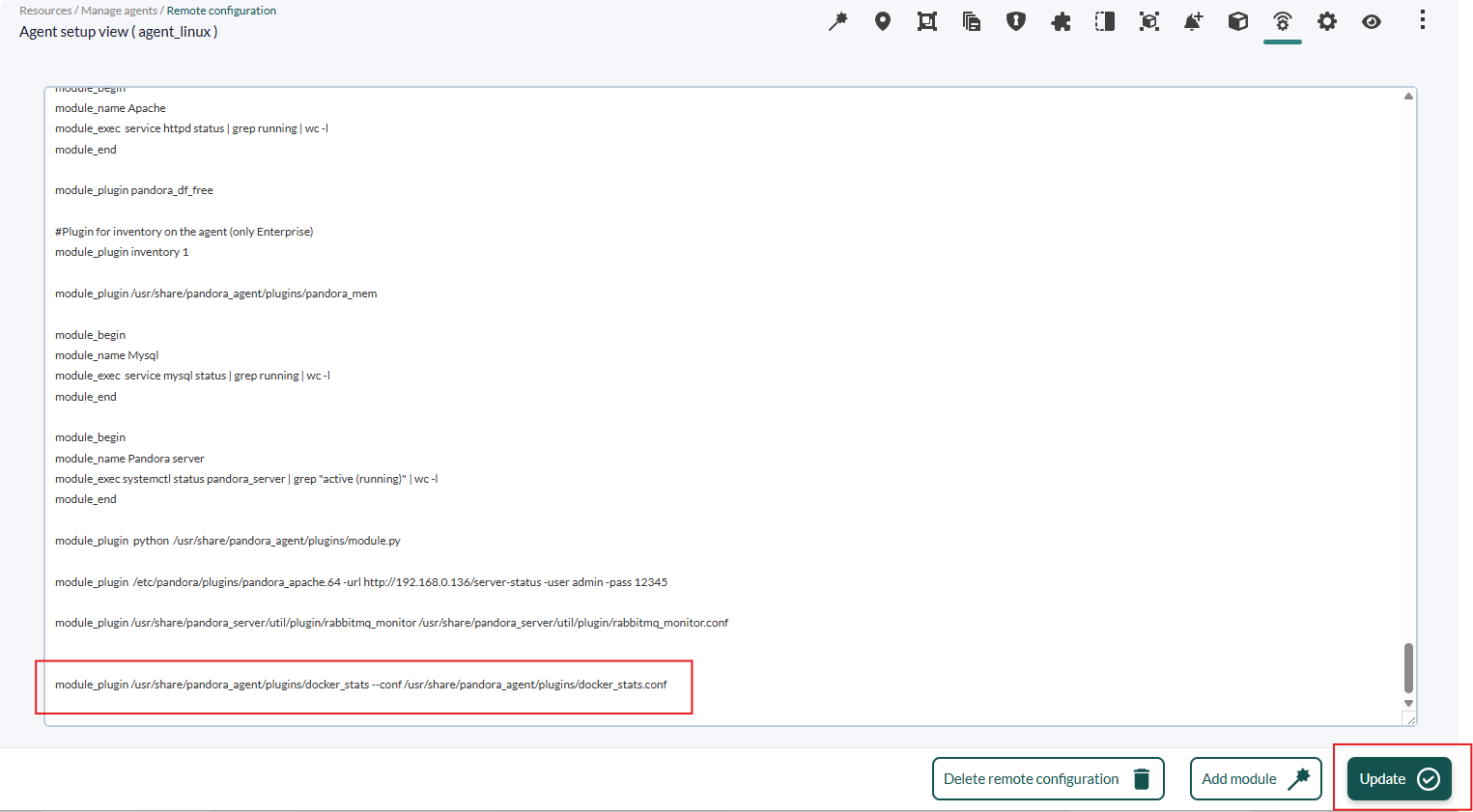
Finally, anclick agent per container, withon the specificupdate statisticsbutton ofto that container, and also an agent withregister the generalchange.
Modules ofgenerated theby node.Global mode
| Docker blocks in | Docker writing blocks |
| Docker blocks out | Docker reading blocks |
| Docker cpu usage | Docker CPU usage |
| Docker memory usage | Docker RAM usage |
| Docker network input | Docker input traffic |
| Docker network output | Docker output traffic |
| Docker State | 1 if the docker is active 0 if it is not active |
| Docker Container running | Number of active containers |
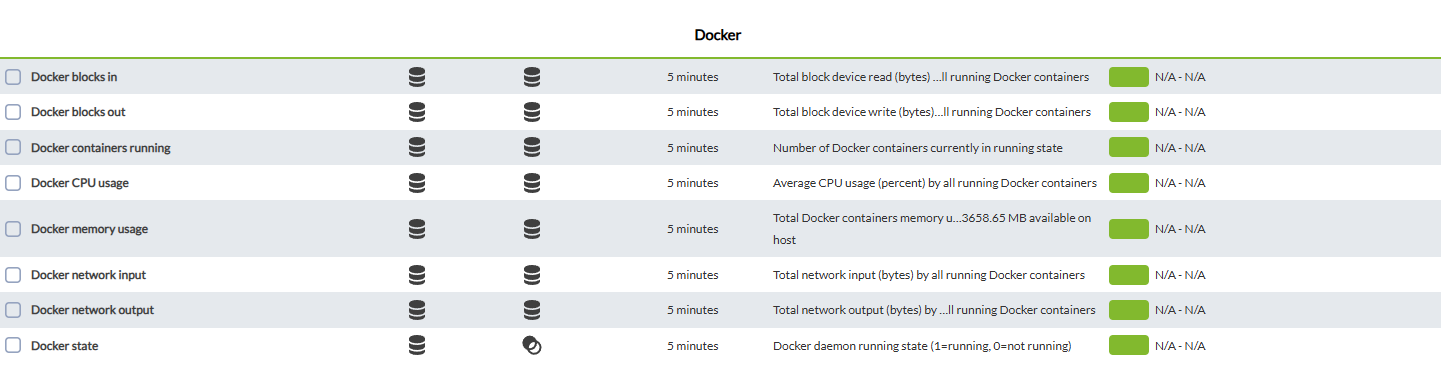
Modules generated by container mode