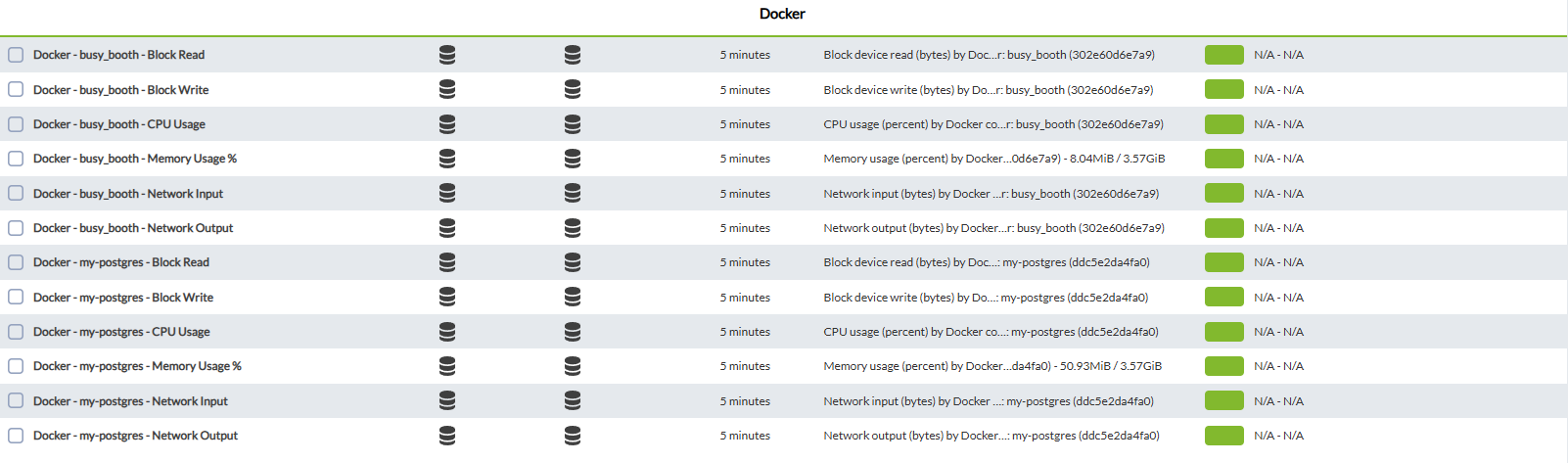
Modules generated by the plugin
Having 2 modes, the default global mode will combine the information of all active containers, while in the container mode, it separates in different modules the information of each container.
We have to add in the plugin by clicking on the plugin tab

Then we add the new plugin and click on add

To finish, click on the update plugin button

This will successfully add the plugin.
Another way to add it is to go to the remote configuration tab

and add the plugin with the name module_plugin plus the location of the binary plus the conf file
Example
module_plugin /usr/share/pandora_agent/plugins/docker_stats --conf /usr/share/pandora_agent/plugins/docker_stats.conf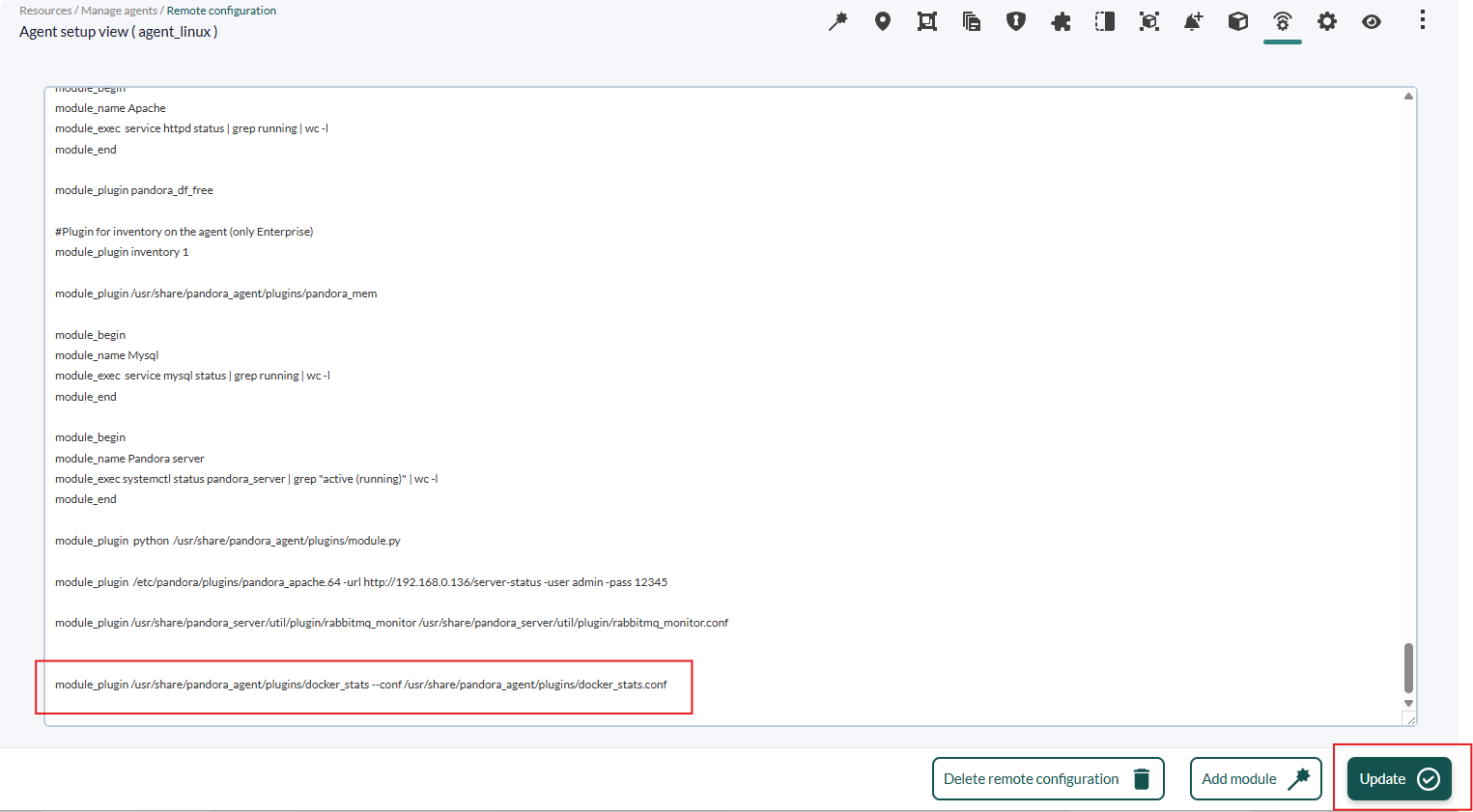
Finally, click on the update button to register the change.
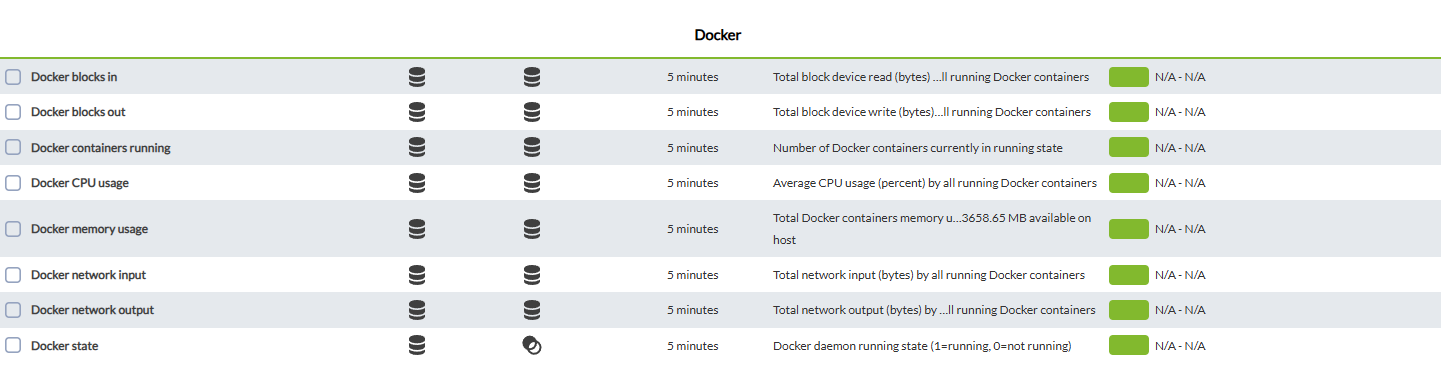
Modules generated by Global mode
| Docker blocks in | Docker writing blocks |
| Docker blocks in | Docker writing blocks Incremental |
| Docker blocks out | Docker reading blocks |
| Docker blocks out | Docker reading blocks Incremental |
| Docker cpu usage | Docker CPU usage |
| Docker memory usage | Docker RAM usage |
| Docker network input | Docker input traffic |
| Docker network input Incremental | Docker input traffic Incremental |
| Docker network output | Docker output traffic |
| Docker network output | Docker output traffic Incremental |
| Docker State | 1 if the docker is active 0 if it is not active |
| Docker Container running | Number of active containers |
Modules generated by container mode