
Discovery
This plugin can be integrated with Pandora FMS Discovery.
To do so, you must install the ".disco" package, which you can download from the Pandora FMS repository:
https://pandorafms.com/library/
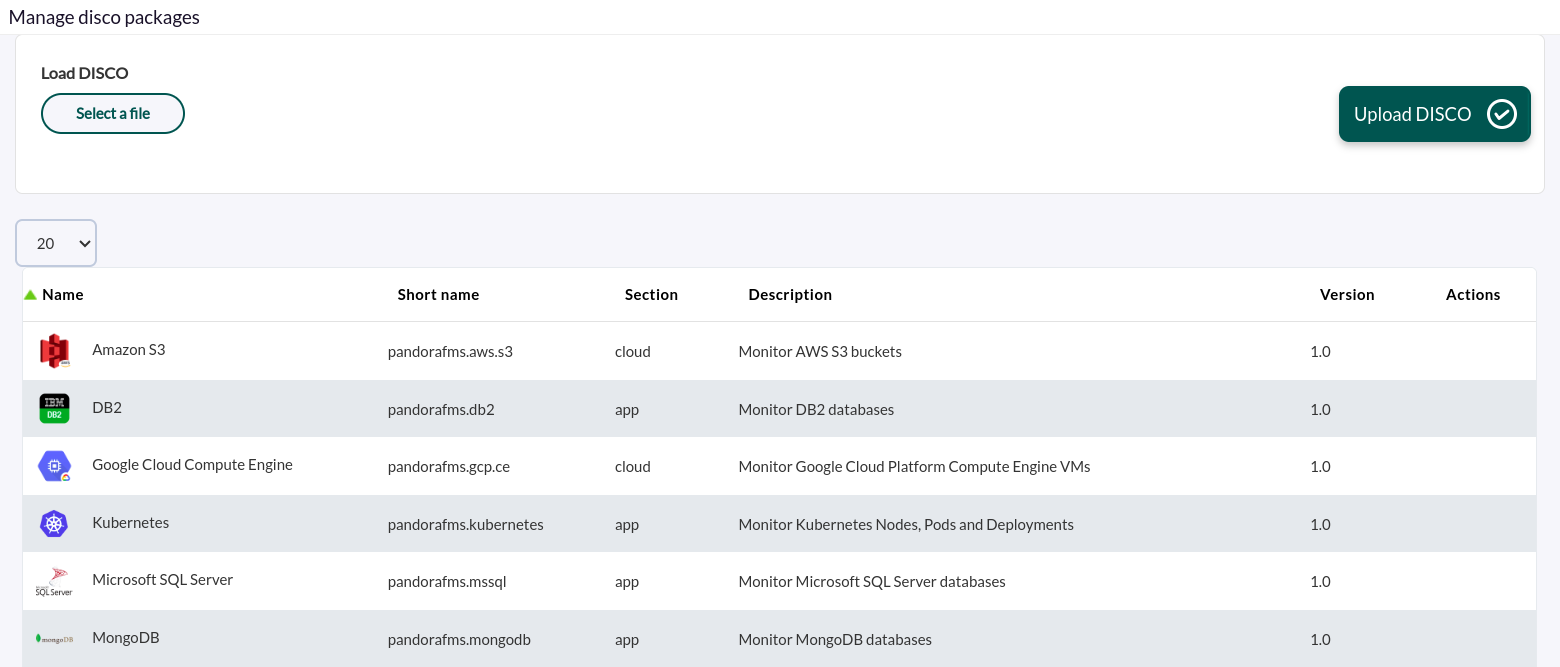
Once loaded, you can monitor MongoDB environments by creating Discovery tasks from the Management > Discovery > Applications section.
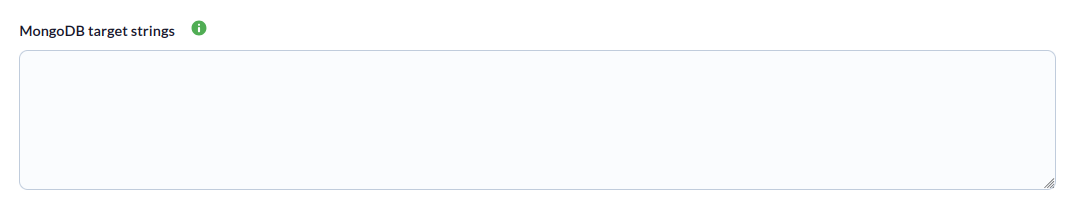
For each task, the following minimum information will be required:
- MongoDB target strings : List of target instances, separated by commas or new lines. You must specify the connection URI for each one. Example: mongodb://172.17.0.2:27017 or mongodb://monitor_user:s3cur3P@[email protected]:27017/monitoring?authSource=admin.
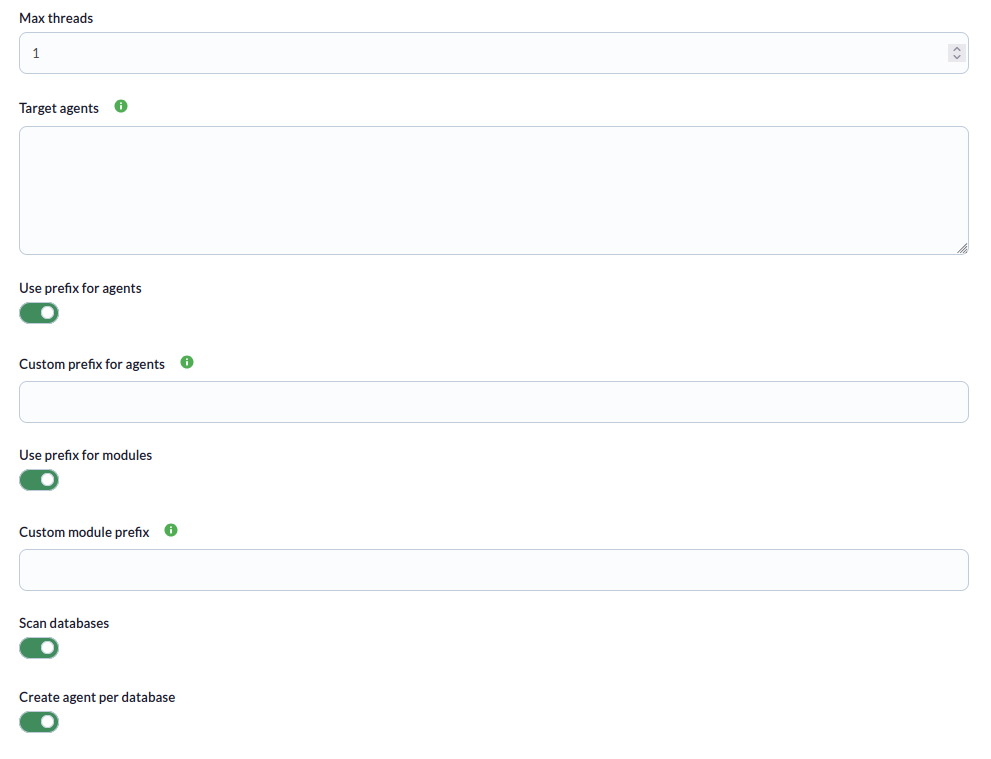
You can also adjust the task settings to customize the monitoring as desired:
- Max threads: To optimize execution time, multiple threads can be configured to monitor the task's agents. Note that configuring multiple threads may increase the task's CPU usage.
- Target agent: List of target agents for the MongoDB targets to be monitored. These are the names that will be used to generate the agents for each target defined in the task. This will be a comma-separated or line-separated list. The position of the names in the list must match the position of the MongoDB targets in their respective lists; that is, the first name will be used for the first target, and so on. If the list is line-separated, blank lines will be ignored. If no agent name is specified for a target, its name will be used as the agent name.
- Use prefix for agents: Enable this token to specify a custom prefix for the created agents.
- Custom prefix for agents: Prefix for the created database agents.
- Use prefix for modules: Enable this token to be able to specify a custom prefix for the created modules.
- Custom prefix for modules: Prefix for created modules.
- Scan databases: Enable this token to monitor the databases of the configured instances.
- Create agent per database: Enable this token to generate one agent for each database generated.
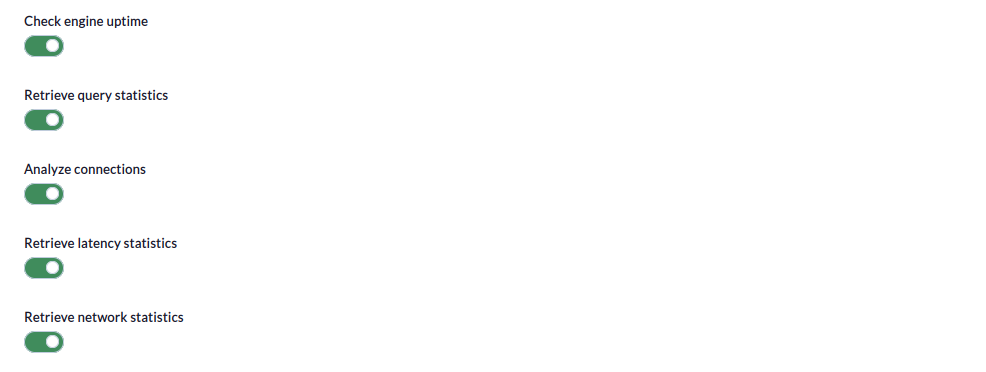
-
Check engine uptime:
SiIfseenabled,activathismonitorizaráwillelmonitor the uptimedeoflostheobjetivos.targets. -
Retrieve query
statisticsstatistics::SiIfseenabled,activathismonitorizaráwilllasmonitorestadísticasquerydestatistics.consultas. -
Analyze
connectionsconnections::SiIfseenabled,activathismonitorizaráwilllasmonitorconexiones.connections. -
Retrieve latency
statisticsstatistics::IfSienabled,sethisactivawillmonitorizarámonitorlalatency.latencia. -
Retrieve network
statisticsstatistics::IfSienabled,sethisactivawillmonitorizarámonitorlasnetworks.redes.
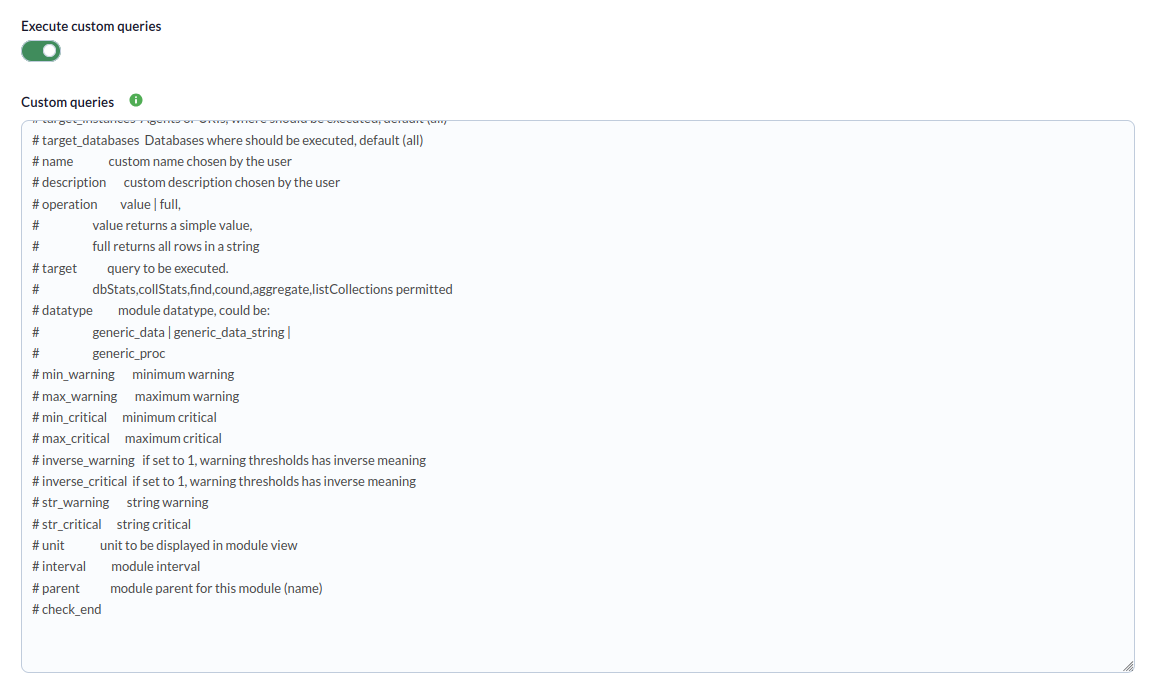
PorFinally, ultimo,you secan podráconfigure configurarcustom consultasqueries personalizadasin enthe ellast ultimostep pasoof dethe la tareatask (opcional)optional).
ExecuteRun customqueries:queries:SiIfseenabled,activathishabilitarasallowslayouposibilidadtode ejecutarrun custom queries.- Custom queries:
EnInestathisventanawindow,seyoupuedencanespecificarspecifylosthemóduloscustompersonalizadosmodulesconwithlasthe desired custom queriesdeseadas(see(vertheapartado"Parameters"Parámetrossectionparaforentenderthelacorrectsintaxisconfigurationde configuración correcta)syntax)
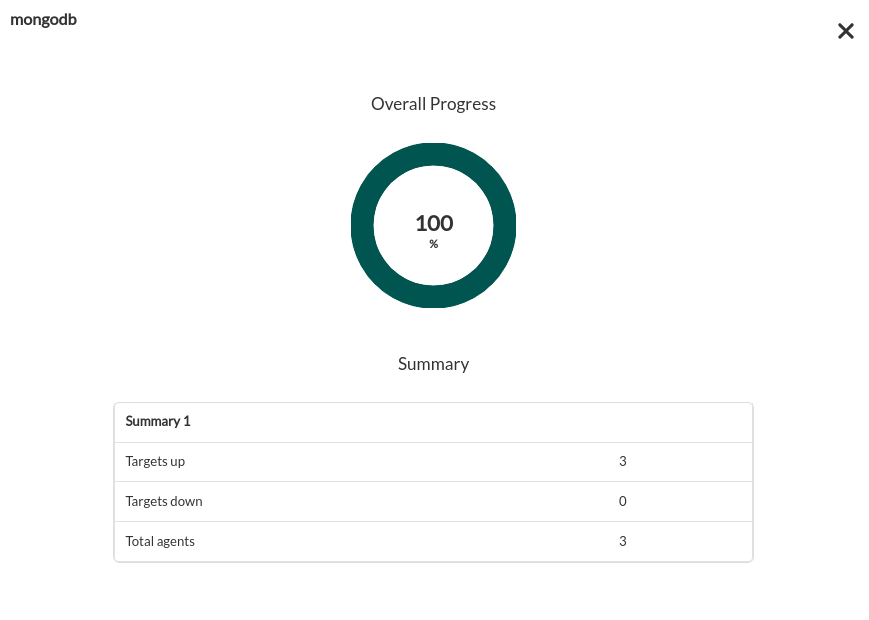
LasTasks tareasthat queare sesuccessfully completencompleted exitosamentewill dispondráninclude dean unexecution sumariosummary decontaining ejecuciónthe confollowing la siguiente información:information:
- Total
agentsagents::Totaldenumberagentesofgeneradosagentsporgeneratedlabytarea.the task. - Targets
upup::Totaldenumberobjetivosofatargetslosthatquecouldhabesidoconnectedposible conectar.to. - Targets
downdown::Totaldenumberobjetivosofatargetslosthatquecouldnonothabesidoconnectedposible conectar.to.
LasTasks tareasthat queare nonot secompleted completensuccessfully exitósamentewill dispondráninclude dean unexecution sumariosummary delisting ejecuciónthe registrandoerrors losthat errores producidos.occurred.