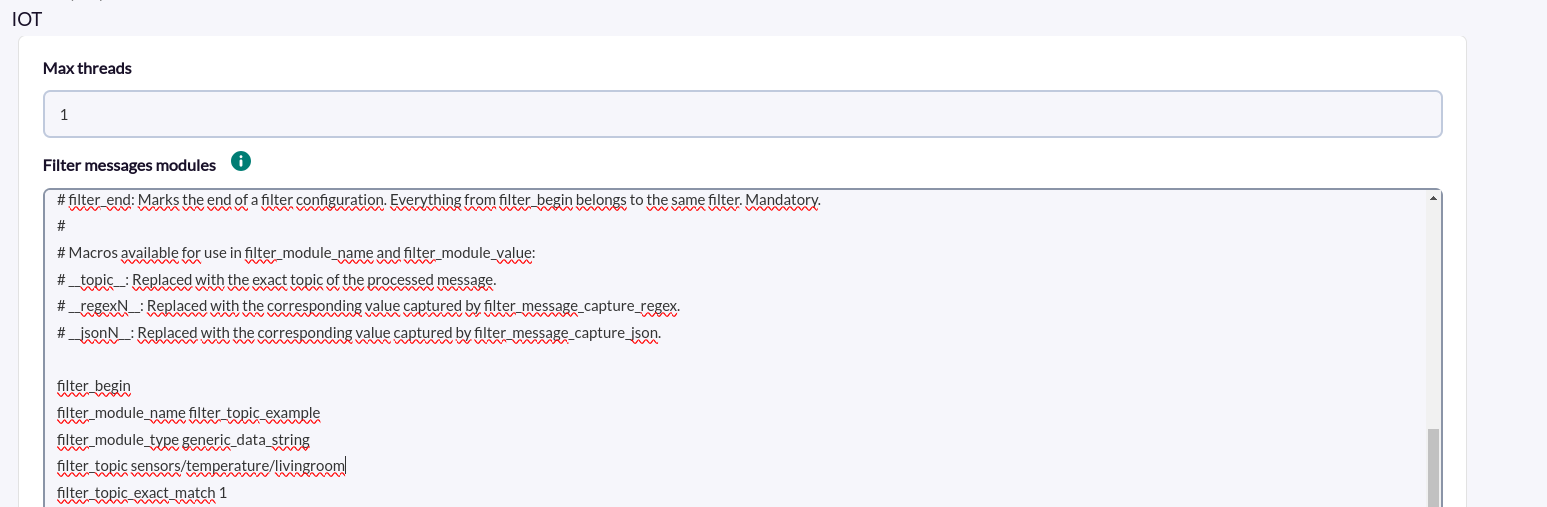
Configuring message filtering
The plugin makes use of different filters to filter messages.
Topic filtering
For topic filtering, the Filter_topic and Filter_topic_exact_match tags are used.
-
Filter_topic
Regular expression or exact text that must match the message topic for the filter to be satisfied. This is optional. By default it would match any topic.
-
Filter_topic_exact_match
Indicates whether what is specified in filter_topic will be treated as a regular expression (0) or as an exact text (1). It is optional. Default value is 0.
Examples
Using the Filter_topic and Filter_topic_exact_match filters we can choose the topic to subscribe to.
We can directly indicate the name of the topic or look for a regex pattern in it.
Suppose you have a MQTT topic called:
sensors/temperature/livingroomEXAMPLE 1 filter_topic_exact_match 1 (Exact text)
You could configure filter_topic by specifying the topic name.
filter_topic sensors/temperature/livingroomand set filter_topic_exact_match to 1, so that it searches only that topic.
filter_topic_exact_match 1If instead of specifying the complete topic name, we specify only a part of the topic:
filter_topic sensors/temperature/I would also agree.