Discovery
This plugin can be integrated with Pandora FMS Discovery.Discovery.
To do so, youthe ".disco" package must loadbe theloaded. “.disco” package that youIt can downloadbe downloaded from the Pandora FMS library:
https://pandorafms.com/library/
Once loaded, apacheHAProxy servicesinstances can be monitored by creating Discovery tasks from the Management > Discovery > Application > ApacheHAProxy section.
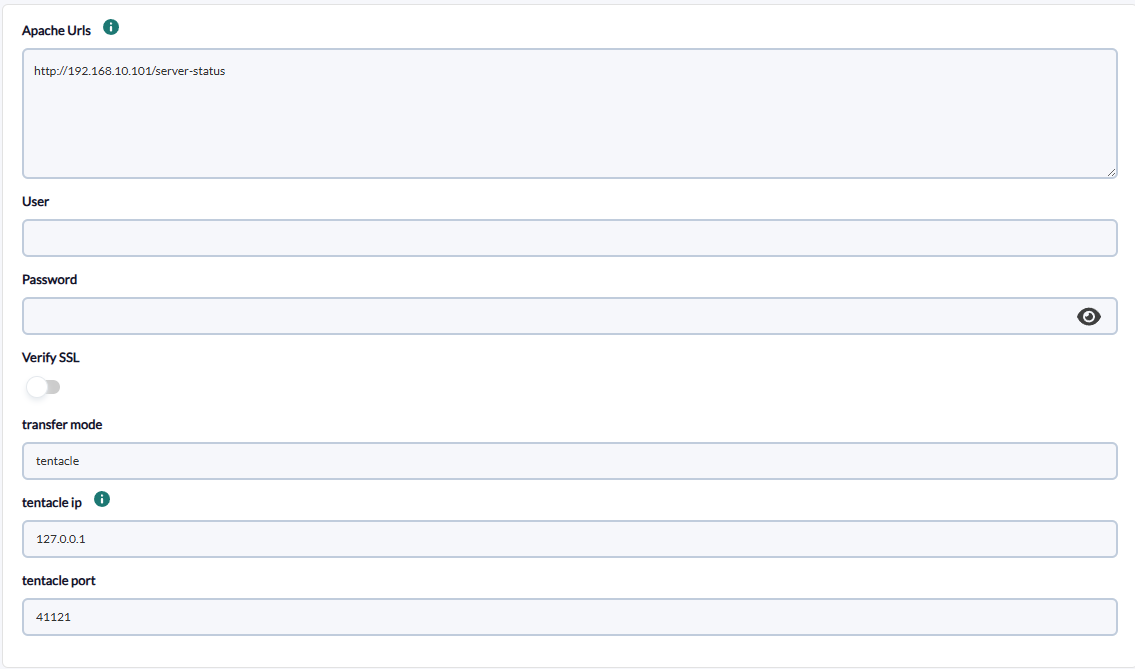
TheEach task will require the following minimum data willin bethe requestedHAProxy forBasic each task:step:
-
ApacheHAProxyurlsStats URLs::apacheHAProxyserverstatsurlendpoint URLs, comma-separated or one per line. Each URL will create one agent. -
User:Username:serverHAProxy endpoint user if basic authentication is required, optional -
Password:
serverHAProxy endpoint password if basic authentication is required, optional -
Verify SSL:
activeenabled ifittheisURLnecessaryhas an SSL certificate toverifybethatverified,the url has ssl certificate,disabled by defaultactive -
TentacleTransferMode:mode: transfer modename,(native or tentacle), optional -
Tentacle IP: tentacle
ip,IP, optional -
Tentacle port:
tentacleTentacle port, optional
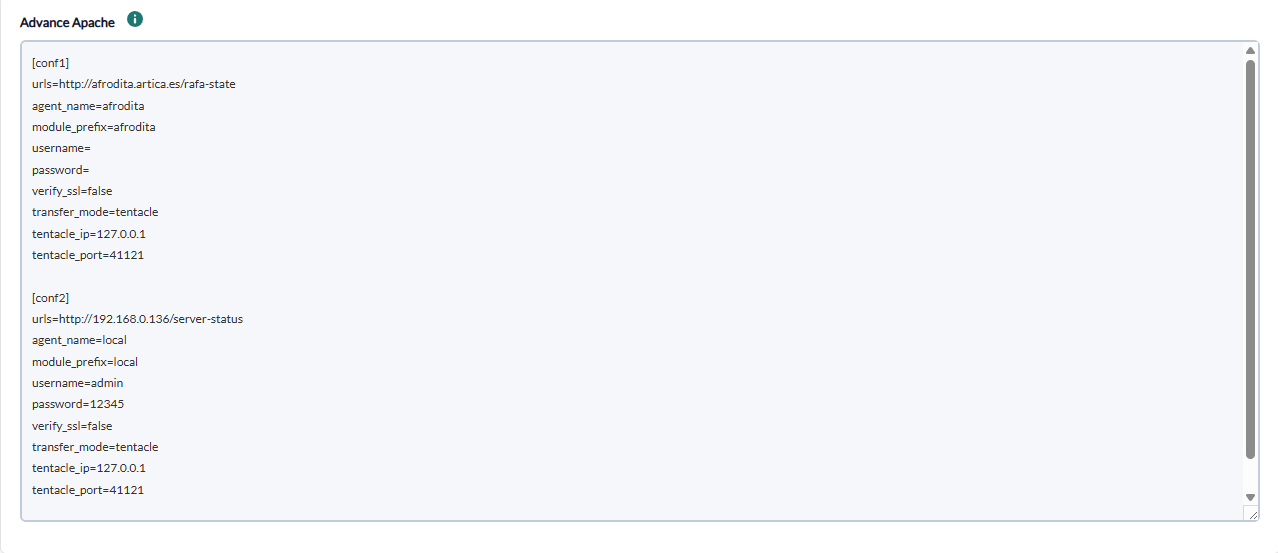
OnIn the nextHAProxy pageAdvanced we will be asked forstep the following :additional options can be configured:
text
-
toModuleaddprefix:the configuration of each of the apache blocksprefix to bemonitoredadded- to
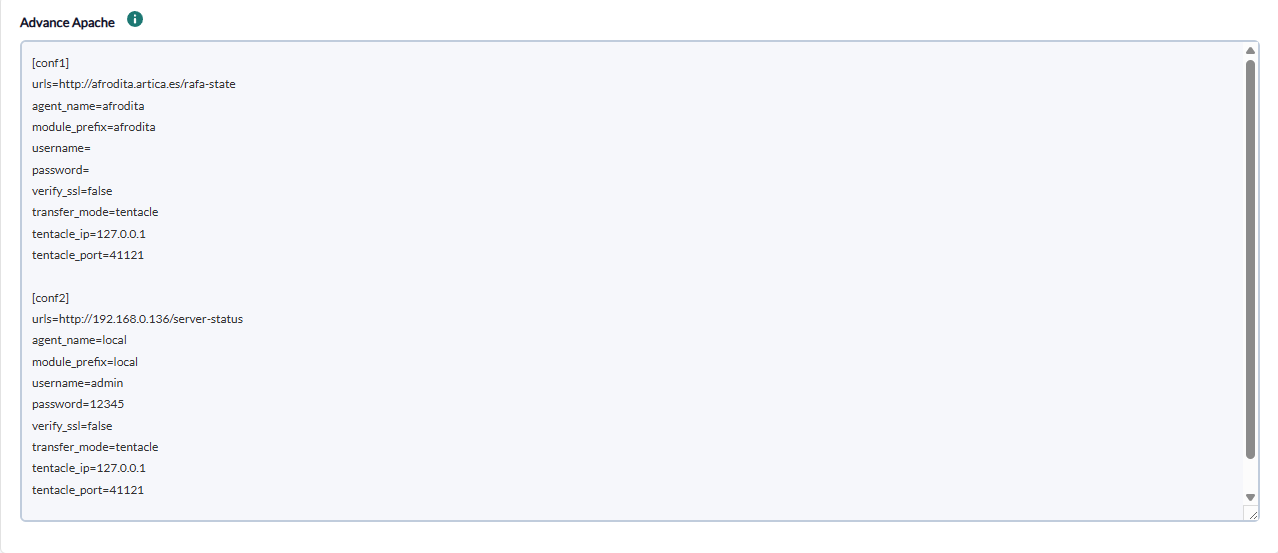
Block:everynamecreatedof block example [conf] is required.Apache urls: apache server url, optionalAgent name:specific agentmodule name, optional-
ModuleMonitorPrefi:frontends:prefixenablesformonitoringanyofmodulefrontend User:rowsserver user if required,(type=0), optional-
Password:Monitor backends:serverpasswordenablesifmonitoringrequired,of backend rows (type=1), optional -
VerifyMonitorSSL:servers:activeenablesifmonitoringitofisservernecessaryrowsto verify that the url has ssl certificate, by default active Tentacle Mode:transfer mode name,(type=2), optional-
TentacleAllowIP:list:tentacleregularip,expression to include only modules whose name matches, optional -
TentacleDenyport:list:tentacleregularport,expression to exclude modules whose name matches, optional
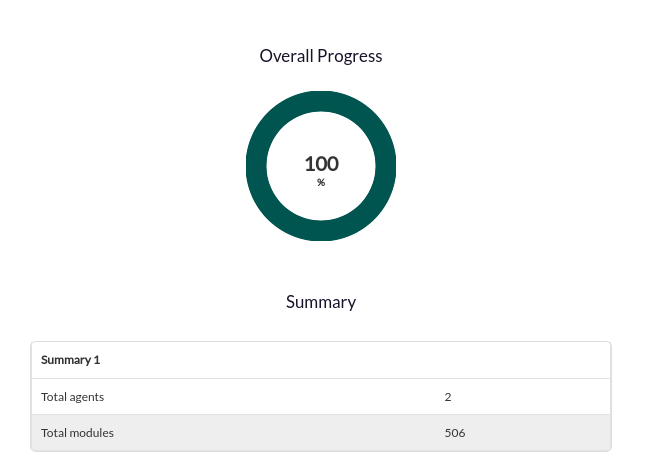
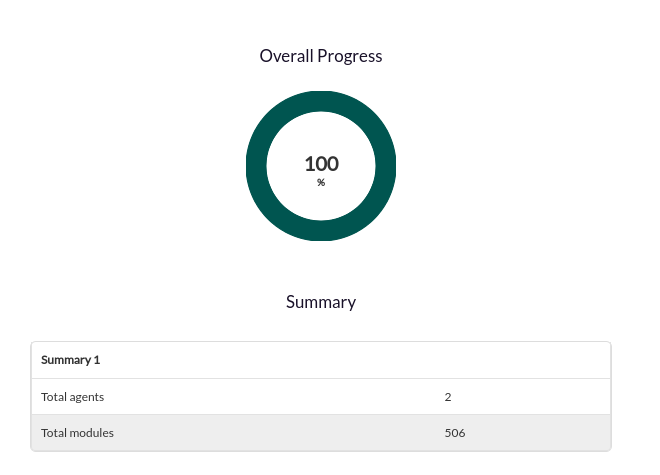
Successfully completed tasks will have an execution summary with the following information:
-
Total agents
tasktask. -
Total modules: Total number of modules generated by the
tasktask.