
5. Detecting and monitoring network and Windows devices with Discovery
Let usLet's now look at a discovery task that is more complex discoverythan taskthe byprevious one, this time configuring SNMP and WMI,WMI, two protocols used to remotely monitor devices, both network devices (SNMP) and WindowsMS Windows® (WMI).
Menu Management → Discovery → Host & Devices → Network scan.

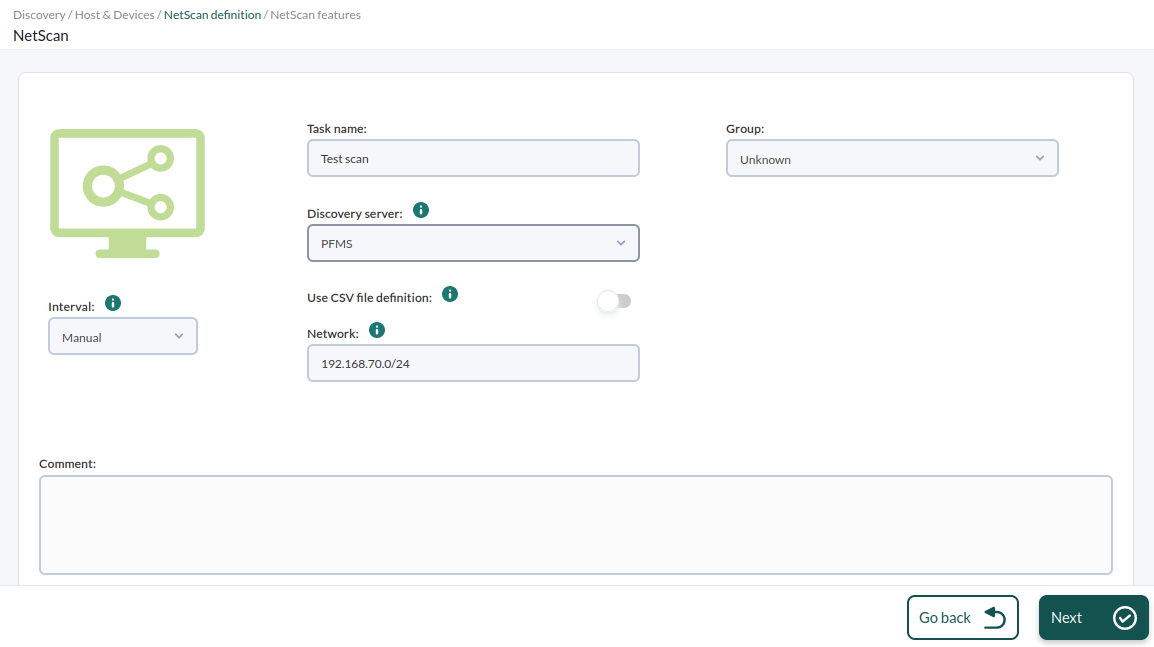
The configuration process is similar to the previous one, butthis heretime goselecting tothe advanced mode, and we will access the discovery task configuration options and look at the bottom.bottom:
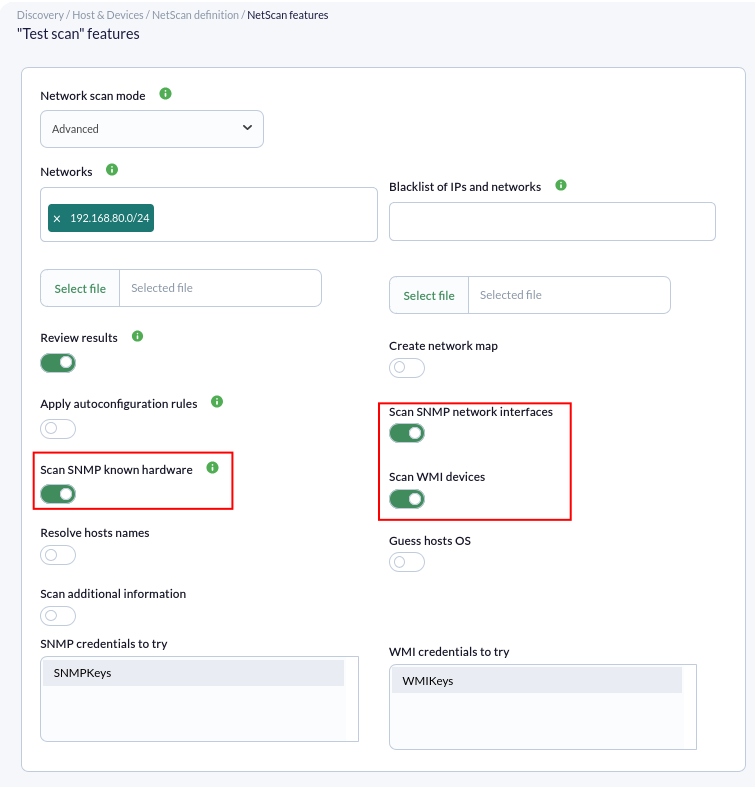
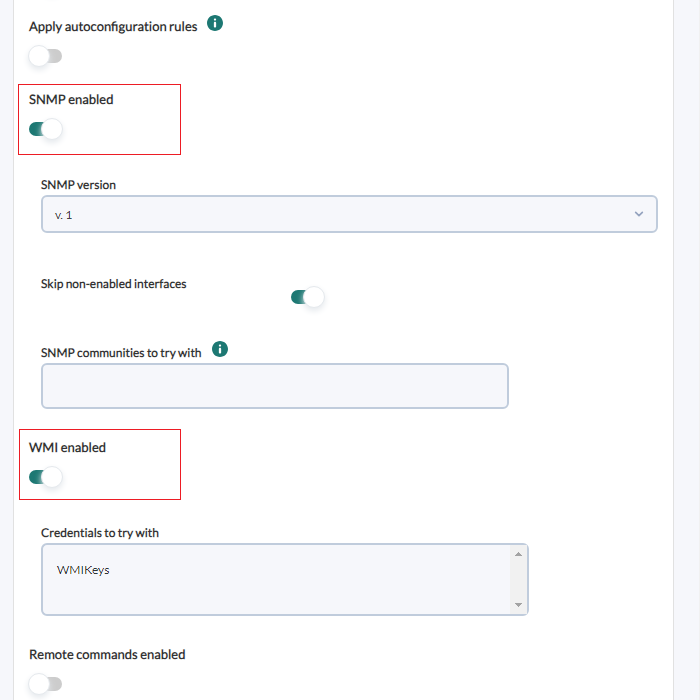
To enable monitoring with SNMP and WMI, we must activate the corresponding token and provide the data required by each protocol.
- SNMP
hasuses "communities"communities,"thatwhich are like accesspasswords.passwords. If you do not know your SNMPcommunity,community, try"public"public. Youmaycan enter as many as youwant,like,soandthat itthey will all betestedtested. - Credentials for the WMI service (and others) can be defined in
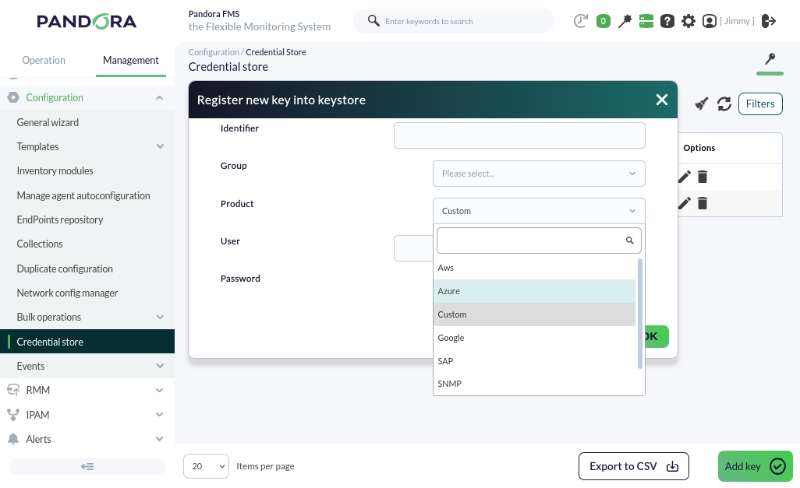
ProfilesManagement->→ManageConfigurationagent groups ->→ CredentialStorestore.
The credentials
CredentialThe storescredential store is a secure vault for username/password pairs that are safe user/password storeslater used later in remote checks, deviceequipment configurations, remote access, etc. SoThis theyallows maythem to be reused at different points inwithin Pandora FMS.FMS:
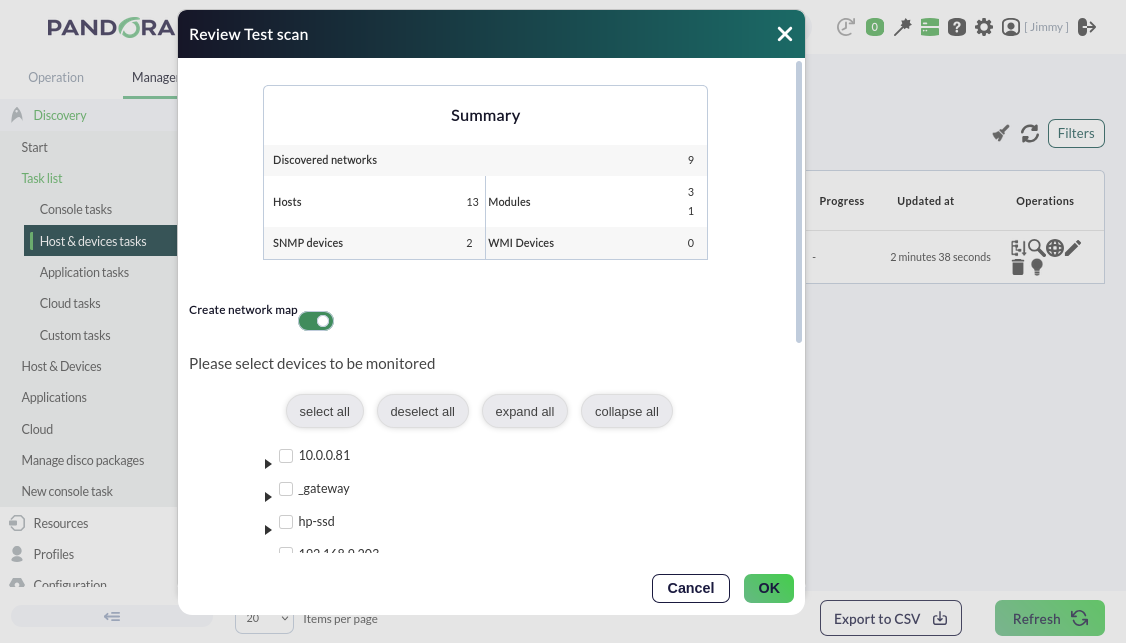
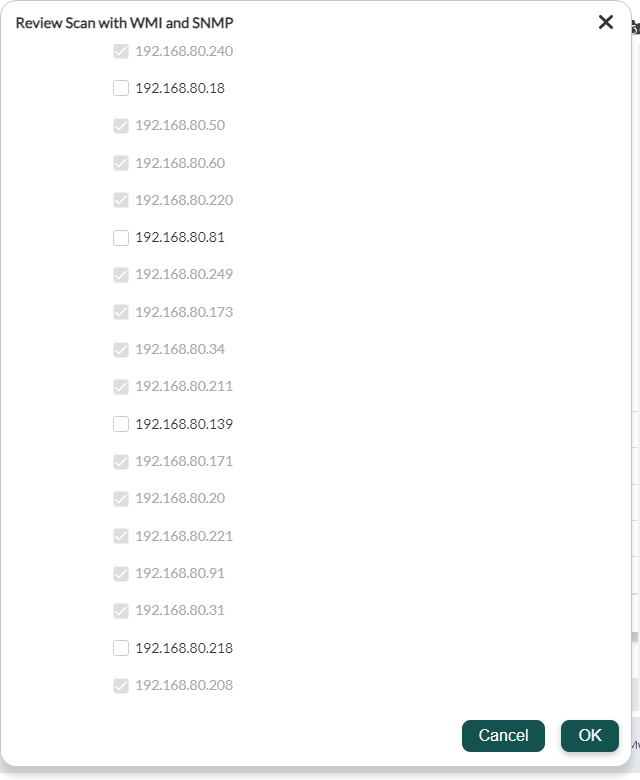
AlsoWe will also enable the "Review results"results token, which will allow youus to see the components found by Pandora FMS in the discovery task once it isfinishes, finished, showingdisplaying what ithas been found and allowing it to addbe itadded to the agentagent's remote monitoring with justa onesingle click.
If you do not need morefurther monitoring or configuration, golet's move on to metric alertingalerts here.here.
DidAre you not achieveachieving the expectedresults results?explained Goin tothis chapter? Access the help or support sections.section.