
Discovery
This plugin can be integrated with Pandora FMS Discovery.
To do so, you must load the “.disco” package, which can be downloaded from the Pandora FMS library:
https://pandorafms.com/library/

Once loaded, Amazon environments can be monitored by creating Discovery tasks from the Management > Discovery > Cloud section.
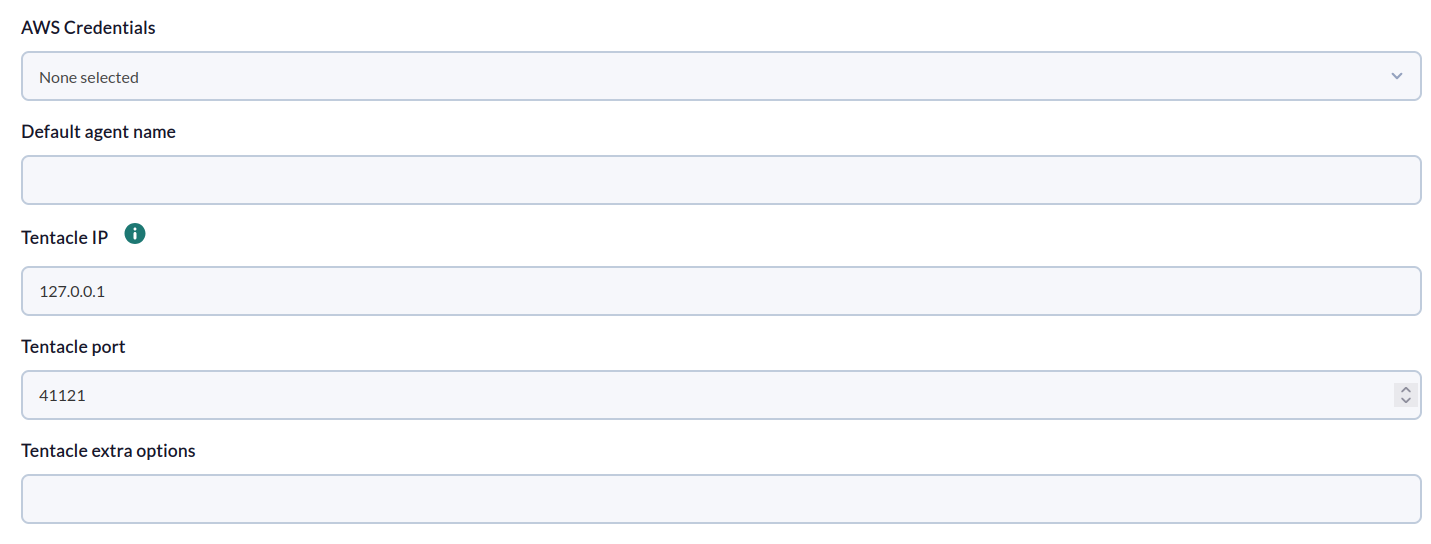
The following minimum data will be requested for each task:
- AWS Credentials: AWS API connection credentials to be used by the task. They must be previously registered in the Pandora FMS credential store.
- Default agent name: Nombre para el agente por defecto (los módulos se crearán aquí cuando no se especifique ningún agente).
- Tentacle IP: IP address of the Tentacle server to which agent data should be sent. Normally, this parameter will not be modified.
- Tentacle port: Port of the Tentacle server to which the data should be sent. Normally, this parameter will not be modified.
- Tentacle extra options: Additional options for sending data using the Tentacle client. Normally, this parameter will not be modified.
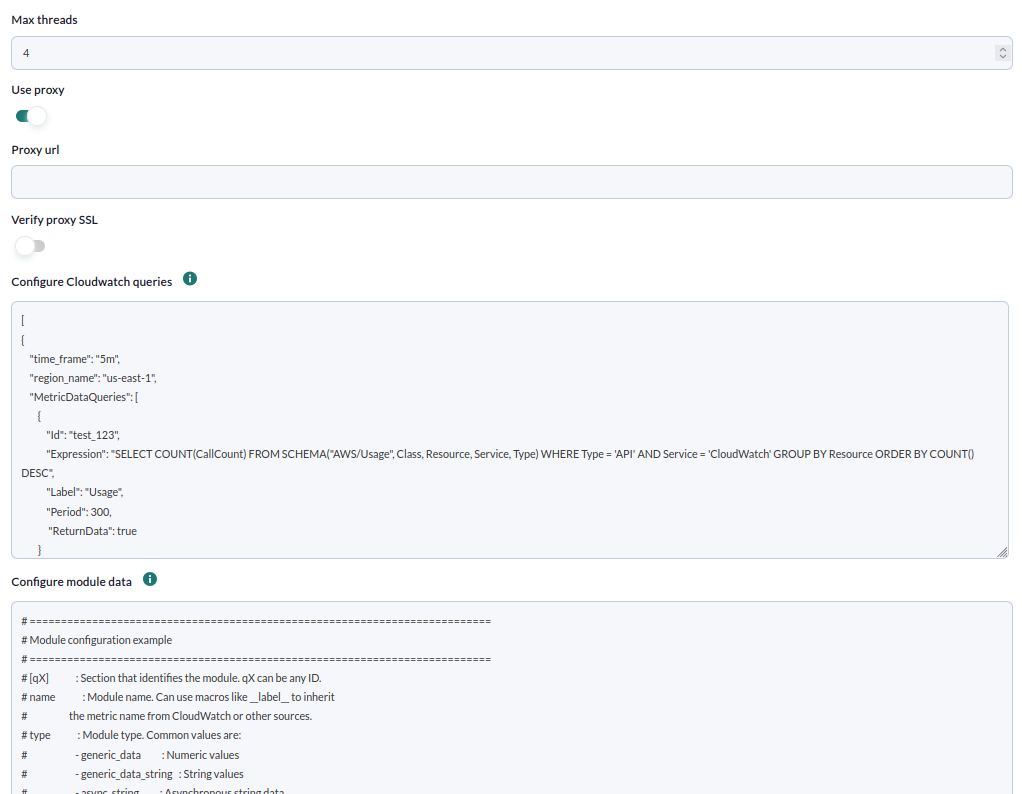
In the following window, the configuration options are as follows:
- Max threads:
- Use proxy:
- Proxy url:
- Verify proxy SSL:
- Configure Cloudwatch queries:
- Configure module data:
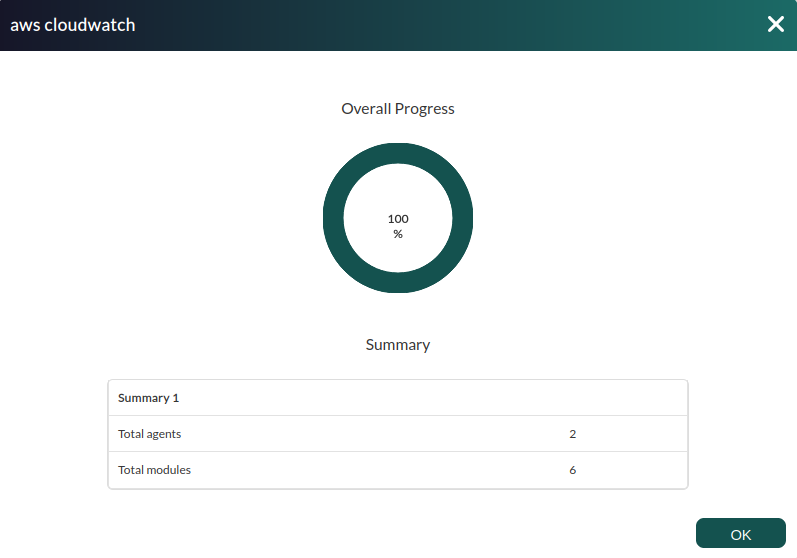
Successfully completed tasks will have an execution summary with the following information:
- Total agents: Total number of agents generated by the task.
- Total modules: Total number of modules generated by the task.
Tasks that are not successfully completed will have an execution summary recording the errors that occurred.