
Pandora FMS configuration: creating a command for alerts
Telegram® is fully integrated into Pandora FMS version 800. To verify the installation of its command, use the Management → Alerts→Commands menu and enter the search key in Filter:
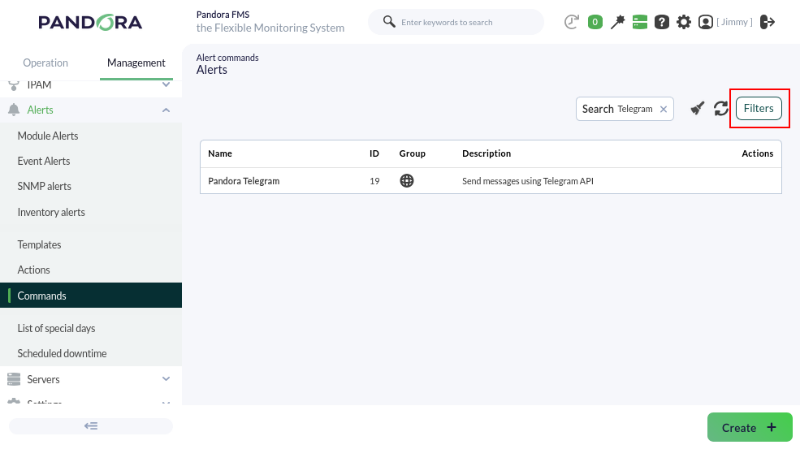
This command does not allow editing or deletion, so it is considered read-only and is used by the system. Therefore, you must go to the general settings to save the token obtained in the previous topic.
Managements → Settings → System settings → General setup → Alerts configuration menu:
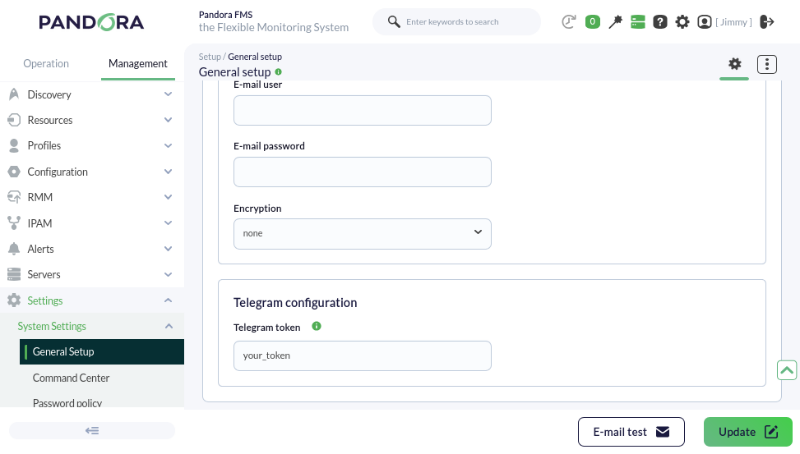
The field displays the token in plain text. Take the necessary precautions to prevent third parties from viewing it.
When finished, click the Update button to save the Telegram token in the database.