
Configuration
CreatingCreation aof the BOT inon Telegram
From a TelegramTelegram® accountaccount, you must type /start to the user BotFather (https://telegram.me/botfather) to create a bot. bot.
It will return a series of parameters and instructions that we can doavailable for the creation and manipulation of bots.bots:

We will useUse the /newbot option with which we willto create a new bot.
bot.
It will ask usfor the name we want to give to our bot,name, in mythis case I have selected Pandora_FMS_Test_bot , but you can putuse theany onename you prefer.prefer.
Now ityou will askbe usasked for a user idID for the bot, thiswhich has tomust end in _bot. inIn this case I willcase, use the same one.one Pandora_FMS_Test_bot.as before: Pandora_FMS_Test_bot.
Now itIt will now return us the information ofabout our bot and some instructions for its administration,administration. weYou willmust copy and save the API tokentoken, thatwhich is the one with whichwhat we will use to authenticate usourselves as that bot.

Create a group and add the bot
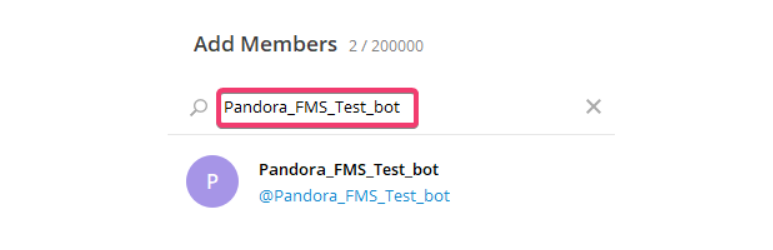
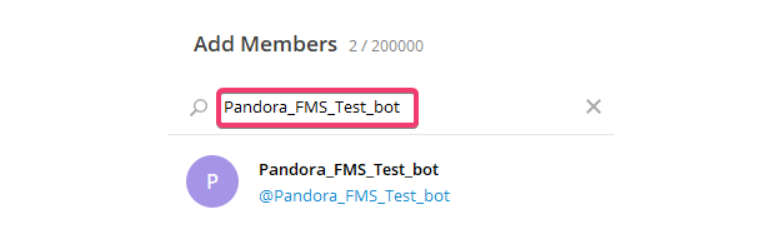
To create a group from TelegramTelegram, weyou simplymust click on create group and select the users thatwho will be in that group. It is important that one of those users is our bot in order to be able to send messages to that specificgroup group. Wespecifically.
You can also simply add the bot to an existing group.
Get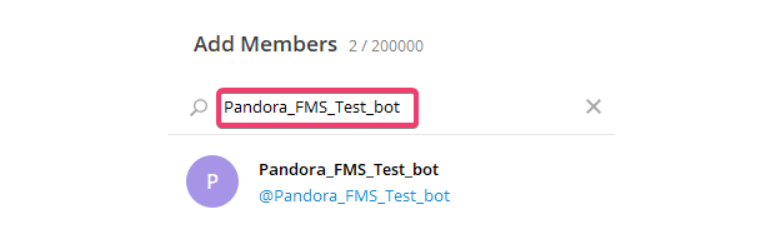
Obtain the group ID to send messages from the CLI
Now we need to obtain the id of the group in whichwhere we have added our bot,bot. thereThere are different ways to do it,this. but oneOne of the easiestsimplest is to add another bot that extracts this information very easilyeasily: GetIDs Bot.
We add it to the group we want to know the id of, and it will give us a series of instructions for its use. But justJust by adding it, it will give usprovides the information we need,need which(id isof the group id.group).

Once we have the idgroup of the groupID, we copy and save it,it.
We can deleteremove this botGetIDs Bot from the group if we want,because it has already fulfilled theits purpose of giving us the id.group if we want, it has already fulfilled the objective of giving us the id.ID.
ConfiguringConfigure Pandora-Telegram CLI
To use the Pandora Telegram CLI (source code), you must have Python version 3 and Pip version 3 installed python3 and pip3 for thedependencies. dependencies.
To install the dependencies, in the package youto downloadbe downloaded, you will see the file requirements.txt. file,Go we place it into its directory and simply execute it:run:
pip3 install -r requirements.txt
This will download and install the necessary dependencies.
Once the dependencies are installed weinstalled, run the pandora-telegram-cli.py -h file with the Python interpreter to seeview its help:
python3 pandora-telegram-cli.py -h
usage: pandora-telegram-cli.py [-h] -m MESSAGE -t TOKEN -c CHAT_ID
Bot telegram cli
optional arguments:
-h, --help show this help message and exit
-m MESSAGE, --message MESSAGE
Message to be send
-t TOKEN, --token TOKEN
Bot token
-c CHAT_ID, --chat_id CHAT_ID
chat id to send messages
If we see the help without any errorerrors, then we are ready to use it.