
Configuration in PandoraFMS
Manual installation
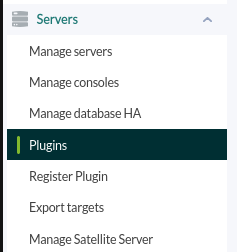
Go to servers > plugins:
Click on add plugin:
We put in name and the description that you prefer.
We put as command the execution with the path of the plugin:
/path pandora_redmineRemember that the recommended path for the use of the server plugins is: /usr/share/pandora_server/util/plugin/
We enter the path to the plugin as a command, and as parameters we will configure the “_field_” fields, which are macros that we will define below. Review the “create ticket,” “edit ticket,” and “delete ticket” sections to configure the parameters according to your needs.
Once this is done, click on “create”.
Agent configuration
Once this is done, the only thing left to do is to call it, so we will go to some agent's view and create an add-on module:
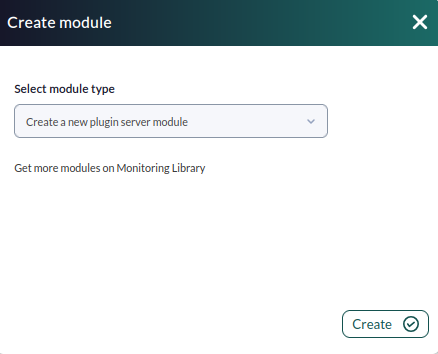
We will give it a name and in the section “plugin” we will put the one we have just configured.
Once this is done, click on create.
If the module is shown with 1, it means that it is running correctly.