
Configuration in PandoraFMS
To configure the plugin in PandoraFMS, follow these steps:
1. Upload the plugin to PandoraFMS, for example in the following path:
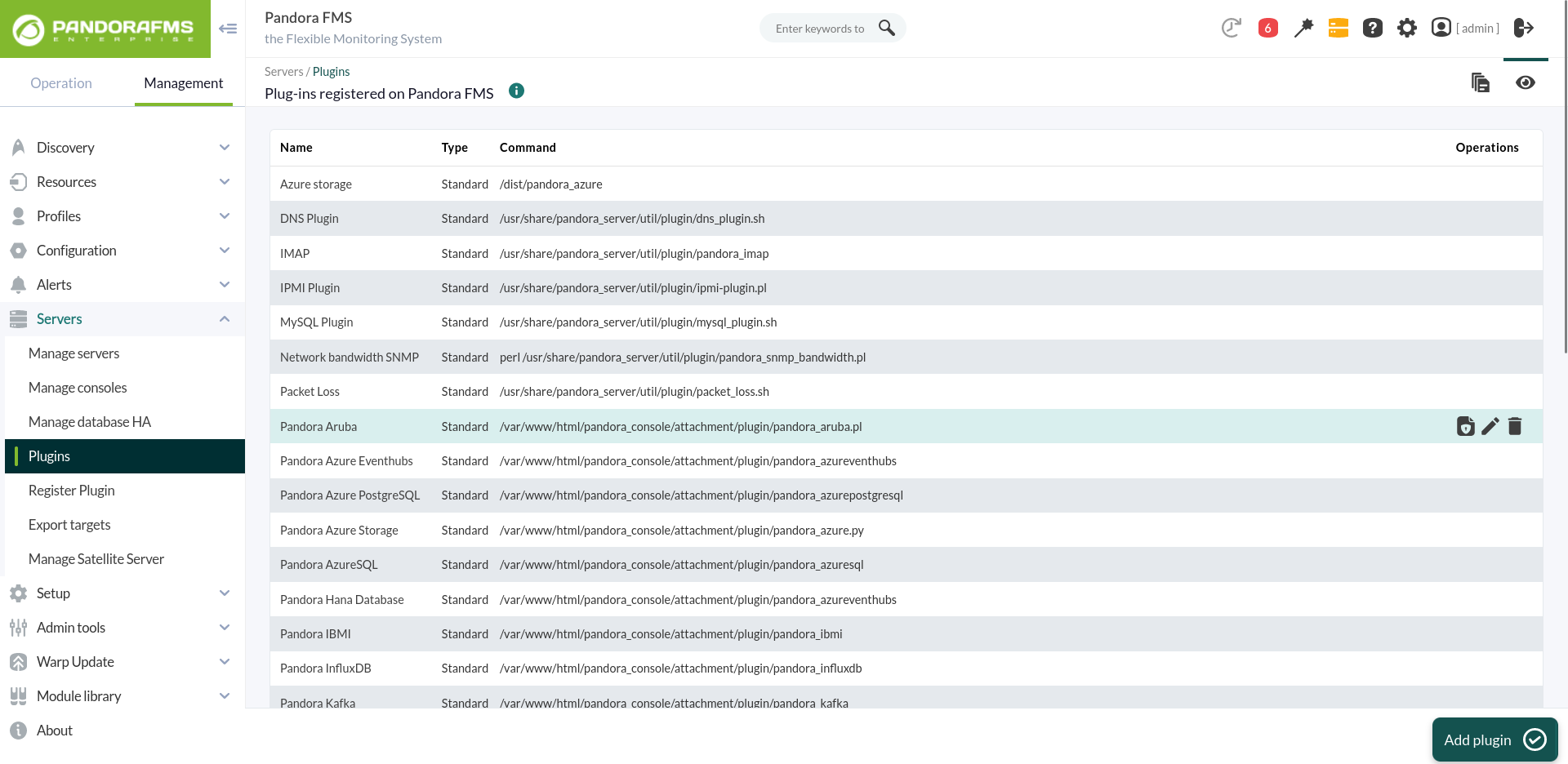
/usr/share/pandora_server/util/plugin2. Go to the plugins section and create a new one:
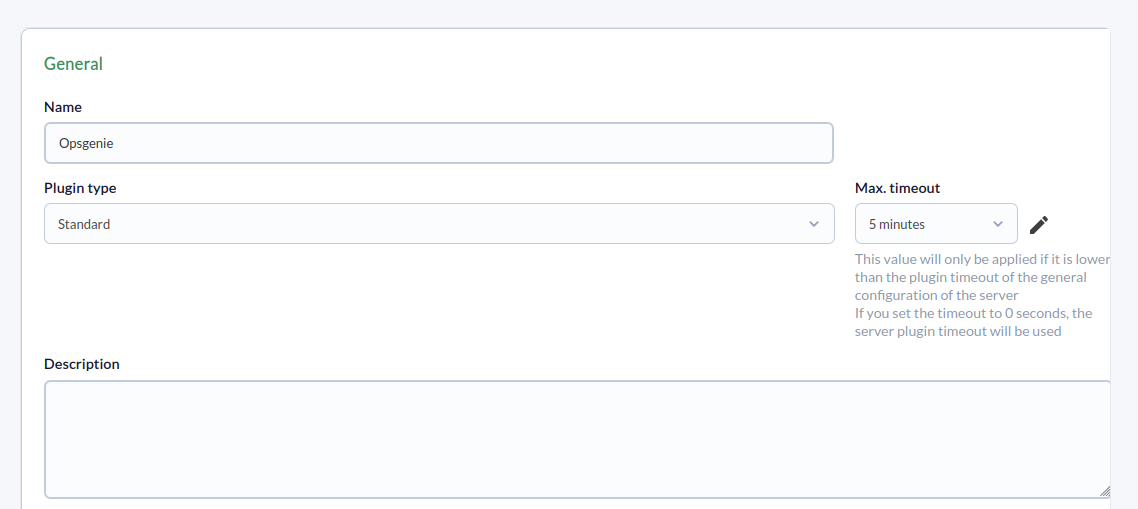
3. Name, description, and timeout are added:
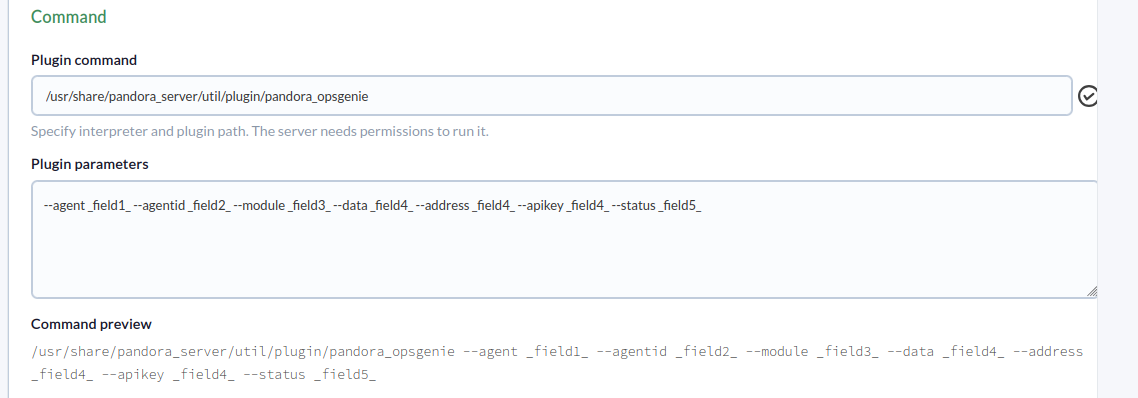
4. Add the plugin path to the command and the parameters necessary for its execution.
A macro must be configured for each parameter, with the following syntax: _fieldx_, where x is the positional number of the parameter.
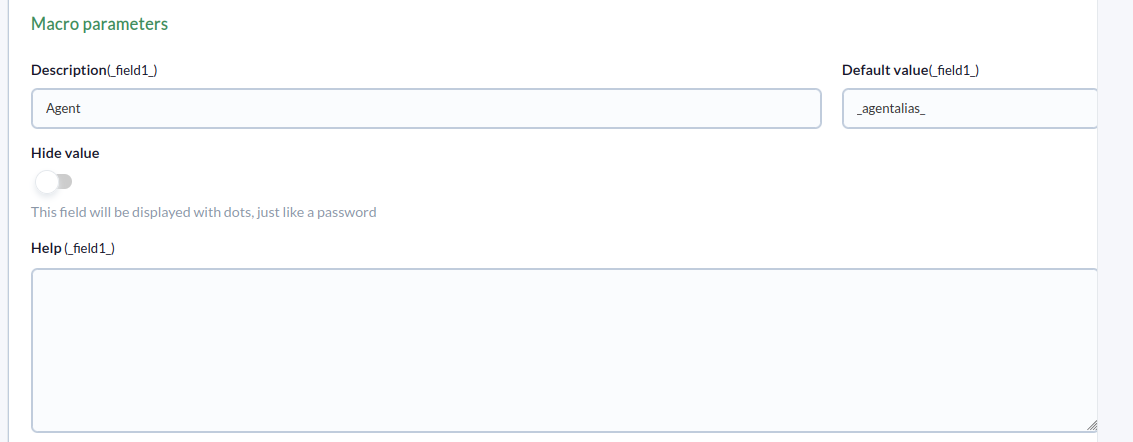
5. The above macros are configured by adding the parameter value to each one:
6. Once configured, a module must be created in an agent that executes the plugin. In the agent's module menu, we create a new plugin-type module:
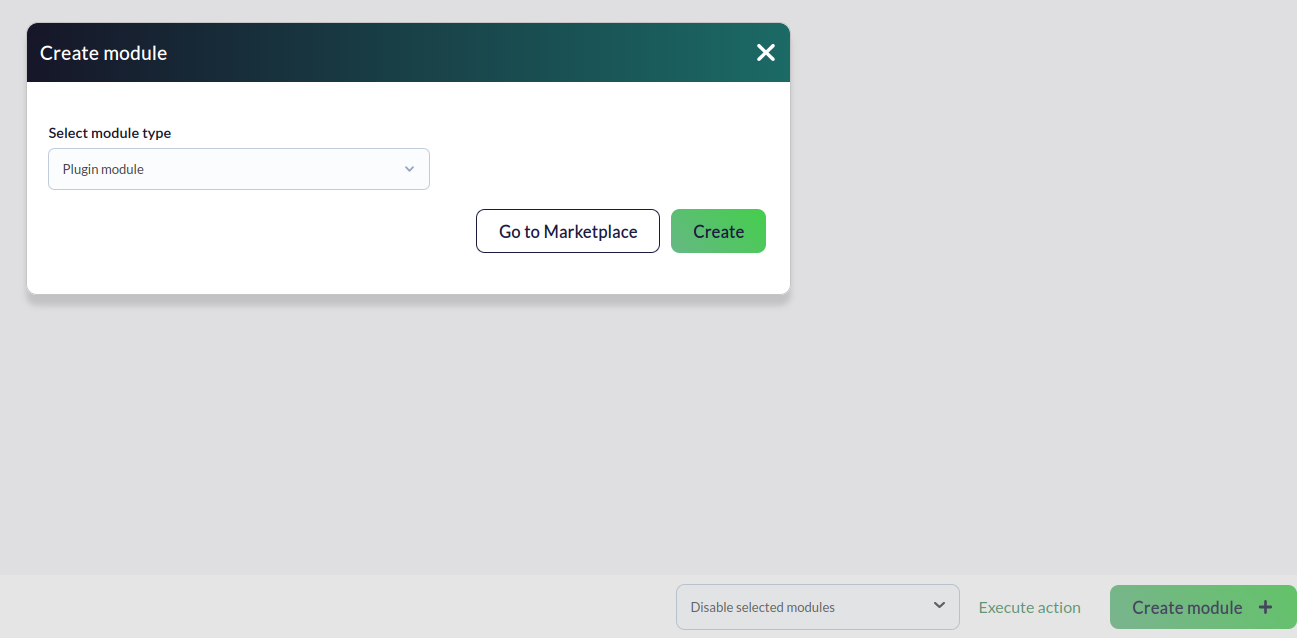
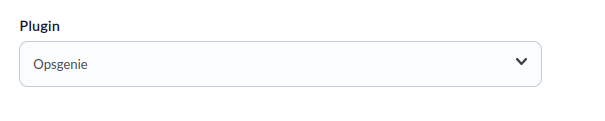
7. In the module configuration menu, give it a name, select the previously configured plugin, and click “create.”
8. The plugin will eventually run according to the configuration settings, generating alerts as it processes the data.