Configuration in PandoraFMS
- Configure the plugin execution in the pandorafms agent.
To do this, you must modify the pandora_agent.conf file, adding a line with the following format:
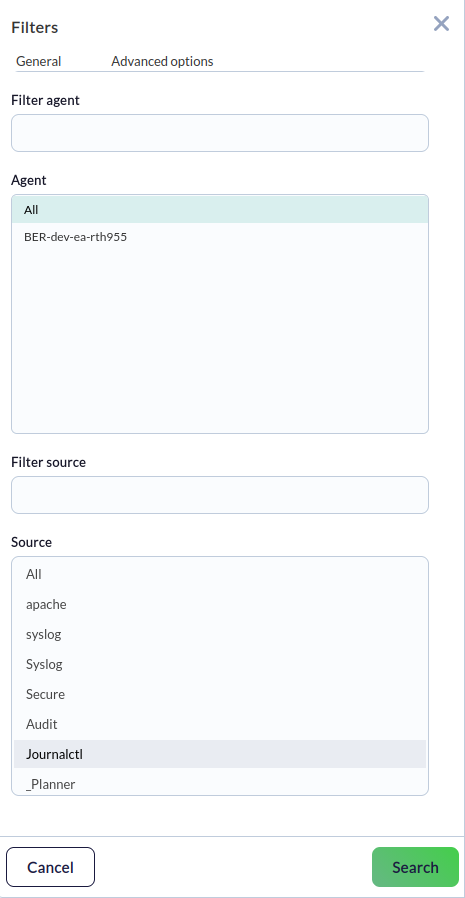
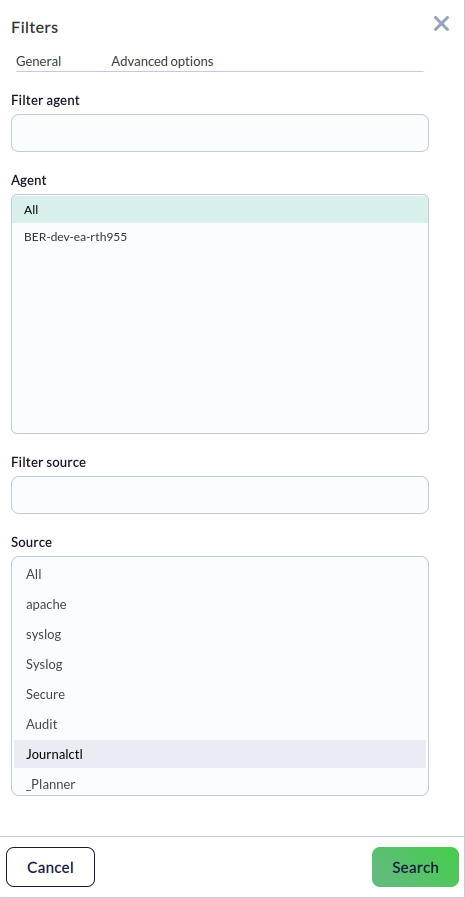
This can also be done from the Console. In the agent settings, go to the plugins option (represented by a puzzle piece icon). There, enter the full path of the plugin and add it. From then on, the plugin will function as a local module.module_plugin <path/plugin with desired parameters for execution configuration> - From the log viewer, select the source configured in the plugin (journalctl by default).
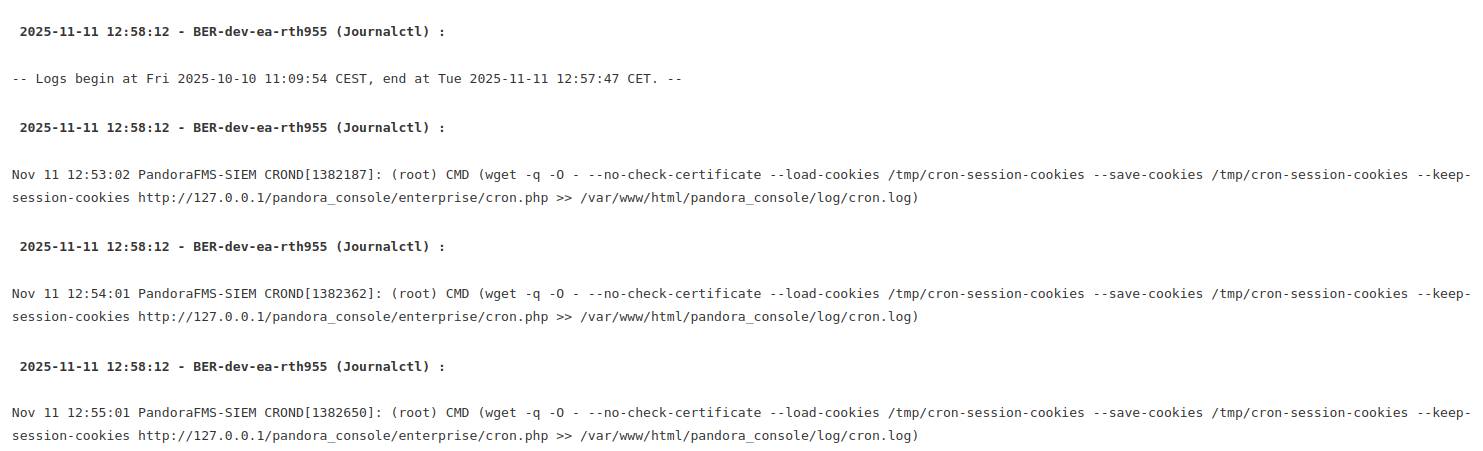
- You will be able to view the logs generated by the plugin.