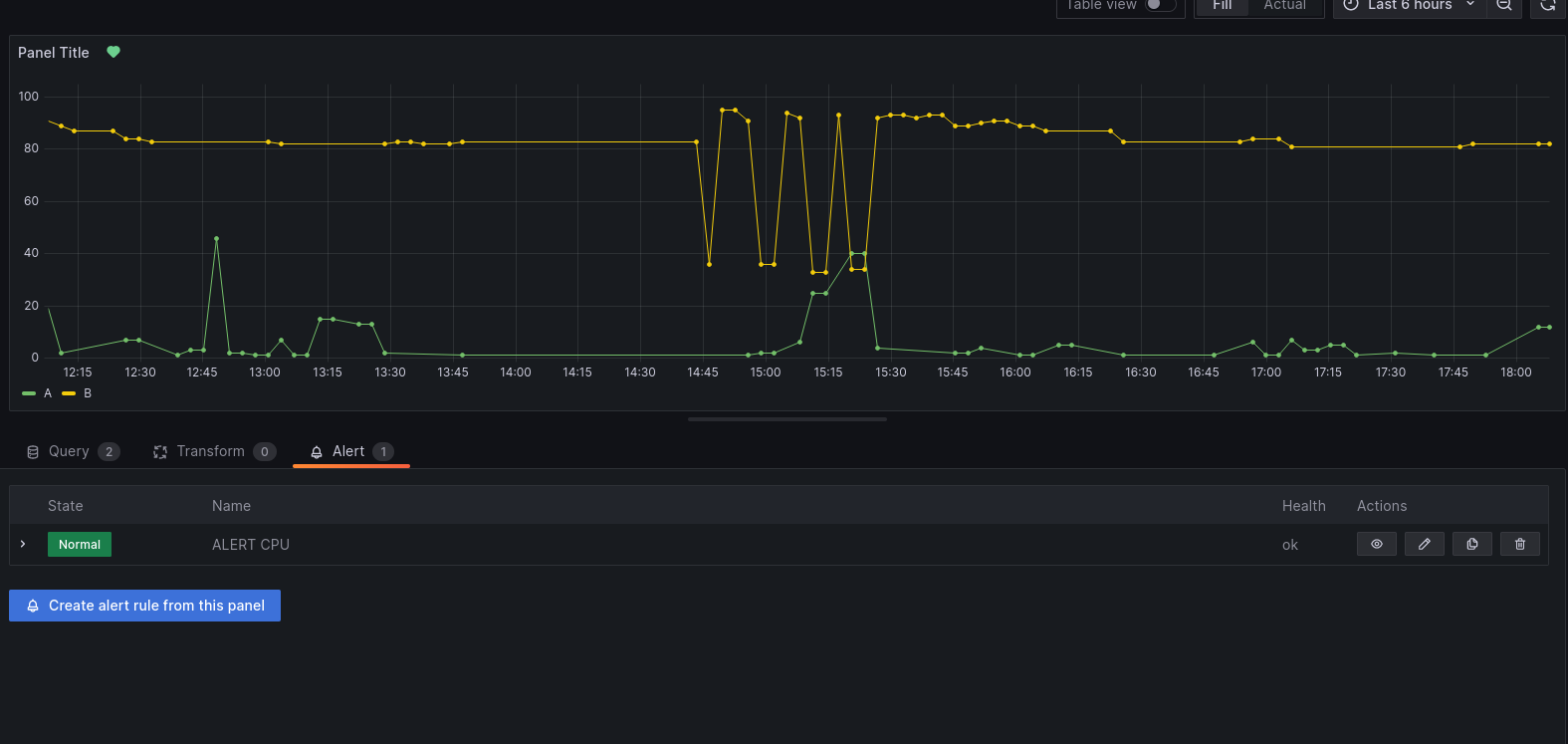
Create your first alert
You can create an alert from the "Alert" menu in the dashboard display (once the Dashboard is saved). menu, in the dashboard display (once the Dashboard is saved).
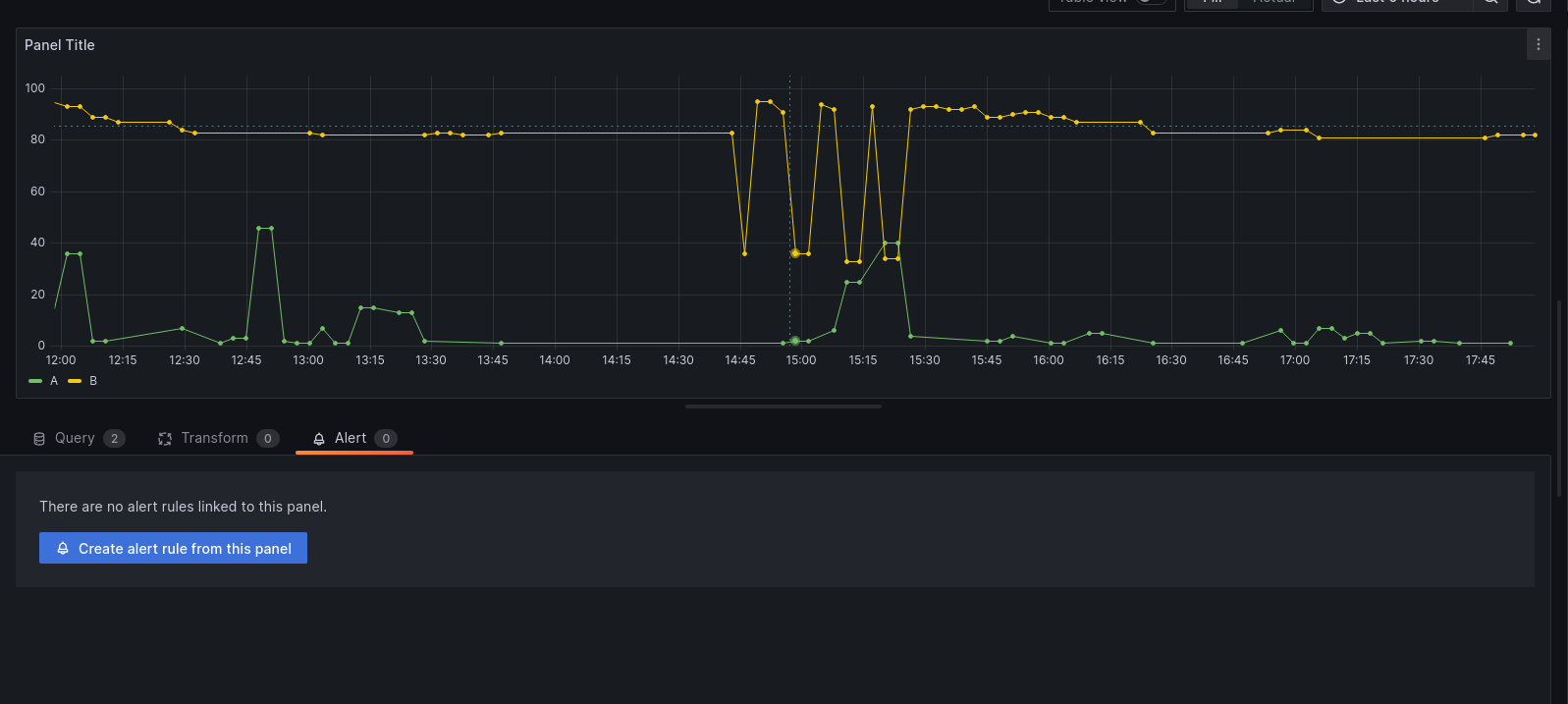
1 . Set the name of the alert rule.

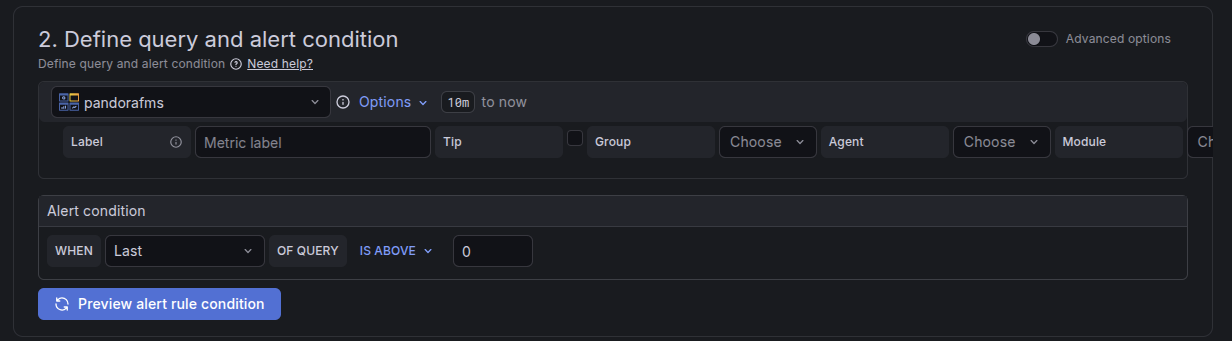
2. Define the query and alert condition
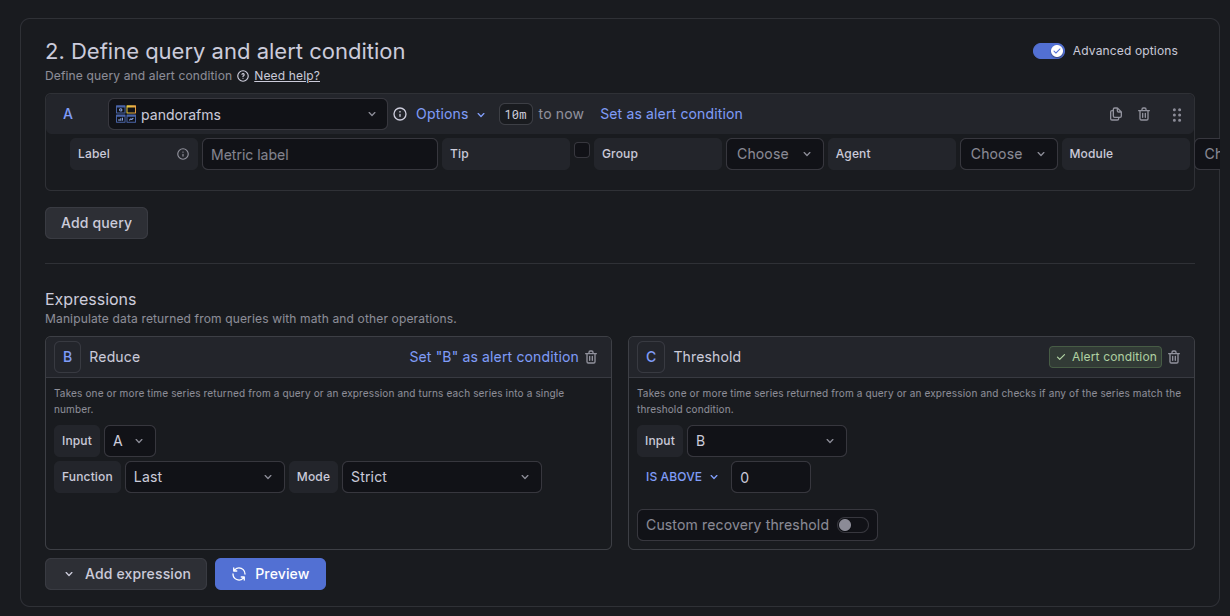
Advanced mode:
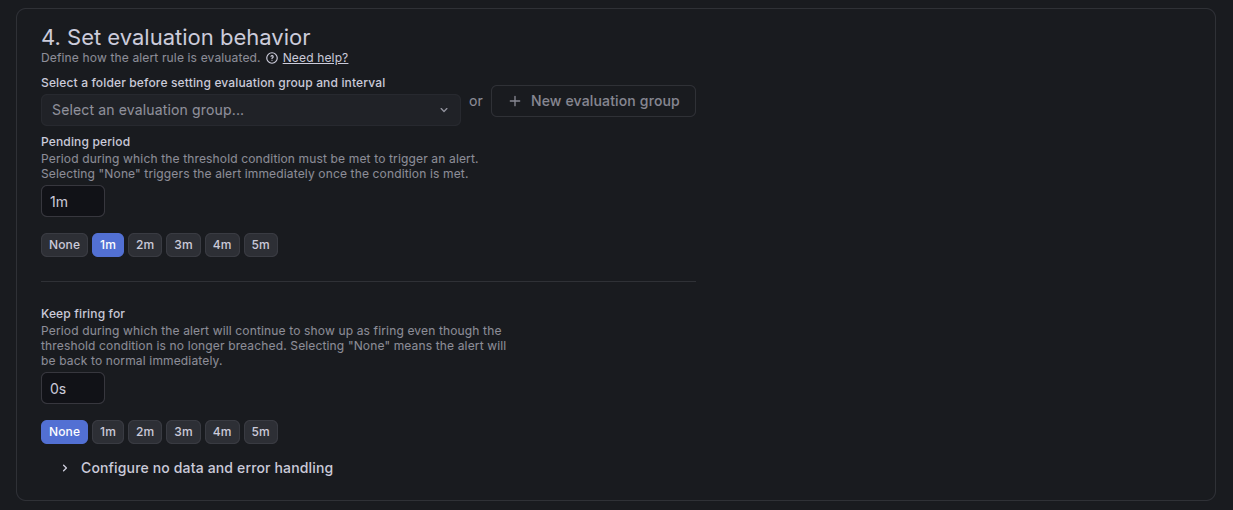
3. Establish alert evaluation behavior
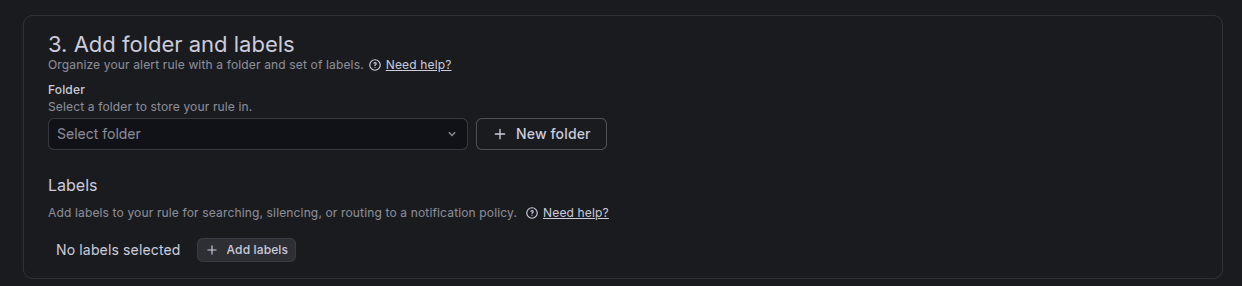
4. Adding annotations
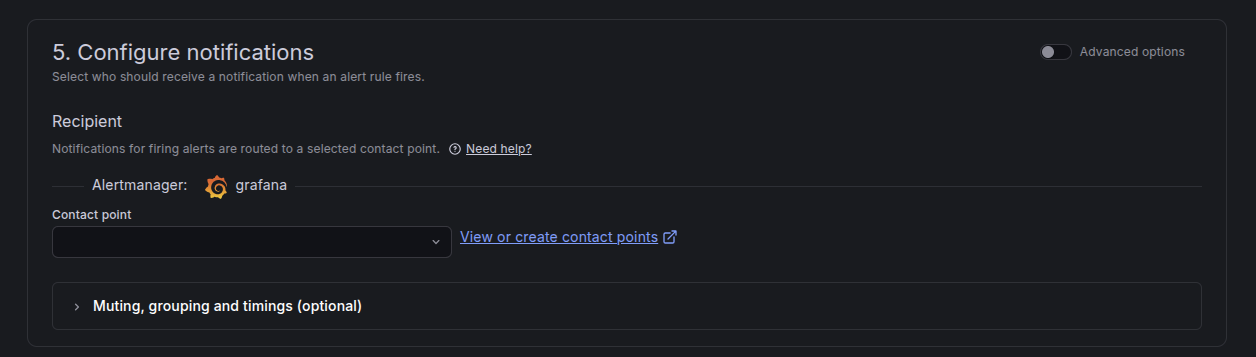
5. Configure notifications
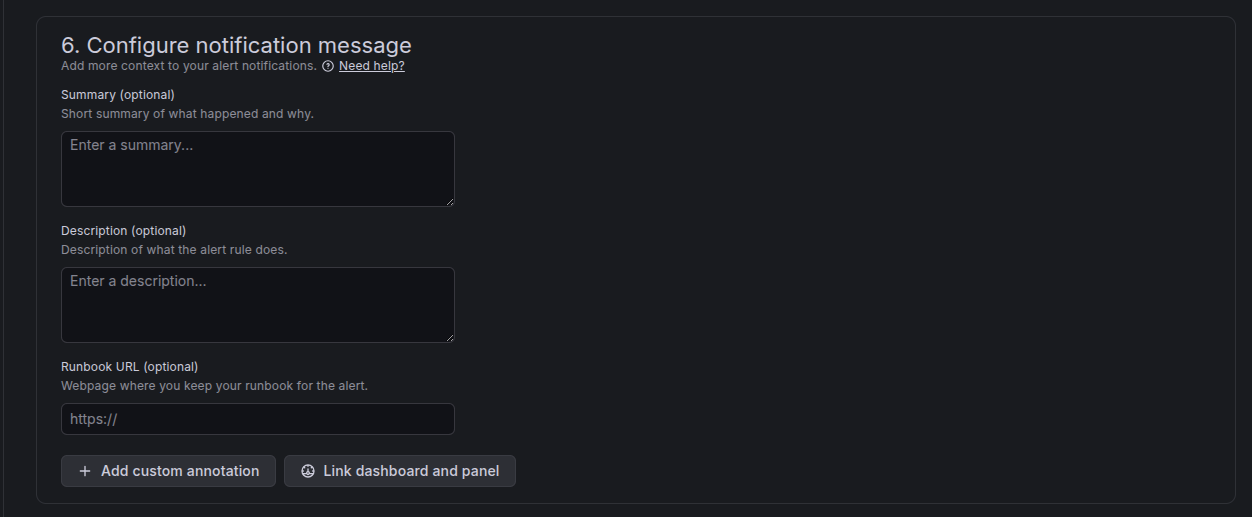
6. Configure message notifications
Once the alert has been configured and saved, it can be viewed on the dashboard: