
Configuration in PandoraFMS
To configure the plugin, you need to set up an alert command using the plugin parameters to create custom executions.
This can be done from the alerts menu in commands:
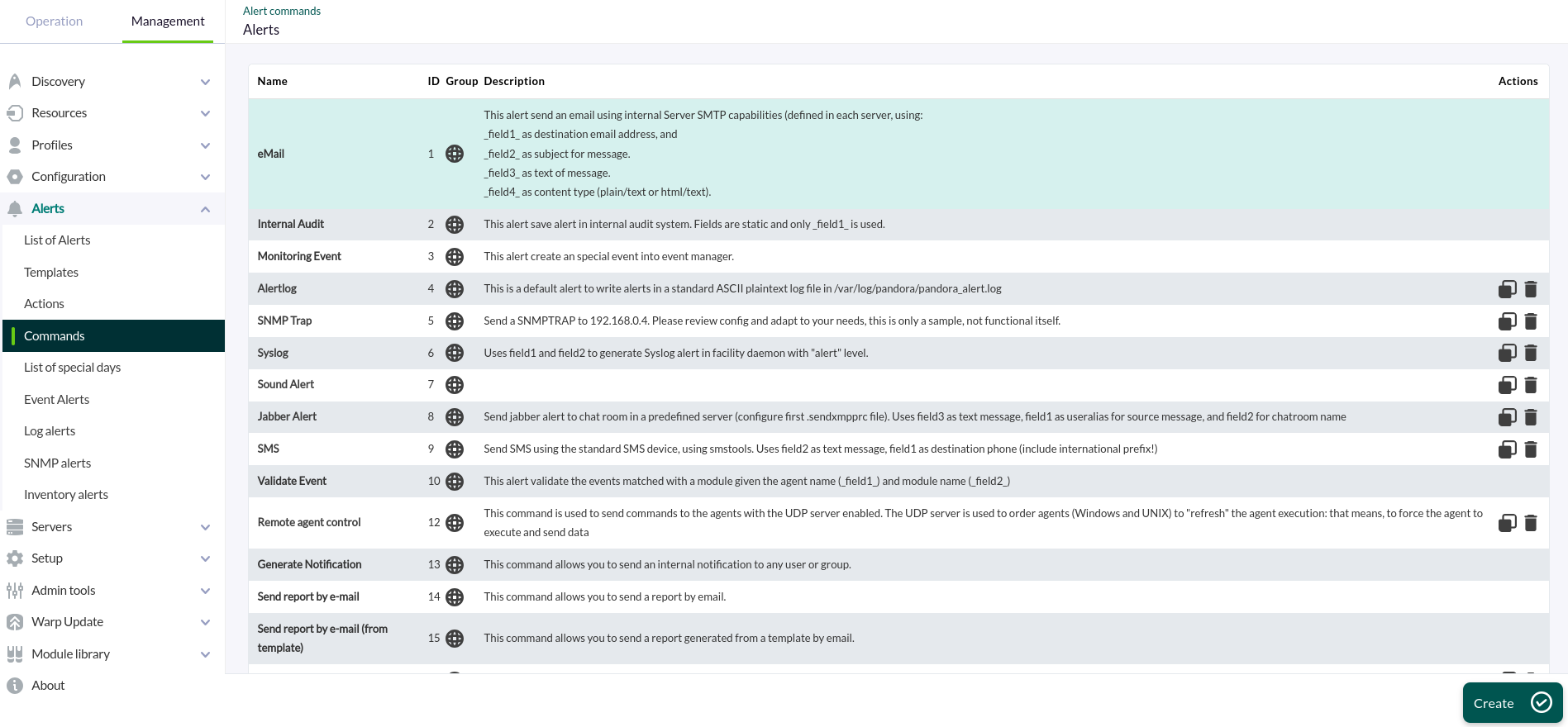
You must enter a name, group, and command, using the macro _fieldx_ as values for the parameters, where x is the parameter number (there is no specific order; each macro simply needs to have a different number).
Once configured, you can set the macro value below in the description fields.
