
21. Where to Look if Problems Arise?
In the face of any problem, Pandora FMS offers different tools to take measures:action:
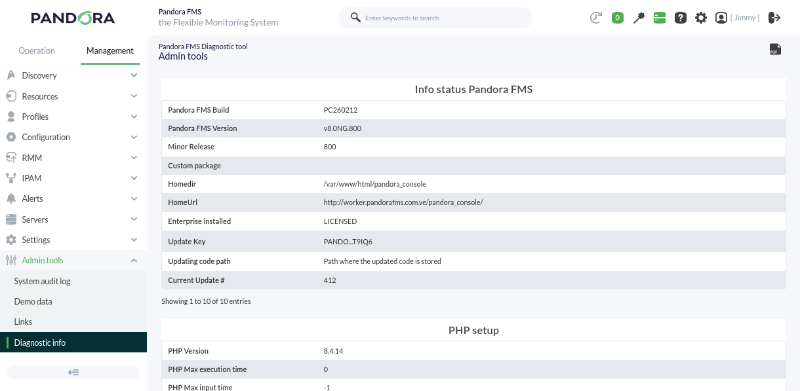
- Diagnostic tool: in Management → Admin tools
->→ Diagnostic info, it will provideyou witha list of essential system information.
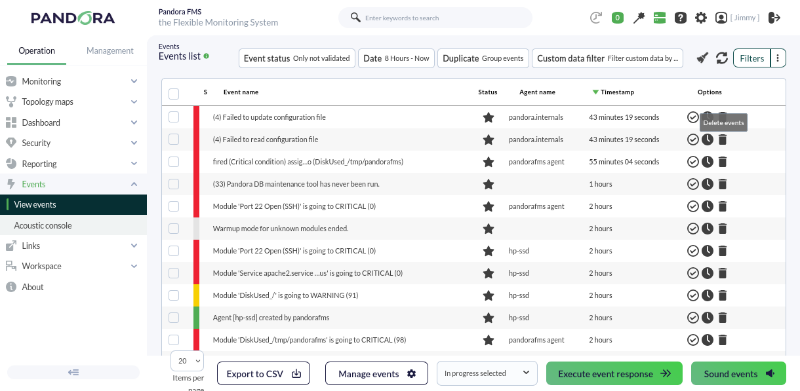
- Event viewer. In Operation → Events → View events. It will allow us to visualize all events generated in our environment and operate with them simply.
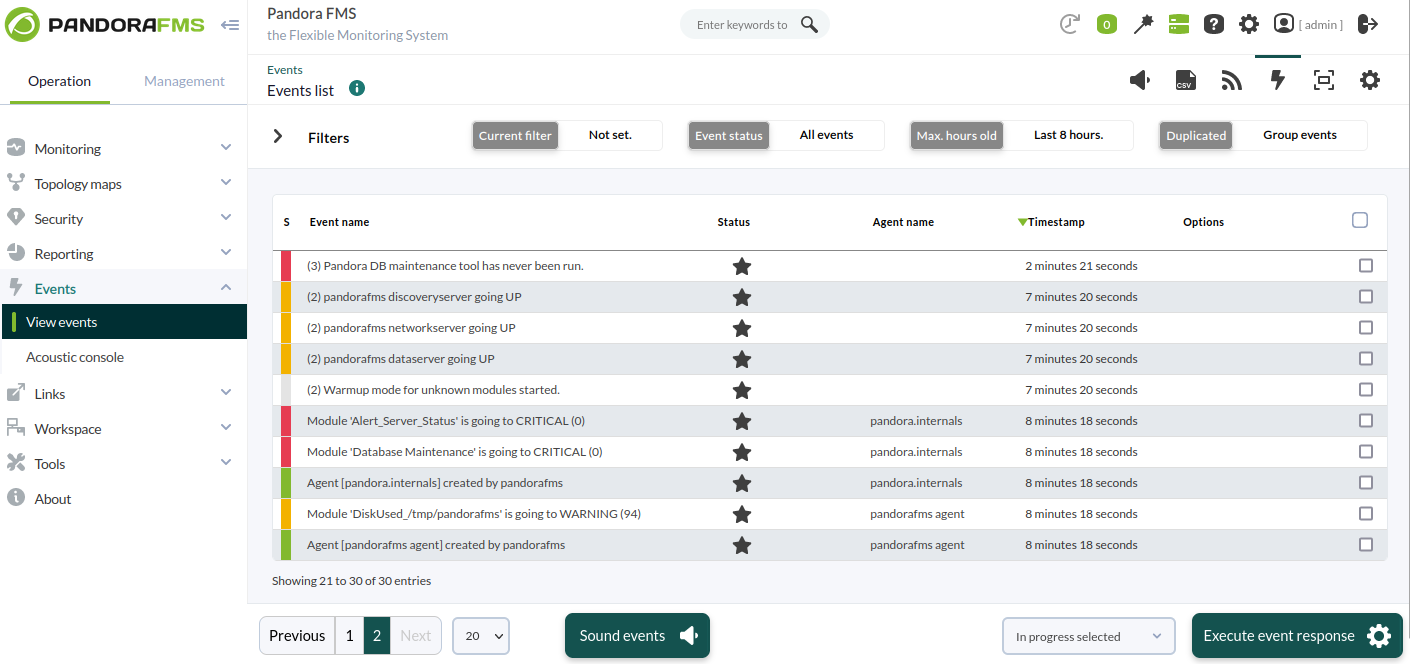
EventAuditviewer:viewer. InEventsManagement->→View events, it displays all the events generated in your environment and allows working with them in a simple way.
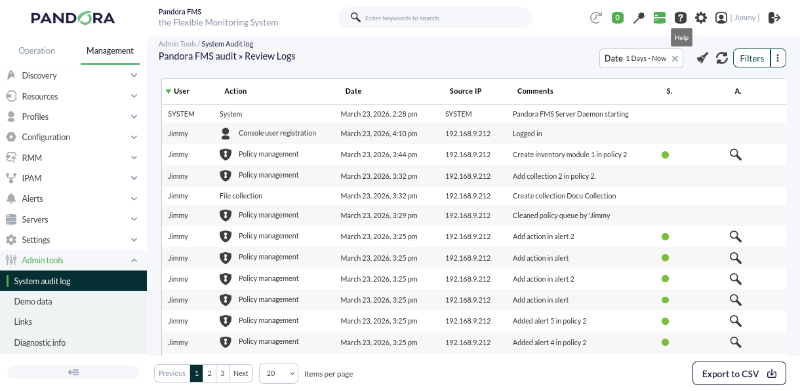
Audit viewer: InAdminAdmin Tools->→ System audit log,.itItshowswill show us detailed information about the monitoringenvironment detailed information.environment.
Advanced information sources
Information sources (logs)logs) where youwe maycan look for more information, errors, etc:etc.:
"/var/log/pandora/pandora_server.Server loglog''.logfile thatfile, contains very important clues. If you want moredetails,detail, modify the''verbosity''"verbosity" parameterofin the server configuration file to show moredetails.detail.''/var/log/pandora/pandora_server.error''.errorLogServerfileuncapturedoferrornotlogcaptured server errors. Itfile, contains traces of errors not handled by the server,they areusuallybadrelevantstuff.issues."/var/log/pandora/pandora_agent.Unix agent log file.log''.log''%PROGRAM_FILES%\pandora_agent\pandora_agent.MS Windows agent log file.log''.log''/var/www/html/pandora_console/log/console.Pandora FMSlog'',logconsoleWeb Console log file."/var/log/httpd/Apache server error log file (error_log'',error_loghttpd)httpd)."/var/log/messages'',messagessystemSystem log file.