
10. Server Monitoring through EndPoints
MS Windows®
First,The first step is to download the EndPoint installer for MS Windows®. EndPointTo installer:
this, go to the downloads section, menu Management→Downloads→EndPoints→Windows 64 bits:
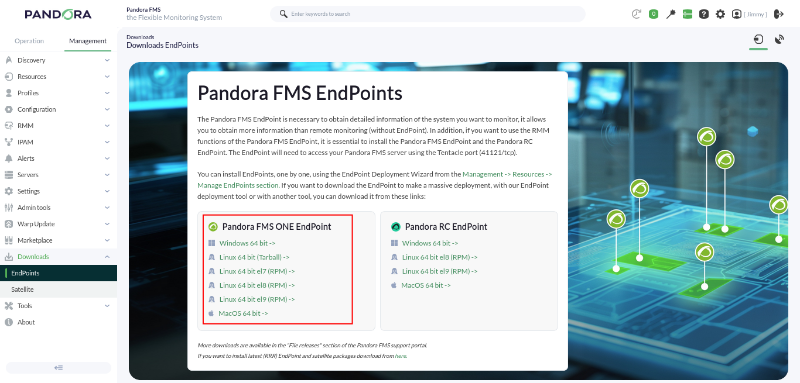
All available versions of the Pandora FMS ONE EndPoint can be downloaded from the following link:
https://packages.pandorafms.com/community/get-started/pandorafms/latest/
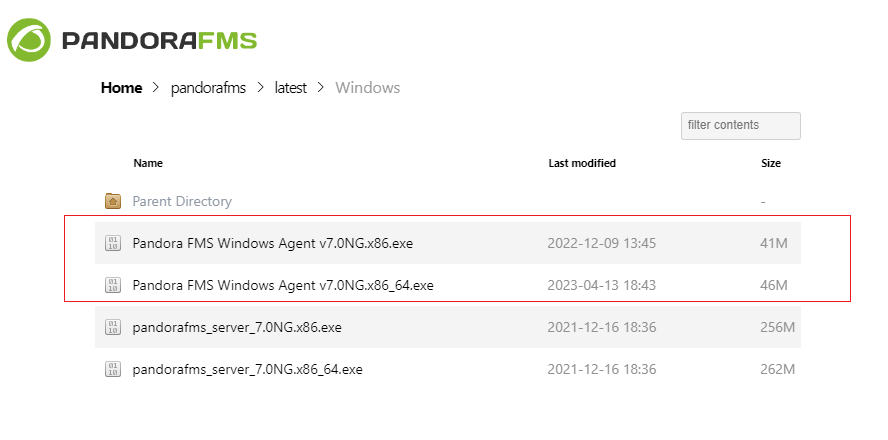
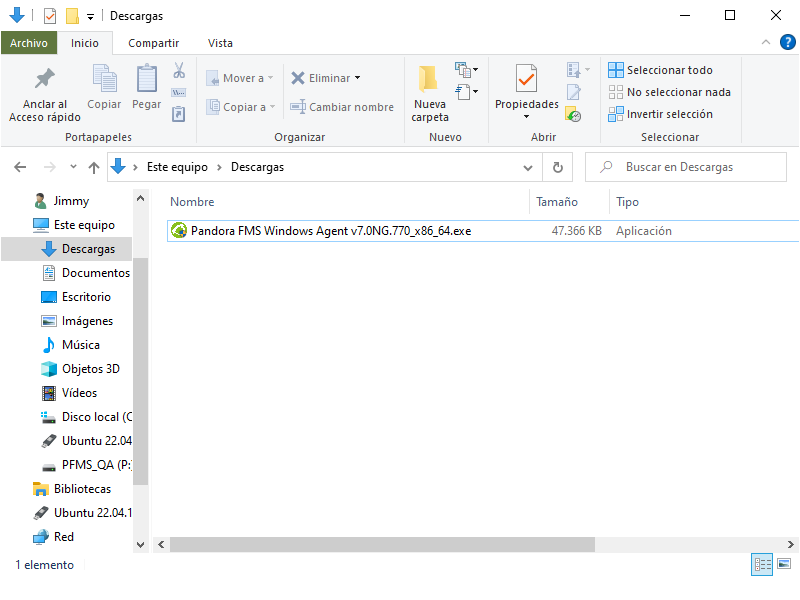
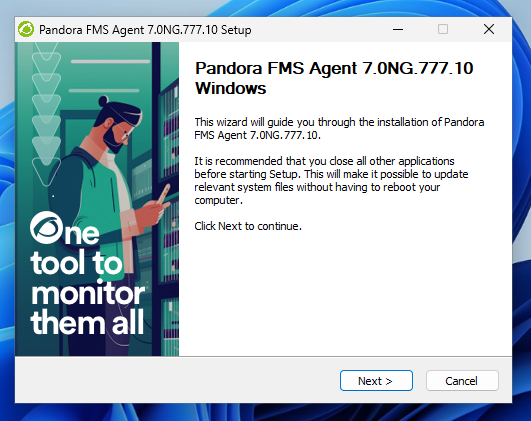
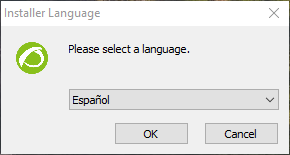
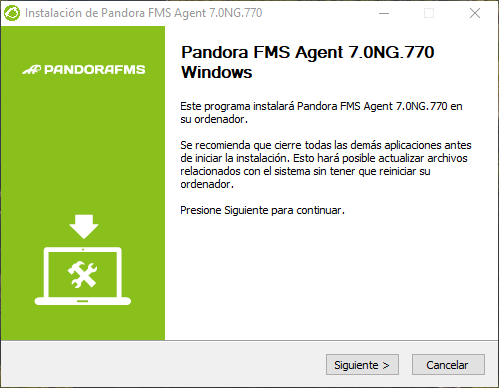
In this link, you may choose either the 32-bit or 64-bit agent, according to your OS. Once the agent is downloaded, run it by double-clicking on it (you must have adminadministrator permissions) and the usualtypical installation screen will appear, where you mustwill accept all the steps:
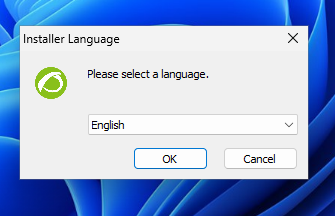
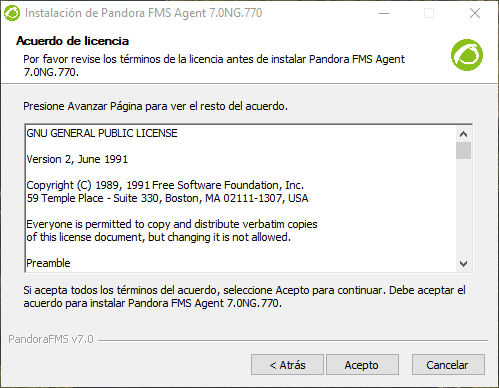
Accept the license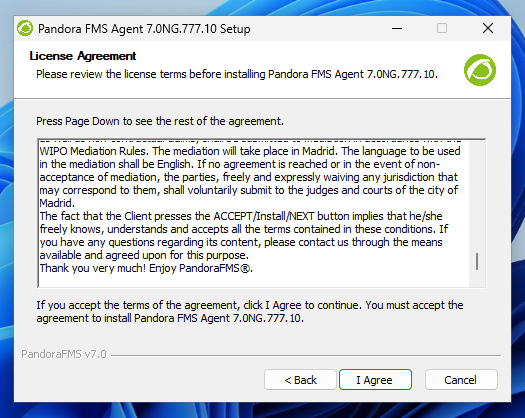
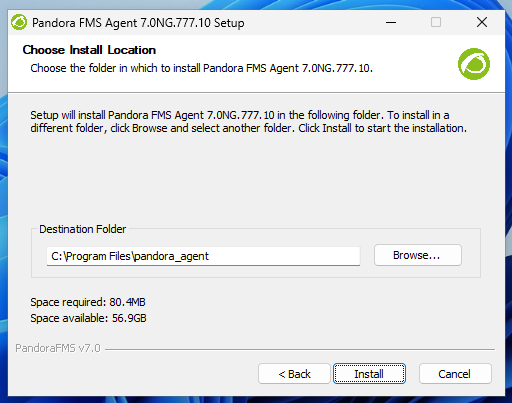
and go through the different installer steps.
Configure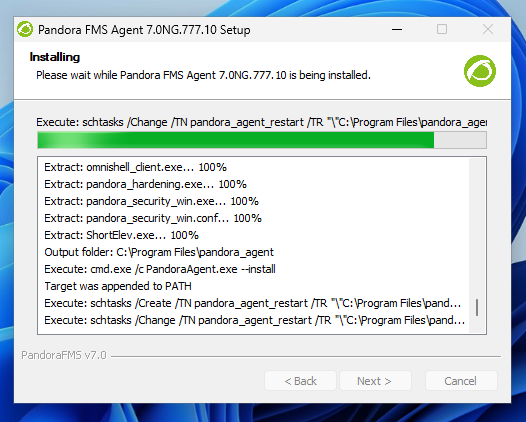
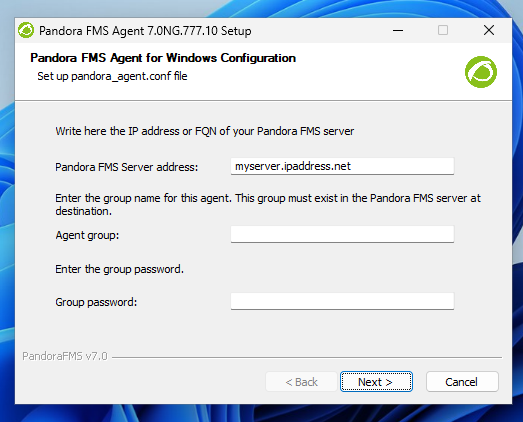
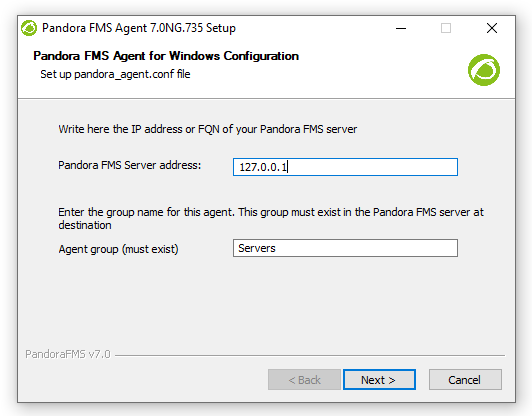
On this screenscreen, you must configure the IP address (or name) of the Pandora FMS server that will receive the agent's data and the group you wish forwant the agent to be associated with. This group must exist in Pandora FMS.
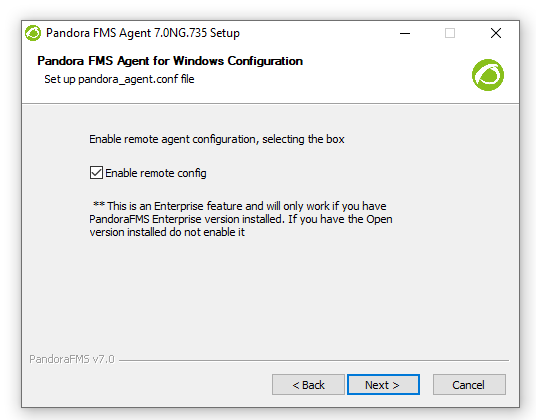
In the next window, there is theThe option to enable remote configuration. will appear. It is important to activatehave it activated by clicking on the checkbox if you wish to remotely manage thethis agent's setupconfiguration and notavoid havehaving to edit files manually.
Thesecurity remotefunctions configurationcan managementbe feature is exclusive to Pandora FMS Enterprise versionenabled:
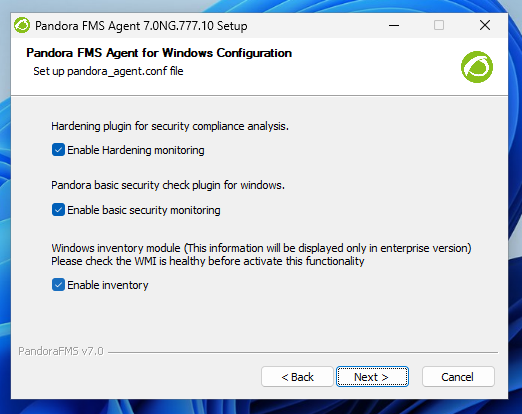
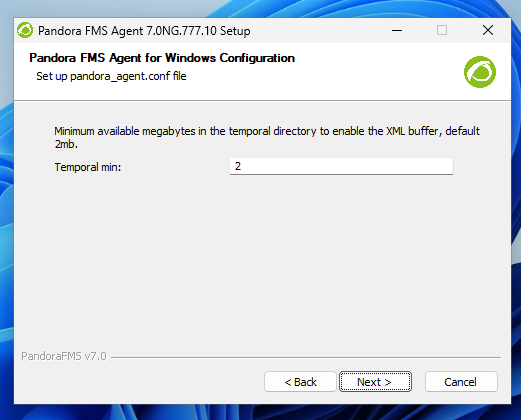
DecideTo whetherfinish the installation, you wish tocan start the agentEndPoint service at the end of the installationinstallation; ofin Pandoraany FMS agent, otherwisecase, it will run when MS Windows® is restarted again.restarts.
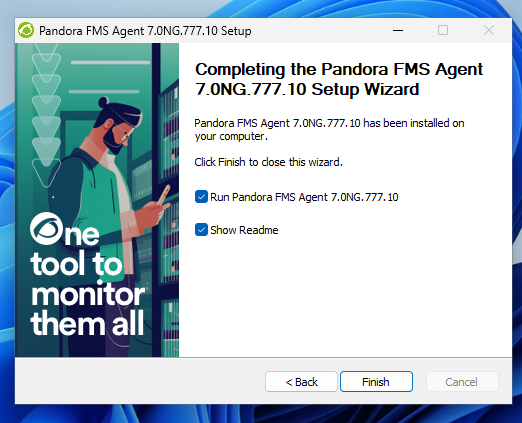
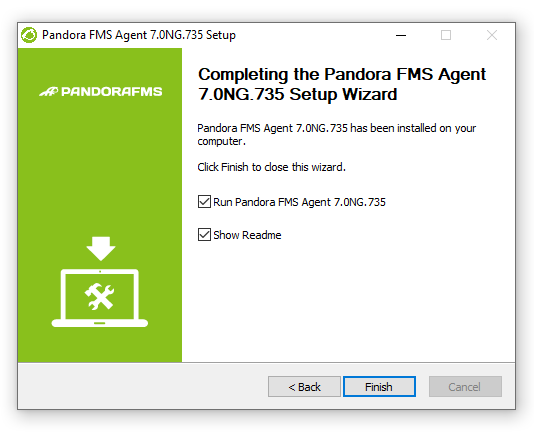
Once this process is finished, the WindowsEndPoint agentfor staysMS Windows® is installed and running on the computer. In a few secondsseconds, youwe should be able to see the agent reporting in yourour Pandora FMS console.
If you do not see the agent in the console,Web checkConsole: Check that there is a connection between the agent and the IP address of the server you configured in the agent.EndPoint.
EndPoint Communication from agentcommunication to the server uses port 41121/TCP.
Once the EndPoint for MS Windows® EndPoint is started after its installation, it isit's time to check what thethis agent is reporting. To thatdo endthis, you have tomust know the name under which this agent will report with.report. By default, the agent is created with the computer name of the computer, as you may seeseen in "System information"Information" (in this case DESKTOP-JU0S2L5).
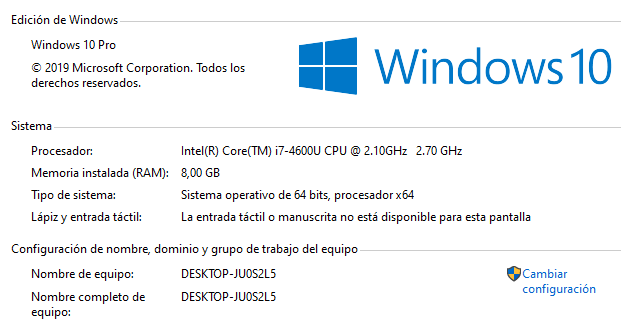
Once you know the nameEndPoint of the agent,name, the next step is to see if it washas been created in Pandora FMS. For thatthis, thereyou arehave several options. The first one is to search in agent details, insidewithin the group wherein which the agent was created, in thethis example the groupServers "Servers" (in this screenshot the name of the computer is DESKTOP-2GGIE80group:).
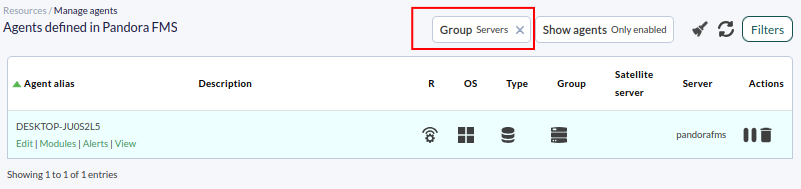
A faster and more efficient way to find the agent is byto searchingsearch directly through the Pandora FMS search engine,bar aat the top bar,of the page, where you maycan enter theyour computer name of your machine or part of it.it:
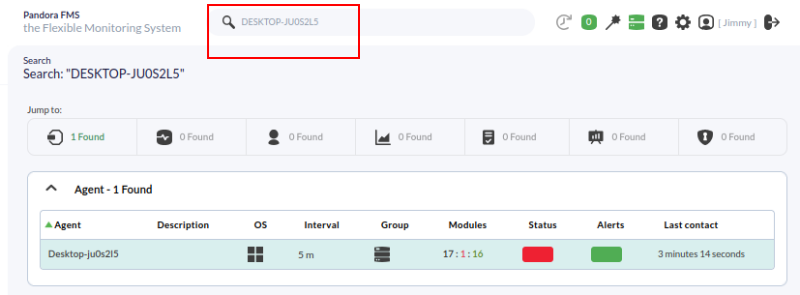

Heredefault, the agentEndPoint willfor appear and, by clicking on the name, go to the information it reports.

MS Windows® agent comes with several preloadedpre-loaded local modules for basic monitoring by default,monitoring, such as CPU Load,load, %percentage of free RAM memorymemory, (FreeMemory), used space disk in MB (DiskUsed_C:), DHCP status (DHCP Enabled) and process number (Number processes).etc.:
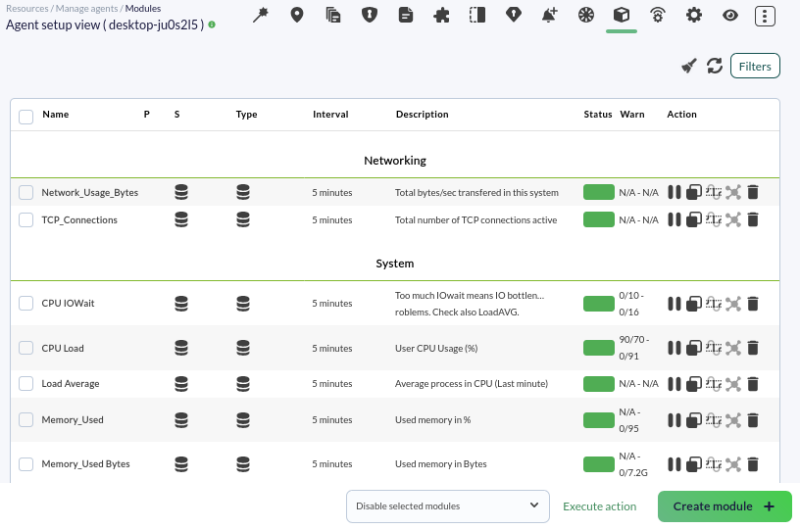
ShouldIf you need to add new modules to this agent, checkyou can consult the advanced documentation onfor EndPoint monitoring through EndPoints.
You maycan seeview graphs generated with the modulemodule's historical data history and a table with the moduletheir history from this view by clicking on the icons highlightedmarked in the following screenshot:capture:

It is important to notehighlight that on the same agent, remote monitoring and agent-EndPoint-based monitoring can be performed,performed combiningon themthe both,same agent; you can combine both types of monitoring, resulting in a much more comprehensivecomplete monitoring.monitoring.
GNU/Linux®
Monitoring a GNU/LinuxLinux® server is just as simple,simple but requires doing it must be done from thea console.command Ifterminal. youYou arecan interested, you mayeither download the package corresponding to your LinuxLinux® distribution (or the self-installableinstalling tarball)tarball). There is also the option to install it usingvia an online installer:
The necessary configuration needed to set up the Linux agent,agent can be found in the file:
/etc/pandora/pandora_agent.conf
Once configured, you can start the service, e.g:service:
systemctl pandora_agent_daemonOr if your operating system (Devuan, etc.) does not use SystemD:
/etc/init.d/pandora_agent_daemon start
For MS Windows®, there is also a file with the same name in the directory where Pandorathe FMSPFMS agentEndPoint was installed, and you maycan edit it with a standard text editor. The configuration tokens are exactly the same bothfor the EndPoint/Linux® as for the GNU/Linux agent and for MS Windows® agent, except for some tokens that are specific to the MS Windows® agent tokens.EndPoint.
These are the default modules that report data in a Linux® EndPoint:

DidAre you not getachieving the expectedresults results?explained Goin tothe chapter? Access the help or support sections.section.