Discovery
This plugin can be integrated with Pandora FMS Discovery.
To do so, you must load the “.disco” package that you can download from the Pandora FMS library:
https://marketplace.pandorafms.com/entries/pandorafms.elasticsearch
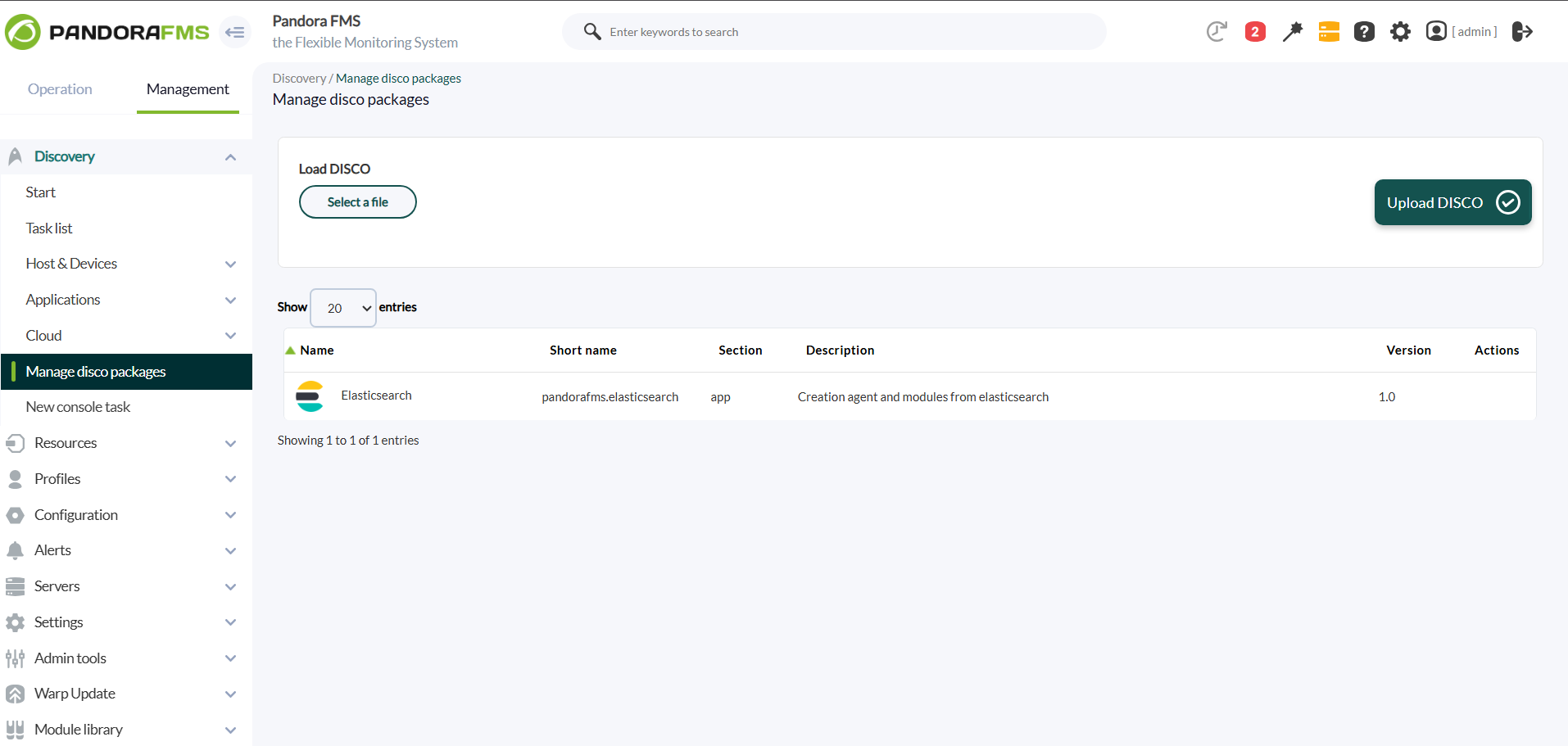
Once loaded, elasticsearch environments can be monitored by creating Discovery tasks from the Management > Discovery > Applications > Elasticsearch
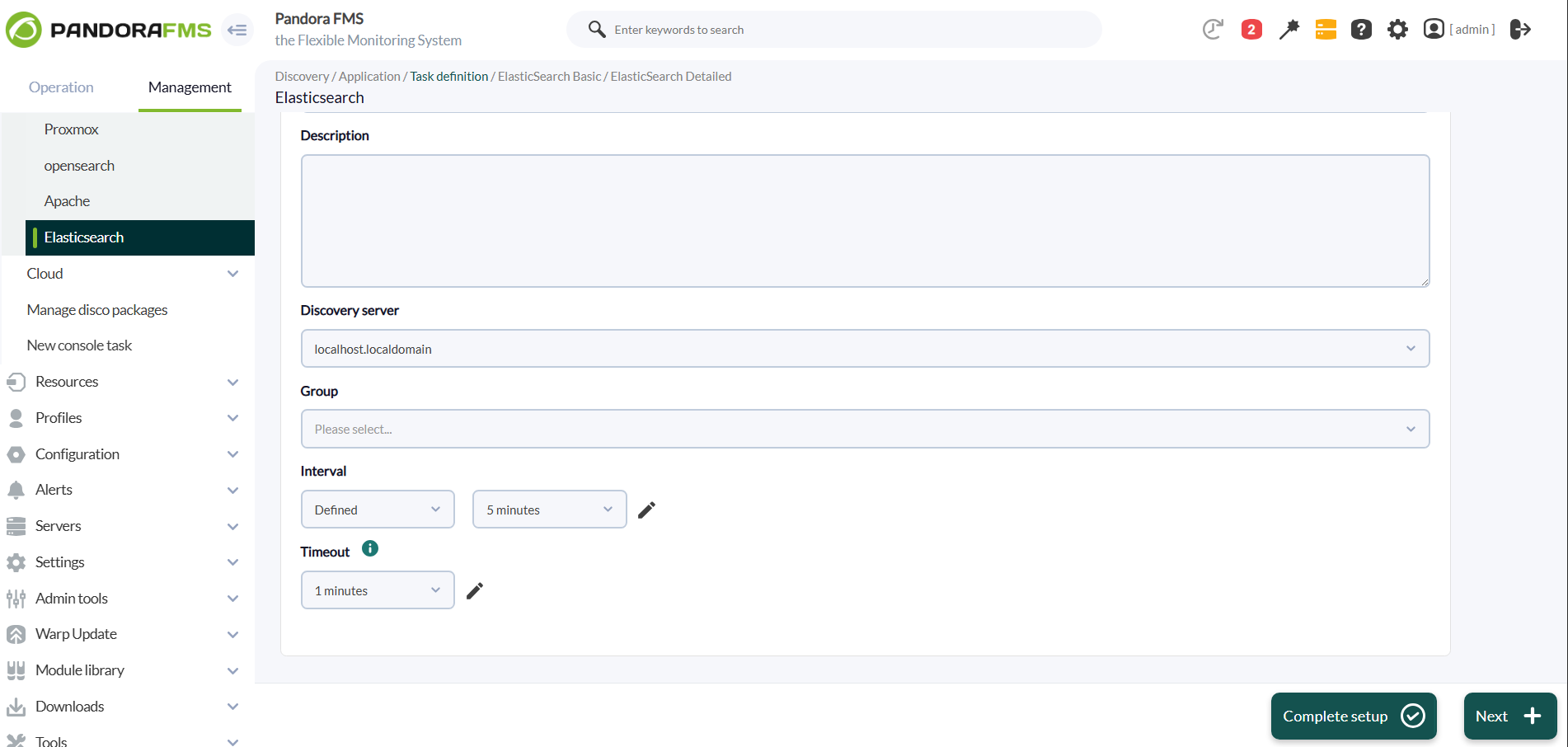
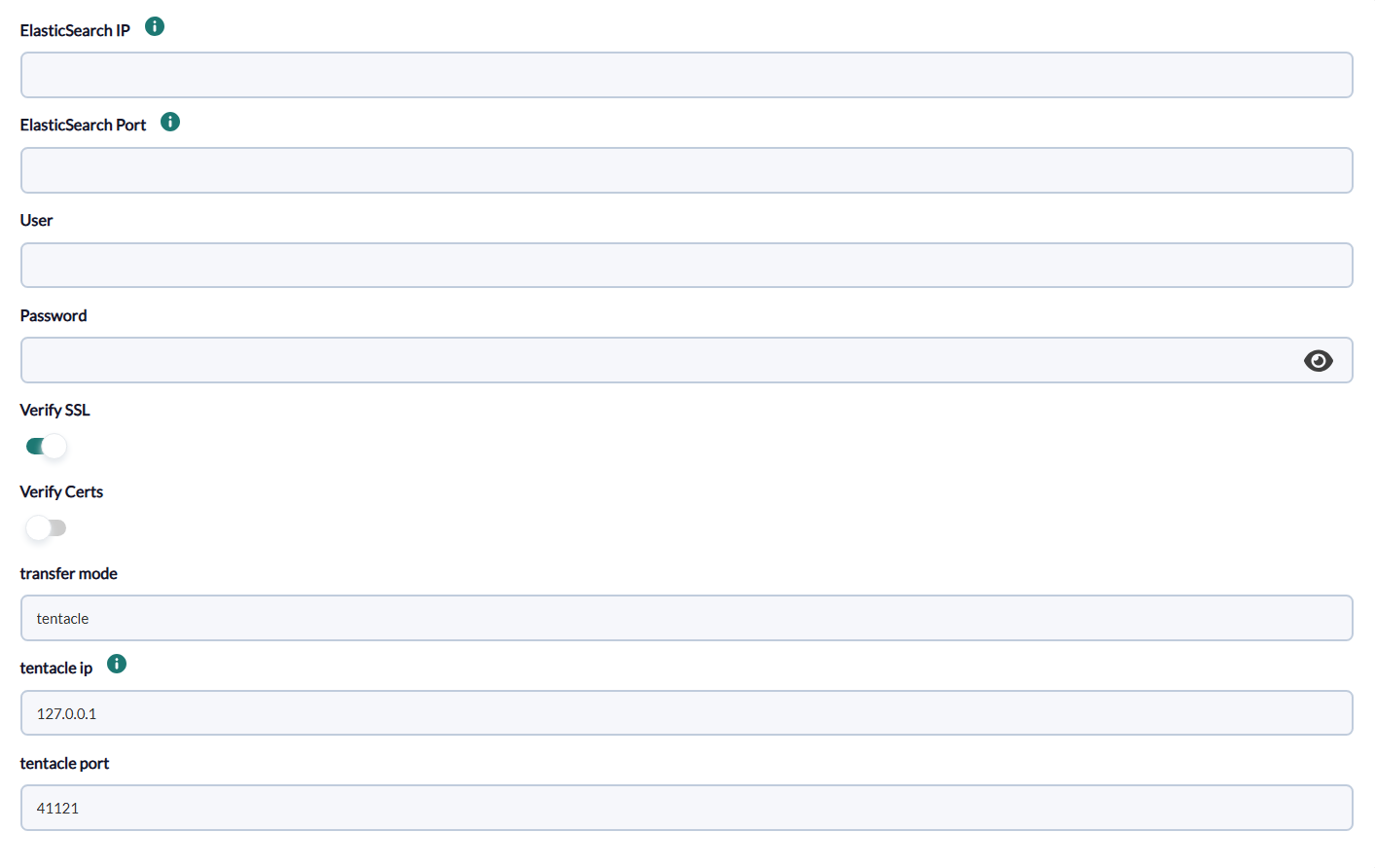
The following minimum information will be requested for each task:
ElasticSearch IP = elasticsearch server IP. (required)
ElasticSearch Port = specific port. (required)
User = username. (required)
Password = server password. (required)
Verify SSL = to verify if the URL has an https certificate. Active by default
Verify Certs = used to authenticate and encrypt communication between your client and the ElasticSearch cluster. Inactive by default.
transfer_mode = name of the transfer mode. (required)
tentacle_ip = IP address of the tentacle. (required)
tentacle_port = port of the tentacle. (required)
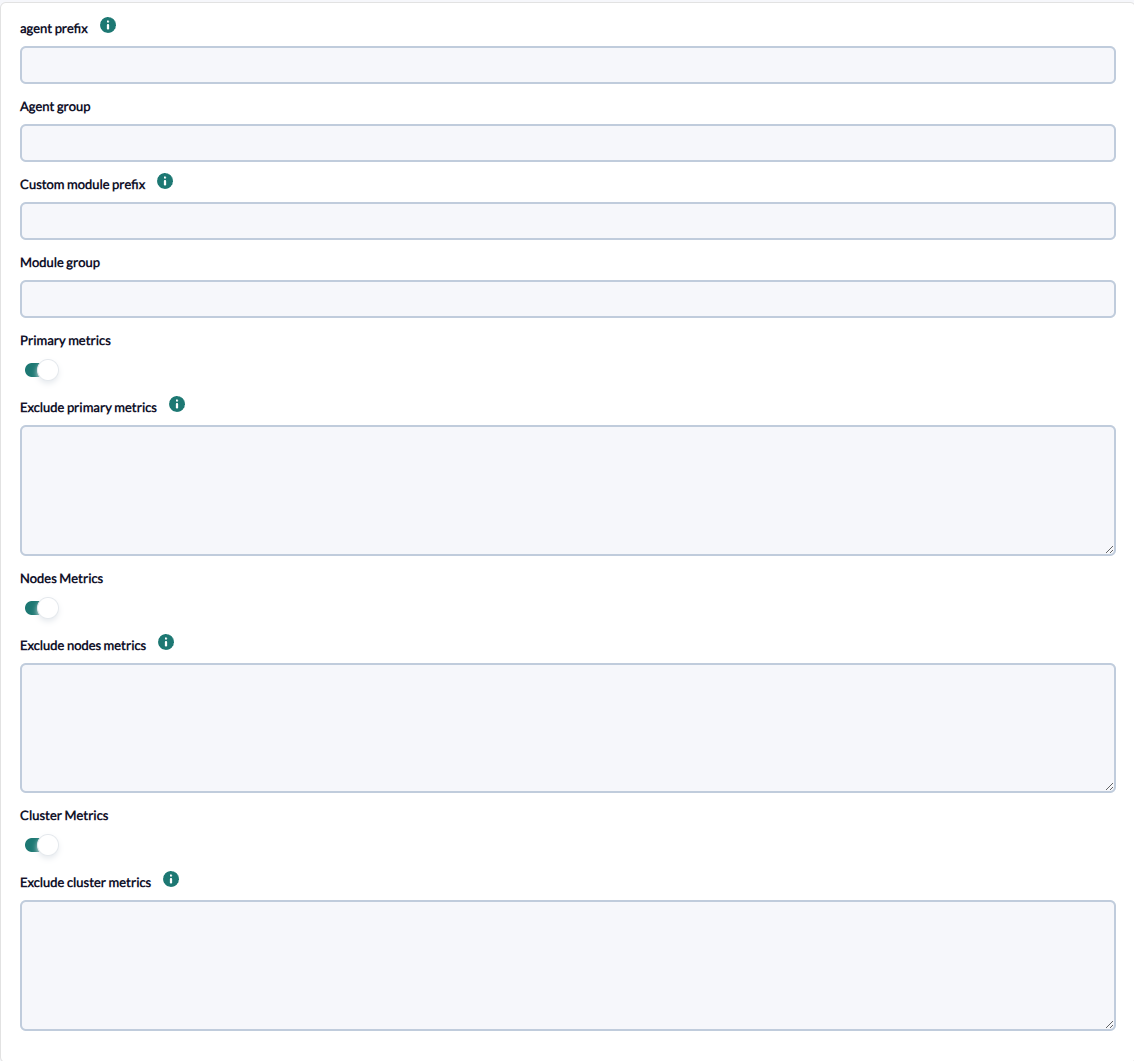
On the next page, we will be asked for the following:
agent prefix = prefix name for agents. (optional)
agents group = group name for agents. (optional)
custom module prefix = prefix name for modules. (optional)
module group = group name for modules. (optional)
Primary metrics = Enables obtaining primary shard metrics (required), active by default.
Exclude primary metrics = Excludes module metrics separated by commas or line by line, as many targets as you need. (optional)
Nodes metrics = Enables obtaining node metrics (required), active by default
Exclude node metrics = Excludes module metrics separated by commas or line by line, as many targets as you need. (optional)
Cluster metrics = Enables obtaining cluster metrics (required), active by default.
Exclude cluster metrics = Excludes module metrics separated by commas or line by line, as many targets as you need. (optional)
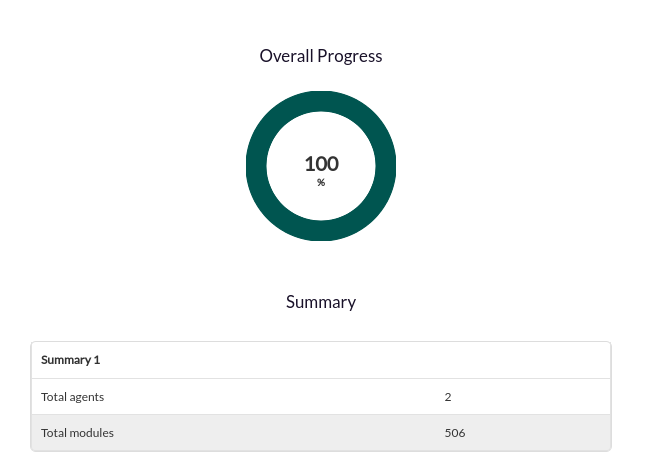
Successfully completed tasks will have an execution summary with the following information:
- Total agents: Total number of agents generated by the task.
- Total modules: Total number of modules generated by the task.