Discovery
This plugin can be integrated with Pandora FMS Discovery.
To do this, you must load the “.disco” package, which you can download from the Pandora FMS library.
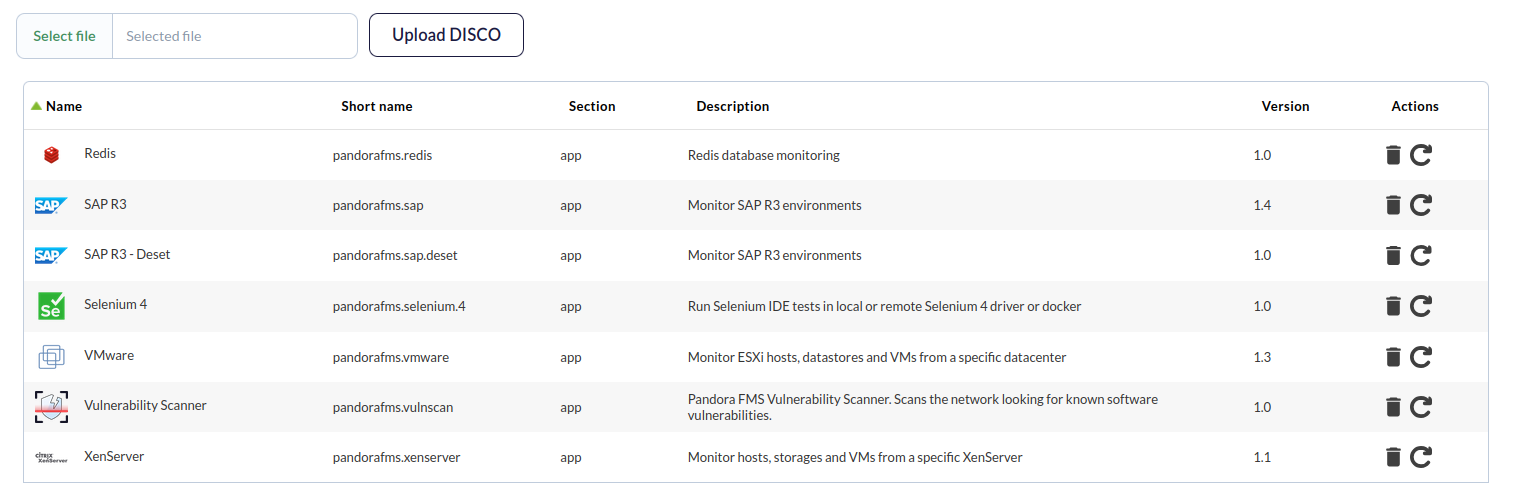 Once loaded, Microsoft SQL Server environments can be monitored by creating Discovery tasks from the Management > Discovery > Applications section.
For each task, the following minimum information will be requested:
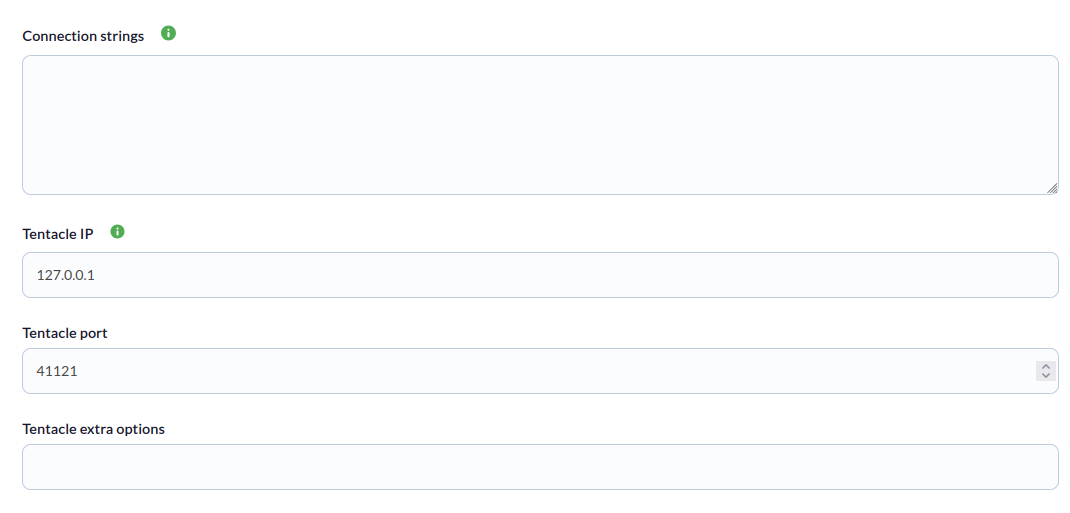
- Connection strings:
host='172.17.0.2', port=6379|redis_agent - Tentacle IP: IP address of the Tentacle server to which agent data should be sent. Normally, this parameter will not be modified.
- Tentacle Port: Port of the Tentacle server to which the data should be sent. Normally, this parameter will not be modified.
- Tentacle extra options: Additional options for sending data using the Tentacle client. Normally, this parameter will not be modified.
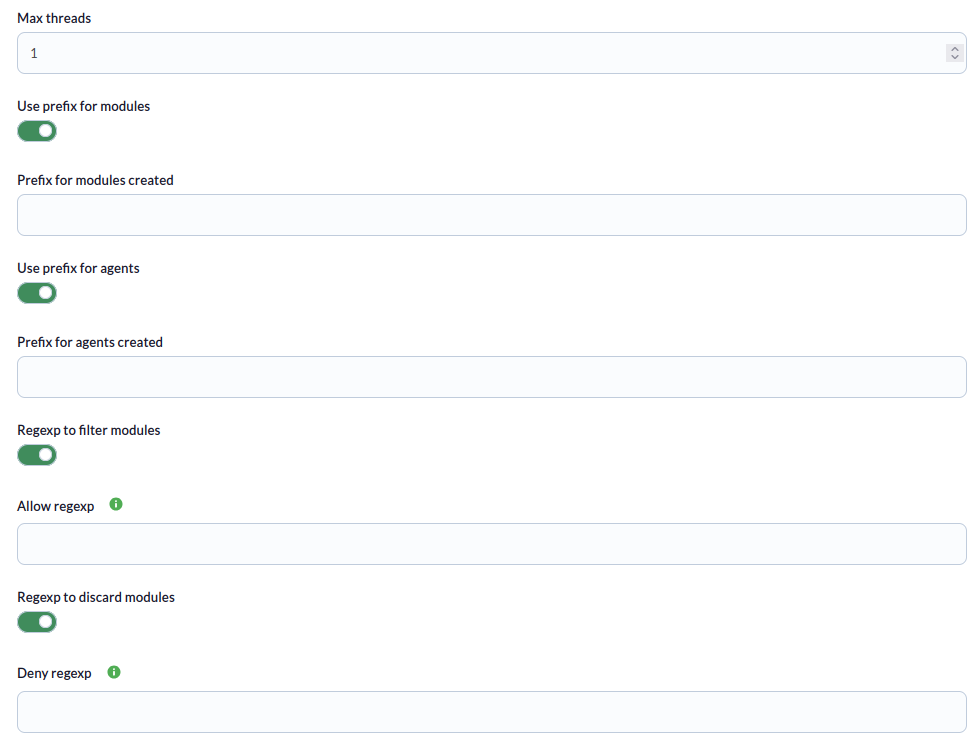
También se podrá ajustar la configuración de la tarea para personalizar la monitorización deseada:
- Max threads: To optimize execution time, multiple threads can be configured to monitor task agents. Keep in mind that configuring multiple threads can increase the CPU usage of the task.
- Use prefix for modules: Enable this token to specify a prefix.
- Prefix for modules created: Specify a prefix that will be added to the agents modules created.
- Use prefix for agents: Enable this token to specify a prefix.
- Prefix for agents created: Specify a prefix that will be added to the agents created.
- Regexp to filter modules: Enable this token to specify a regexp pattern for filtering.
- Allow regexp: Regex value; only modules that match this pattern will be created.
- Regexp to discard modules: Enable this token to specify a regexp pattern to discard.
- Deny regexp: Regex value, modules matching this pattern will be discarded.
-
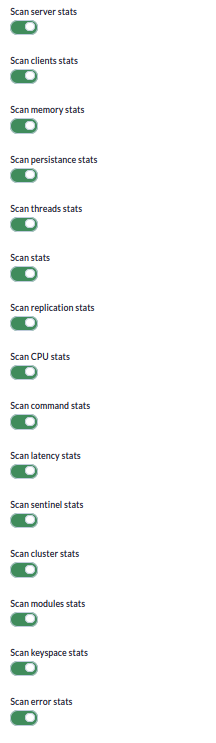
Scan server stats : If enabled, it will monitor server statistics.
-
Scan clients stats : If enabled, it will monitor client statistics.
-
Scan memory stats : If enabled, it will monitor memory statistics.
-
Scan persistance stats : If enabled, it will monitor persistence statistics.
-
Scan threads stats :If enabled, it will monitor thread statistics.
-
Scan stats : If enabled, it will monitor general Redis statistics.
-
Scan replication stats : If enabled, it will monitor replication statistics.
-
Scan CPU stats : If enabled, it will monitor CPU statistics.
-
Scan command stats : If enabled, it will monitor command statistics.
-
Scan latency stats : If enabled, it will monitor latency statistics.
-
Scan cluster stats : If enabled, it will monitor cluster statistics.
-
Scan modules stats : If enabled, it will monitor module statistics.
-
Scan keyspace stats : If enabled, it will monitor keyspace statistics.
-
Scan error stats : If enabled, it will monitor error statistics.
- Define tresholds: In this section, you can specify thresholds that will be applied to the modules. You can specify a module name to which the threshold will be applied, or a regexp pattern to add the threshold to modules containing that regexp.

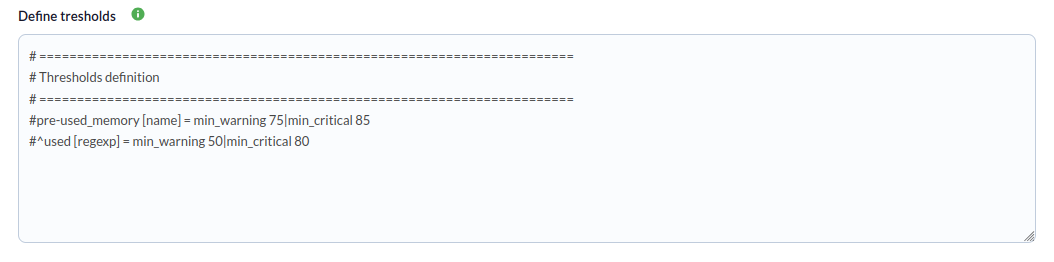
The syntax for specifying each query must be specified on a different line for each threshold and is as follows:
< name of module to apply the threshold to, or regexp pattern > [< type, name if it is a name or regexp if it is a pattern ] = threshold, separating each threshold with | >For example, if we want to apply thresholds to a specific module:
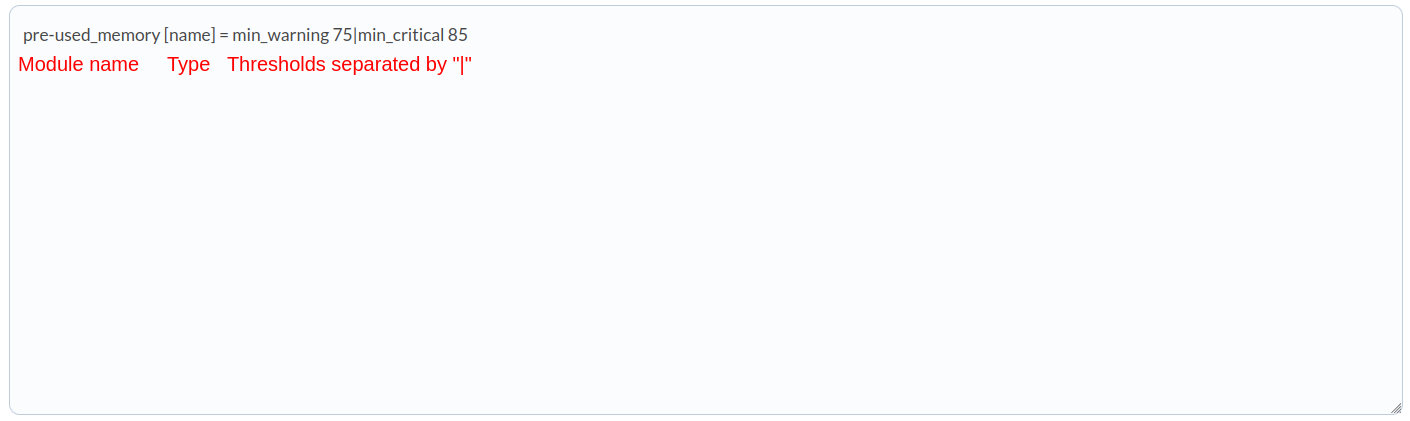
If we want to apply thresholds to a group of modules, determined by a regexp pattern:
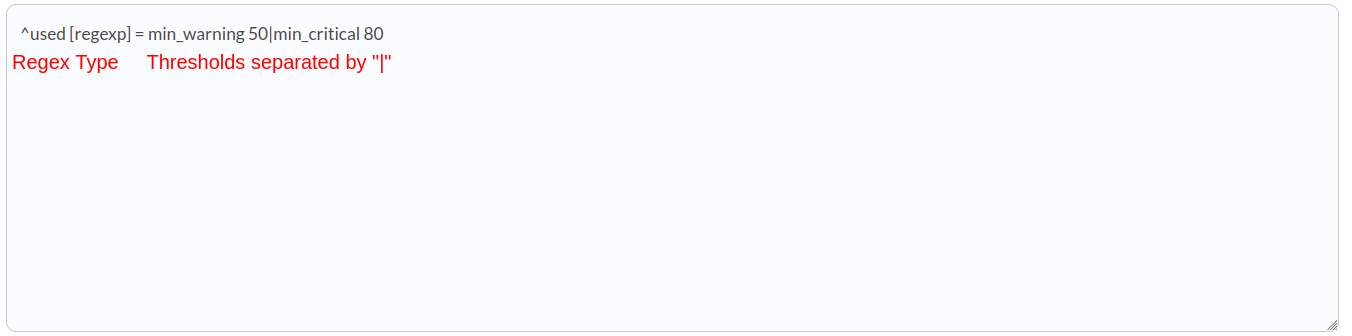
- Custom queries: Configuration block to define the custom queries to be executed. Each query will generate a new module for each task agent.
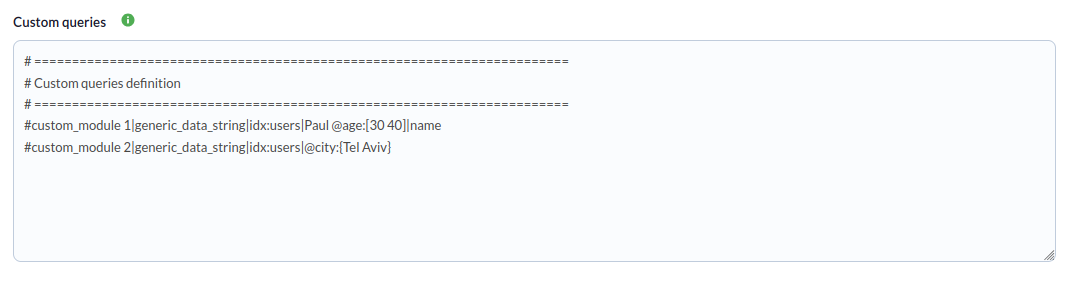
The syntax for specifying each threshold must be specified on a different line for each query and is as follows:
< module name > | < module type > | < index name > | < query > | < field (optional) >Example:
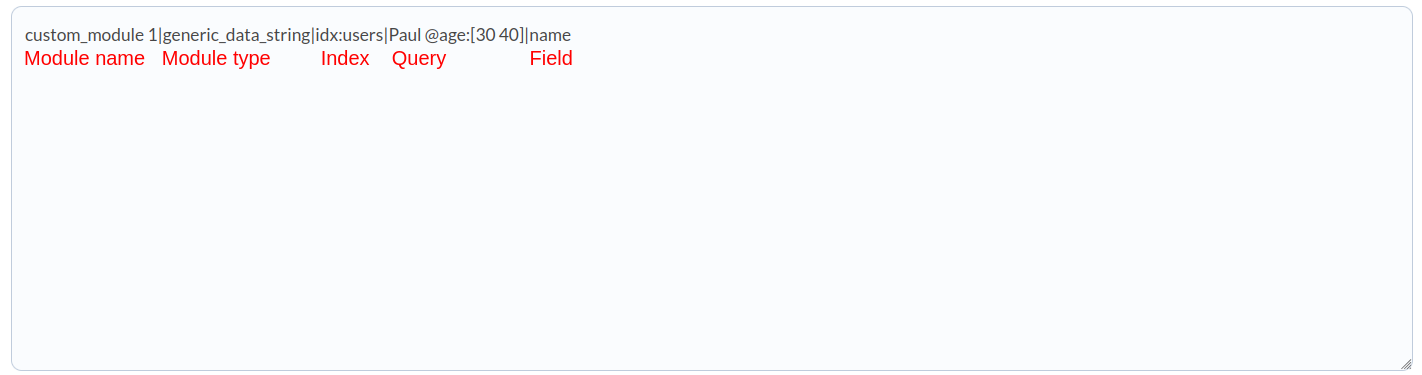
The field section is used to specify a “key” for the document from which to extract the value. If it is not used, or if the query returns multiple documents, the value will be the documents in string format.
Successfully completed tasks will have an execution summary with the following information:
- Total agents: Total agents generated by the task.

Tasks that are not successfully completed will have an execution summary recording the errors that occurred.