# Ejecución manual
Para ejecutar el plugin configure el archivo de configuración “*rabbitmq\_monitor.conf*” según las instrucciones precedentes.
Ejecución del plugin:
```
./rabbitmq_monitor rabbitmq_monitor.conf
```
Con as\_agent\_plugin 1:
Imprimirá por consola el XML con la información del RabbitMQ.
[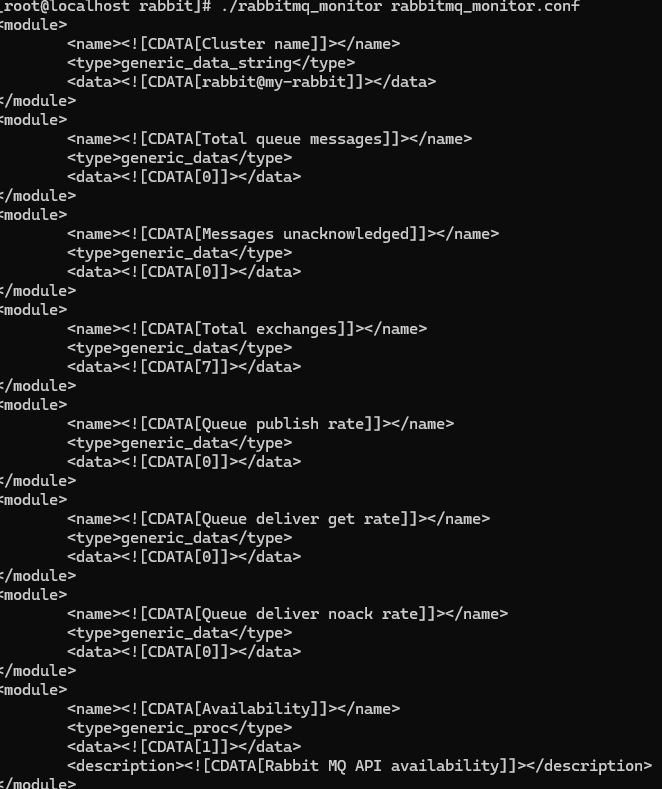](https://pandorafms.com/guides/public/uploads/images/gallery/2025-07/hP6image.png)
Con as\_agent\_plugin 0:
Creará el agente y los módulos asociados en Pandora, imprimiendo 1 como resultado final.
[](https://pandorafms.com/guides/public/uploads/images/gallery/2025-07/screenshot-2025-07-11-062033.png)