Plugin Mac inventory
Inventory plugin to list cpu, ram, network cards, disks and apps on your MAC.
- Introduction
- Compatibility matrix
- Pre requisites
- Configuration in PandoraFMS
- Data generated by the plugin
Introduction
Ver. 31-01-2022
With this plug-in we will be able to see list many data of our MAC and visualize them in the inventory.
Type: Agent plug-in
Compatibility matrix
Tested on :
| macOS High Sierra |
| macOS Mojave |
Agent version used
755
Pre requisites
It is required :
- To have the Mac EndPoint installed.
- Create the inventory modules manually (first time only).
Configuration in PandoraFMS
To make use of the plugin, you must download the Pandora FMS EndPoint for MAC, this can be done from the official sourceforge repository.
https://sourceforge.net/projects/pandora/files/Pandora%20FMS%207.0NG/755/macOS/
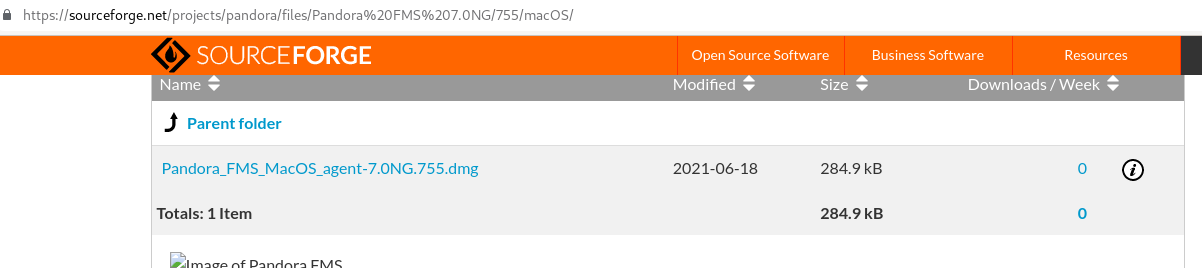
Once downloaded and installed, what we will have to do is to create the inventory modules manually (only the first time).
To do this we will access the inventory modules menu in configuration.
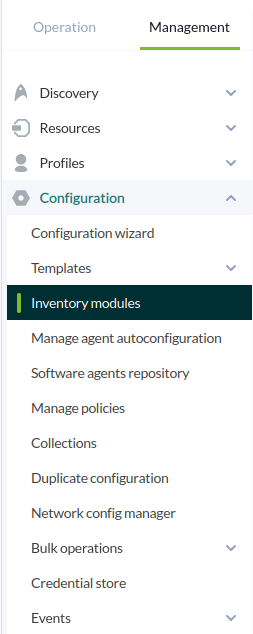
We will create a new inventory module and populate it as follows:

Once this is done we will create it, this same process must be done with the following modules:
- CPU
- RAM
-DISKS
-CARDS
-APPS
Once all the modules are created, the following thing will be to call the plugin, for it in the conf of the agent, at the end, we will add the following line:
module_plugin perl /inventario/mac_inventory.plThe path is the location of the script.
Once this is done, the information will arrive at each agent interval and we will be able to visualize it from the inventory.
Data generated by the plugin
The data will be created in the inventory section of the Mac EndPoint: