# Discovery
This plugin can be integrated with Pandora FMS Discovery.
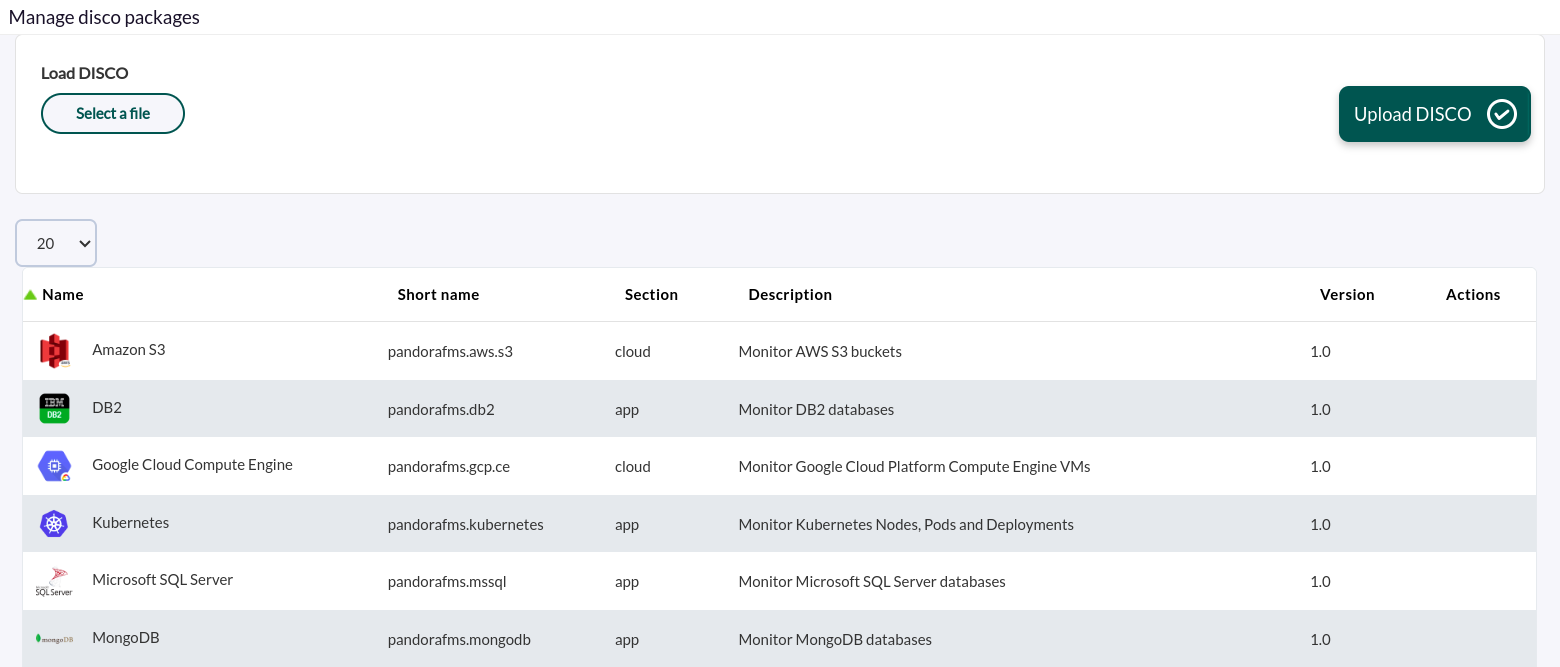
To do so, you must install the ".disco" package, which you can download from the Pandora FMS repository:
[https://pandorafms.com/library/](https://pandorafms.com/library/)
[](https://pandorafms.com/guides/public/uploads/images/gallery/2023-10/HI1image.png)
Once loaded, you can monitor MongoDB environments by creating Discovery tasks from the Management > Discovery > Applications section.
For each task, the following minimum information will be required:
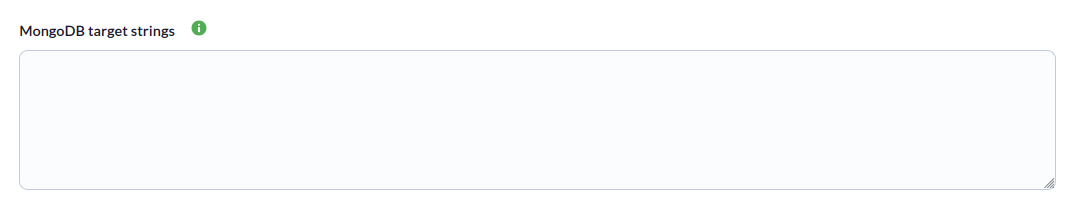
- **MongoDB target strings :** List of target instances, separated by commas or new lines. You must specify the connection URI for each one. Example: mongodb://172.17.0.2:27017 or [mongodb://monitor\_user:s3cur3P@ss@mongo-prod-01.internal.company.com:27017/monitoring?authSource=admin](mongodb://monitor_user:s3cur3P@ss@mongo-prod-01.internal.company.com:27017/monitoring?authSource=admin).
If you want to monitor specific databases within an instance, you must specify them using "|" and separate each database with ";".
Example:
```
mongodb://172.17.0.7:27017|pandora_db;pandora_db2
```
If you want to exclude specific databases from a query, you must specify them using "|" and separate each database with ";", including an exclamation mark ! before the "|" :
Example :
```
mongodb://172.17.0.7:27017!|pandora_db;pandora_db2
```
[](https://pandorafms.com/guides/public/uploads/images/gallery/2026-02/captura-desde-2026-02-04-14-13-37.png)
You can also adjust the task settings to customize the monitoring as desired:
- **Max threads**: To optimize execution time, multiple threads can be configured to monitor the task's agents. Note that configuring multiple threads may increase the task's CPU usage.
- **Target agent**: List of target agents for the MongoDB targets to be monitored. These are the names that will be used to generate the agents for each target defined in the task. This will be a comma-separated or line-separated list. The position of the names in the list must match the position of the MongoDB targets in their respective lists; that is, the first name will be used for the first target, and so on. If the list is line-separated, blank lines will be ignored. If no agent name is specified for a target, its name will be used as the agent name.
- **Use prefix for modules:** Enable this token to be able to specify a custom prefix for the created modules.
- **Custom prefix for modules:** Prefix for created modules.
- **Scan databases:** Enable this token to monitor the databases of the configured instances.
- **Create agent per database:** Enable this token to generate one agent for each database generated.
- **Custom database agent prefix:** Prefix for the created database agents. [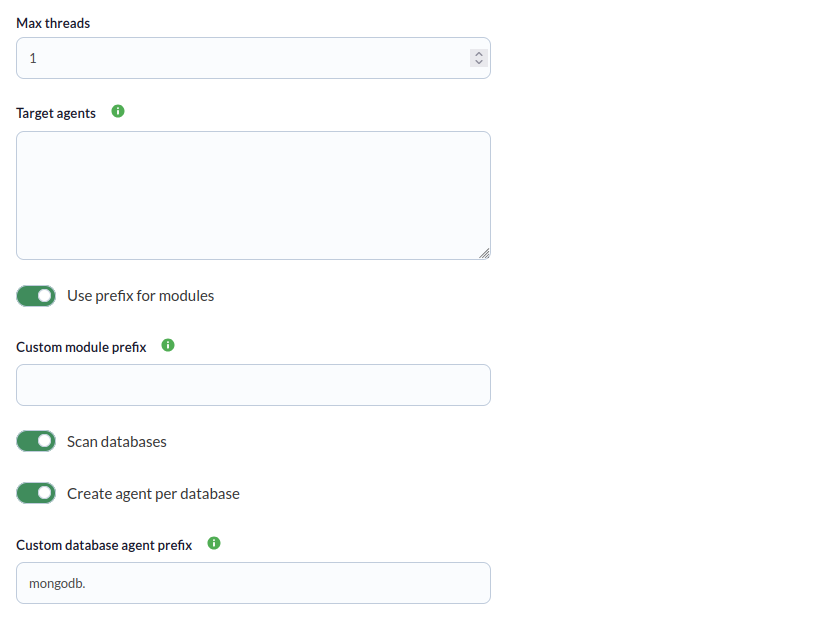](https://pandorafms.com/guides/public/uploads/images/gallery/2026-03/TmPcaptura-desde-2026-03-30-16-08-03.png)
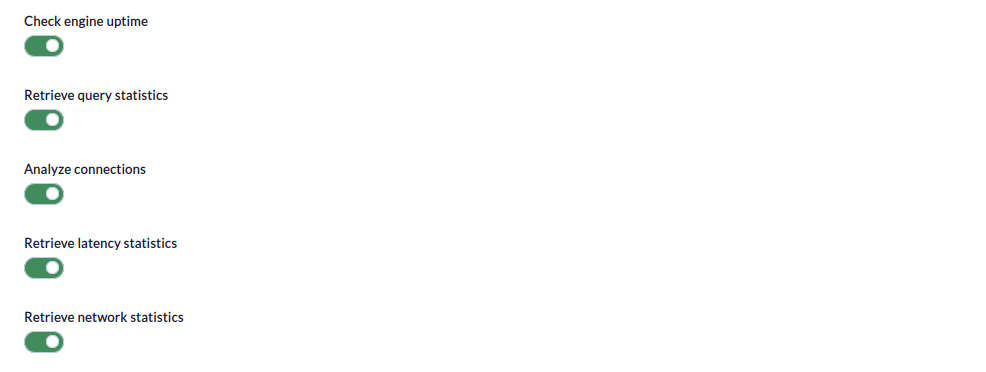
- **Check engine uptime**: If enabled, this will monitor the uptime of the targets.
- **Retrieve query statistics:** If enabled, this will monitor query statistics.
- **Analyze connections:** If enabled, this will monitor connections.
- **Retrieve latency statistics:** If enabled, this will monitor latency.
- **Retrieve network statistics:** If enabled, this will monitor networks.
[](https://pandorafms.com/guides/public/uploads/images/gallery/2026-02/captura-desde-2026-02-04-14-36-32.png)
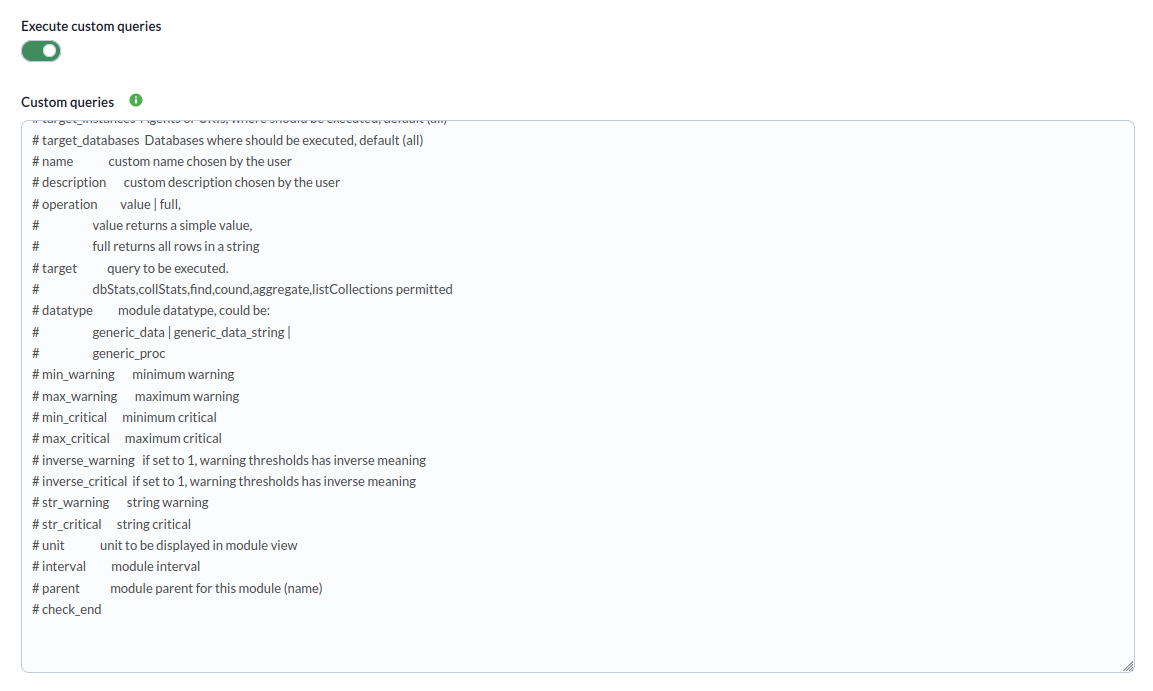
Finally, you can configure custom queries in the last step of the task (optional).
- **Run custom queries**: If enabled, this allows you to run custom queries.
- **Custom queries:** In this window, you can specify the custom modules with the desired custom queries (see the "Parameters" section for the correct configuration syntax)
[](https://pandorafms.com/guides/public/uploads/images/gallery/2026-02/captura-desde-2026-02-04-14-16-07.png)
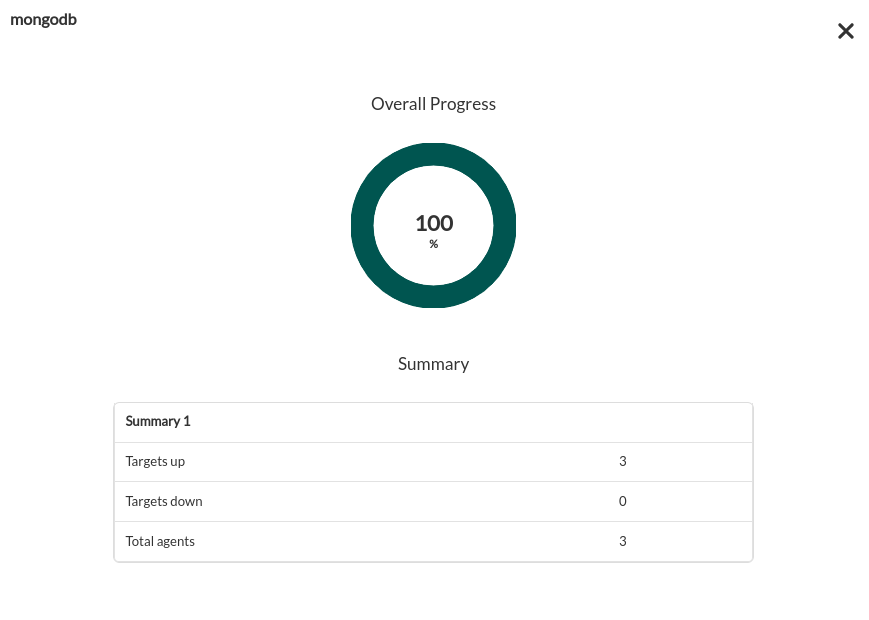
Tasks that are successfully completed will include an execution summary containing the following information:
- **Total agents:** Total number of agents generated by the task.
- **Targets up:** Total number of targets that could be connected to.
- **Targets down:** Total number of targets that could not be connected to.
[](https://pandorafms.com/guides/public/uploads/images/gallery/2023-10/B2Qimage.png)
Tasks that are not completed successfully will include an execution summary listing the errors that occurred.