Configuration
To monitor an IBM Z Series Mainframe, copy the sample configuration file into the configuration directory:
cp agent.conf.sample /etc/pandora/conf/agent_name.confThe newly created configuration file can have any name, but its extension must be .conf. Edit it and configure the following options:
-
agent_name: Agent name. This name will be displayed in the Pandora FMS console.
-
dataportal_url: URL used to access the RMF Data Portal. (for example http://127.0.0.1:8803)
-
dataportal_user: Username used to access the RMF Data Portal.
-
dataportal_pass: Password used to access the RMF Data Portal.
Start the mainframe agent:
/etc/init.d/mf_server startTo add metrics to the agent, open your Pandora FMS console, go to Operation → Z/OS, and click on the RMF Data Portal Browser tab.
Fill in the following information and click Browse:
-
RMF IP address: RMF Data Portal IP address and port (127.0.0.1:8803). If no port is specified, port 8803 is used by default.
-
User: Username used to access the RMF Data Portal.
-
Password: Password used to access the RMF Data Portal.
-
Depth: Maximum depth of the resource tree. The first level will be a SYSPLEX, the second MVS images, the third the I/O subsystem, processor, and so on.
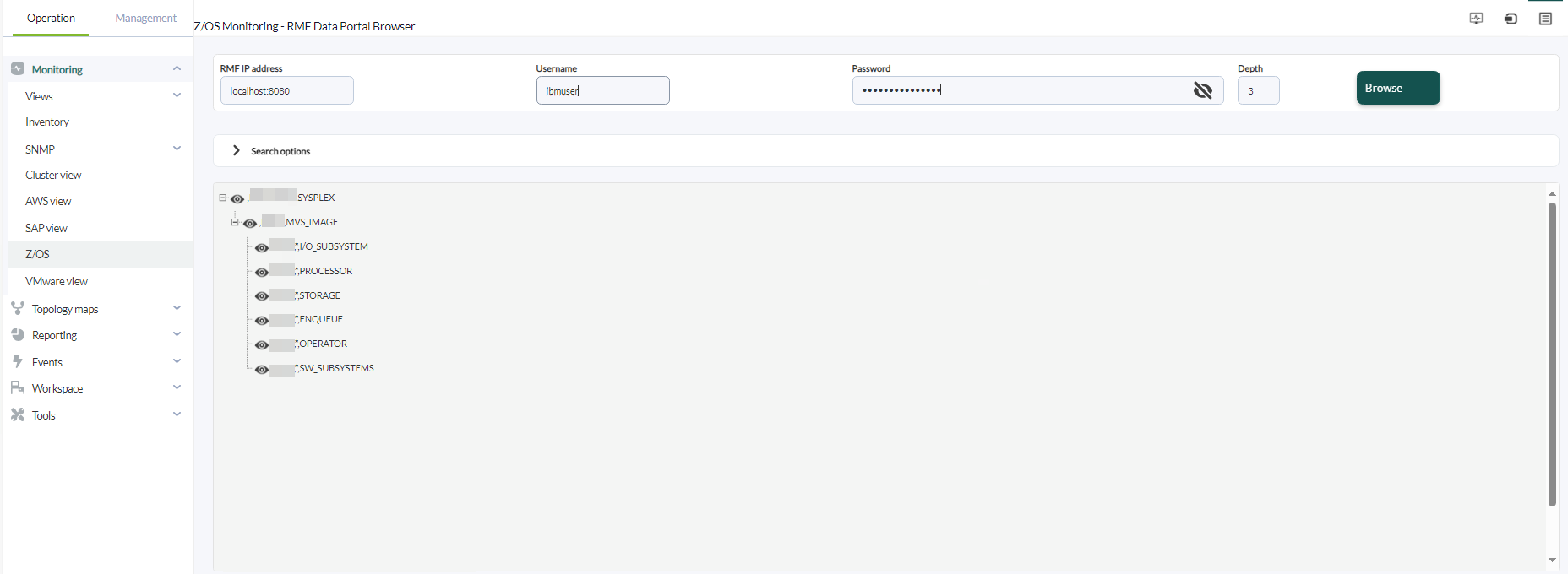
Select the desired resource and click the magnifying glass icon to display a list of all available metrics.
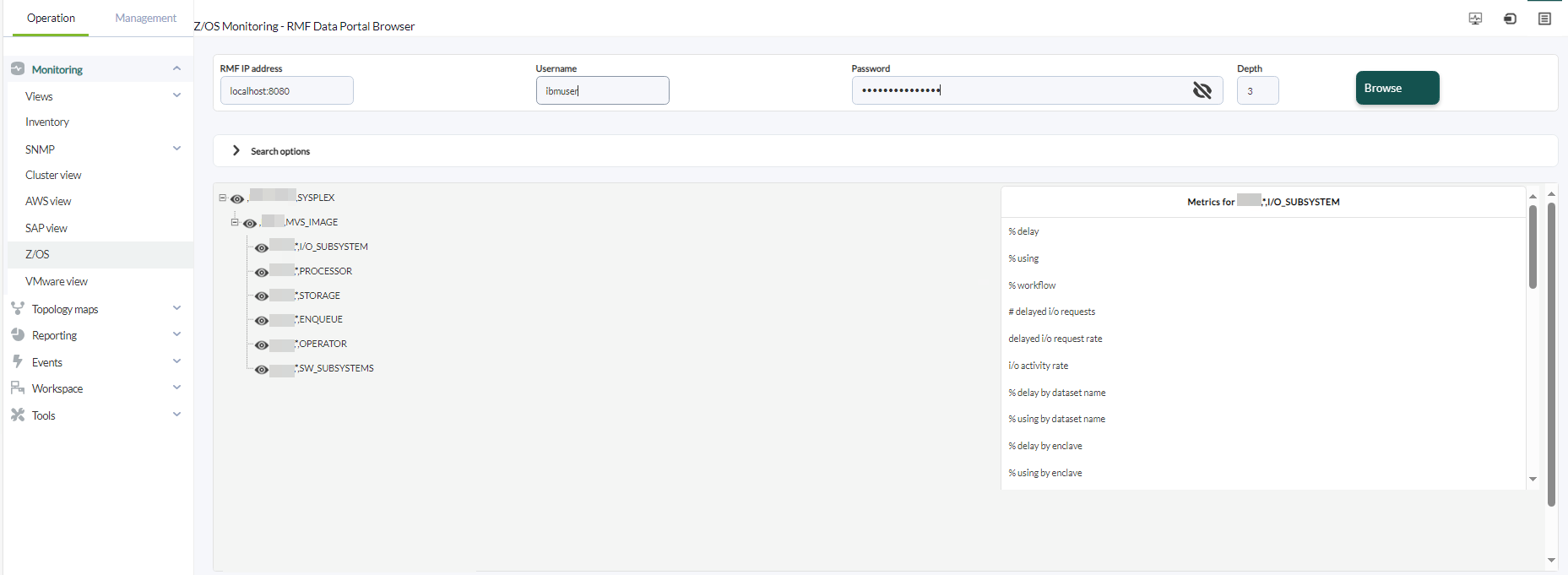
When you click on a metric, a window will open showing the code to paste into the agent configuration file.

Copy it, close the window, and click on the Mainframe tab.
Click the remote configuration icon and paste the code into the configuration file.


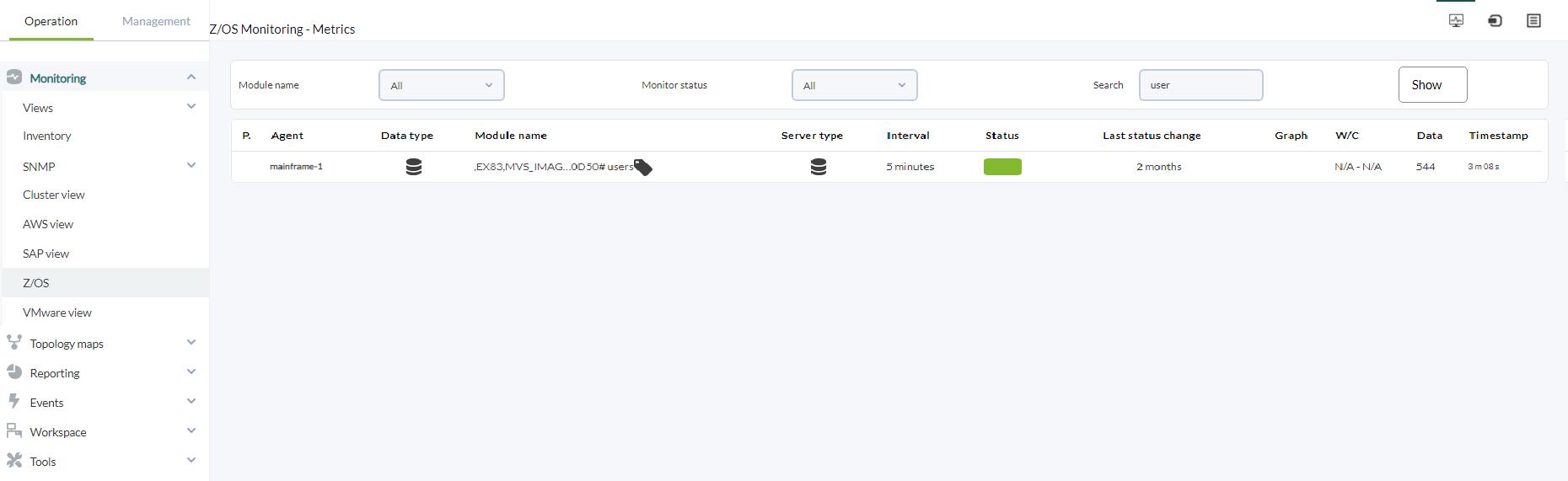
Click on the Metrics tab and wait for the data to appear.