Le fichier a été téléchargé lors de l'étape précédente.
Cliquez sur le bouton droit de la souris sur ***Run as administrator** **ENTER.*** [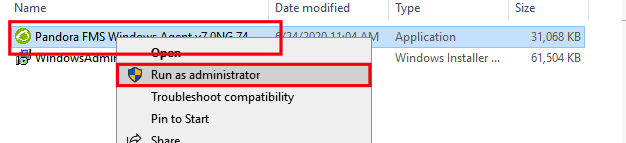](https://pandorafms.com/guides/public/uploads/images/gallery/2020-10/image-1603235311875.png) **Sélectionnez *More info.*** [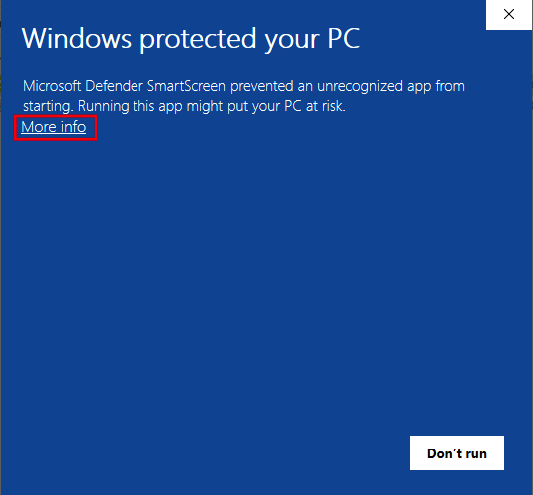](https://pandorafms.com/guides/public/uploads/images/gallery/2020-10/image-1603235349862.png) Sélectionnez ***Run anyway.*** [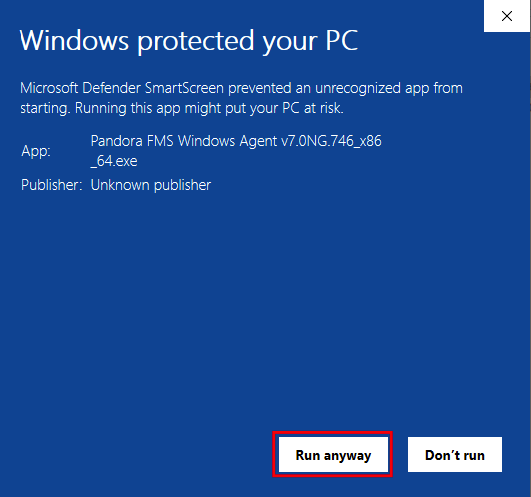](https://pandorafms.com/guides/public/uploads/images/gallery/2020-10/image-1603235374326.png) Sélectionnez la langue, dans mon cas ***English** **OK.*** [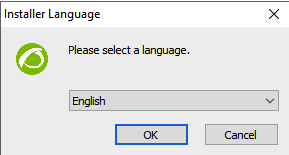 ](https://pandorafms.com/guides/public/uploads/images/gallery/2020-10/image-1603235432964.png)Sélectionnez ***Next*.** [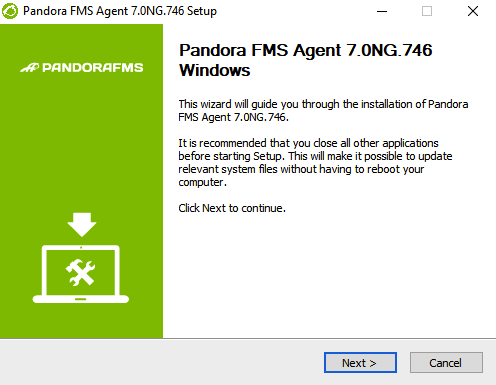](https://pandorafms.com/guides/public/uploads/images/gallery/2020-10/image-1603235483407.png) Sélectionnez ***I Agree.*** [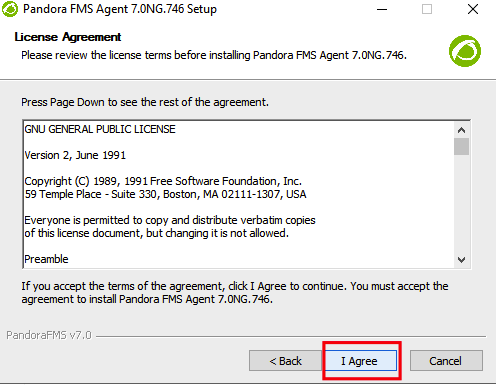](https://pandorafms.com/guides/public/uploads/images/gallery/2020-10/image-1603235501286.png) Sélectionnez ***Install.*** [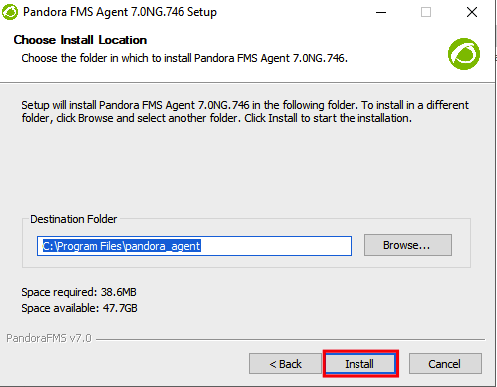](https://pandorafms.com/guides/public/uploads/images/gallery/2020-10/image-1603235533131.png) Attendez que l'installation soit terminée. [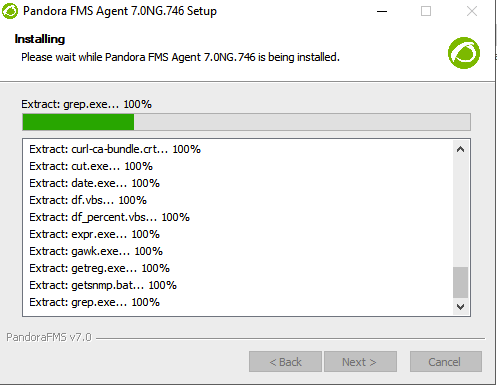](https://pandorafms.com/guides/public/uploads/images/gallery/2020-10/image-1603235554912.png) Ajoutez l'adresse IP de votre serveur Pandora FMS, dans cet exemple **172.15.75.20 et** sélectionnez ***Next*.** [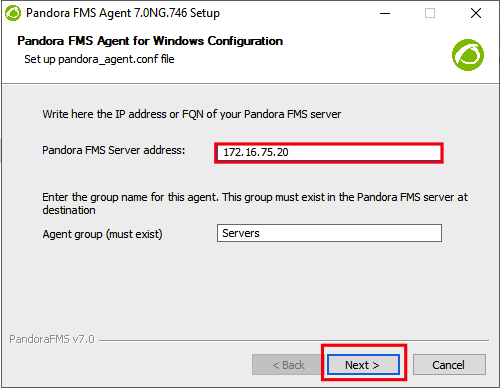](https://pandorafms.com/guides/public/uploads/images/gallery/2020-10/image-1603235576160.png) Sélectionnez **Next,** si vous avez un serveur Enterprise et vous voulez activer **remote config,** sélectionnez cette configuration. [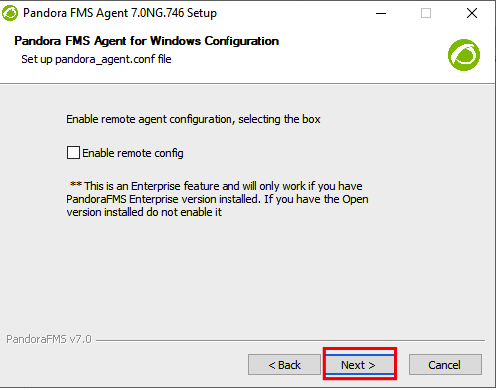](https://pandorafms.com/guides/public/uploads/images/gallery/2020-10/image-1603235594700.png) Enlever la coche sur ***Show Readme*** et confirmer avec ***Finish*.** [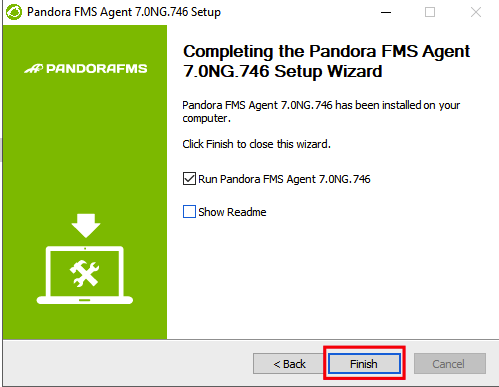](https://pandorafms.com/guides/public/uploads/images/gallery/2020-10/image-1603235668995.png) Nous voyons que le service d'agent est lancé. [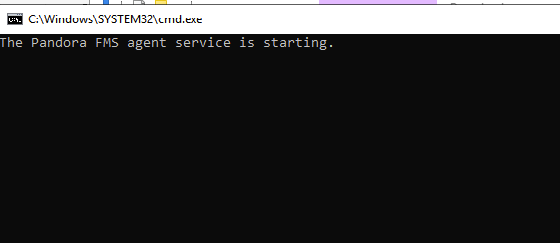](https://pandorafms.com/guides/public/uploads/images/gallery/2020-10/image-1603235929467.png) **[< PRÉCÉDENT](https://pandorafms.com/guides/public/books/installation-de-lagent-pandora-fms-sur-windows-server-2019/page/telecharger-lagent-pandora-fms) [SUIVANT >](https://pandorafms.com/guides/public/books/installation-de-lagent-pandora-fms-sur-windows-server-2019/page/voir-lagent-dans-la-console-web)**