**The script supports the following Linux distributions: CentOS 7, CentOS 8, Debian 9.x or later, Ubuntu 18.x or later, Raspbian 9.x and Raspberry OS 10.x.**
**An internet connection is required since the agent is downloaded as part of the process**
We enter the agent directory and then execute it with the following command: > **./Install\_agent.sh \[server\]** A practical example would be: **./Install\_agent.sh 192.168.110.20,** where the IP address 192.168.110.20 corresponds to our **Pandora FMS** server. The script automatically detects which is the Linux distribution. In this guide we will see the example with a Raspberry PI, but we will obtain a similar result in any of the distributions supported by the same We see the execution example: [](https://pandorafms.com/guides/public/uploads/images/gallery/2020-11/image-1604193593648.png) We wait for the script to finish executing, it takes a few minutes depending on the internet connection we have to carry out the process: [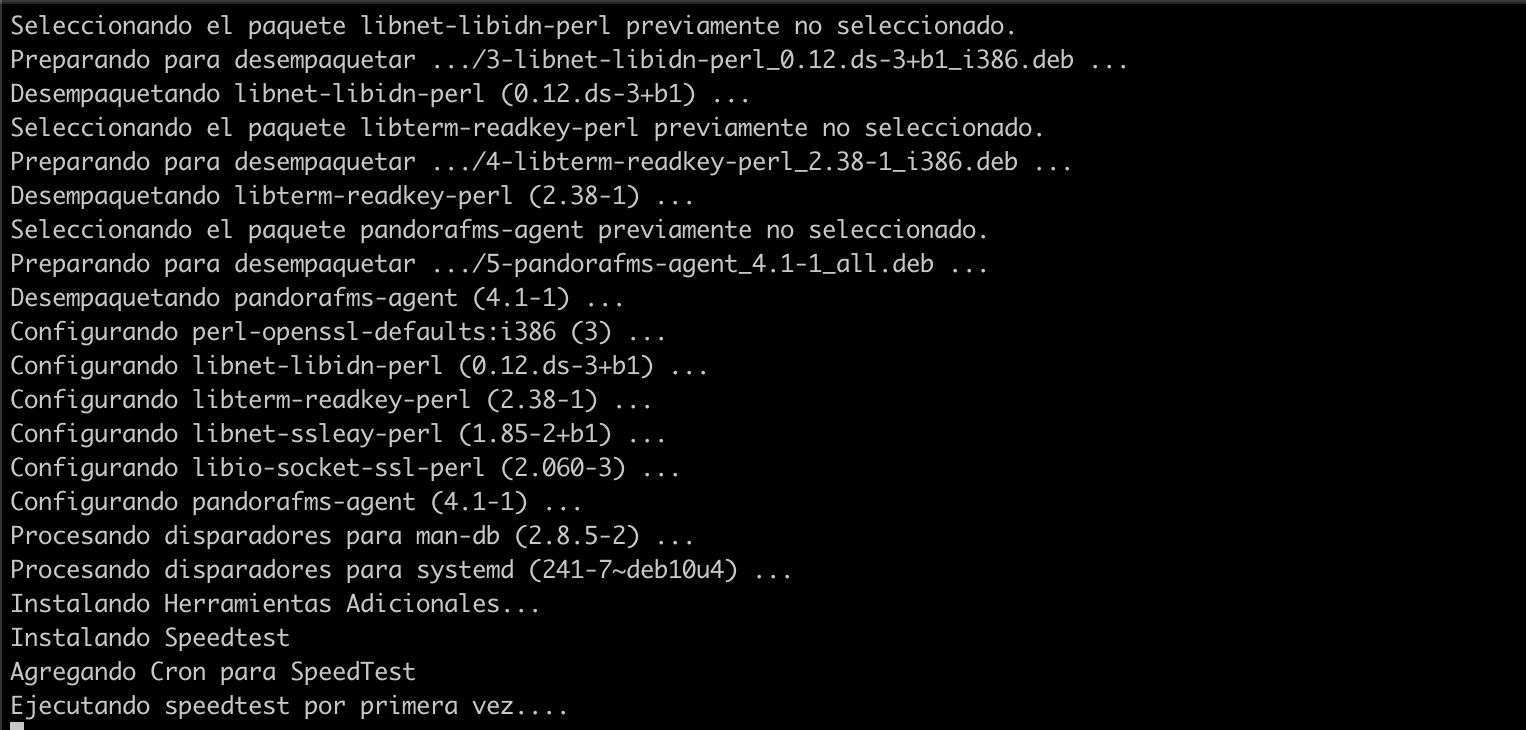](https://pandorafms.com/guides/public/uploads/images/gallery/2020-11/image-1604193682897.png) [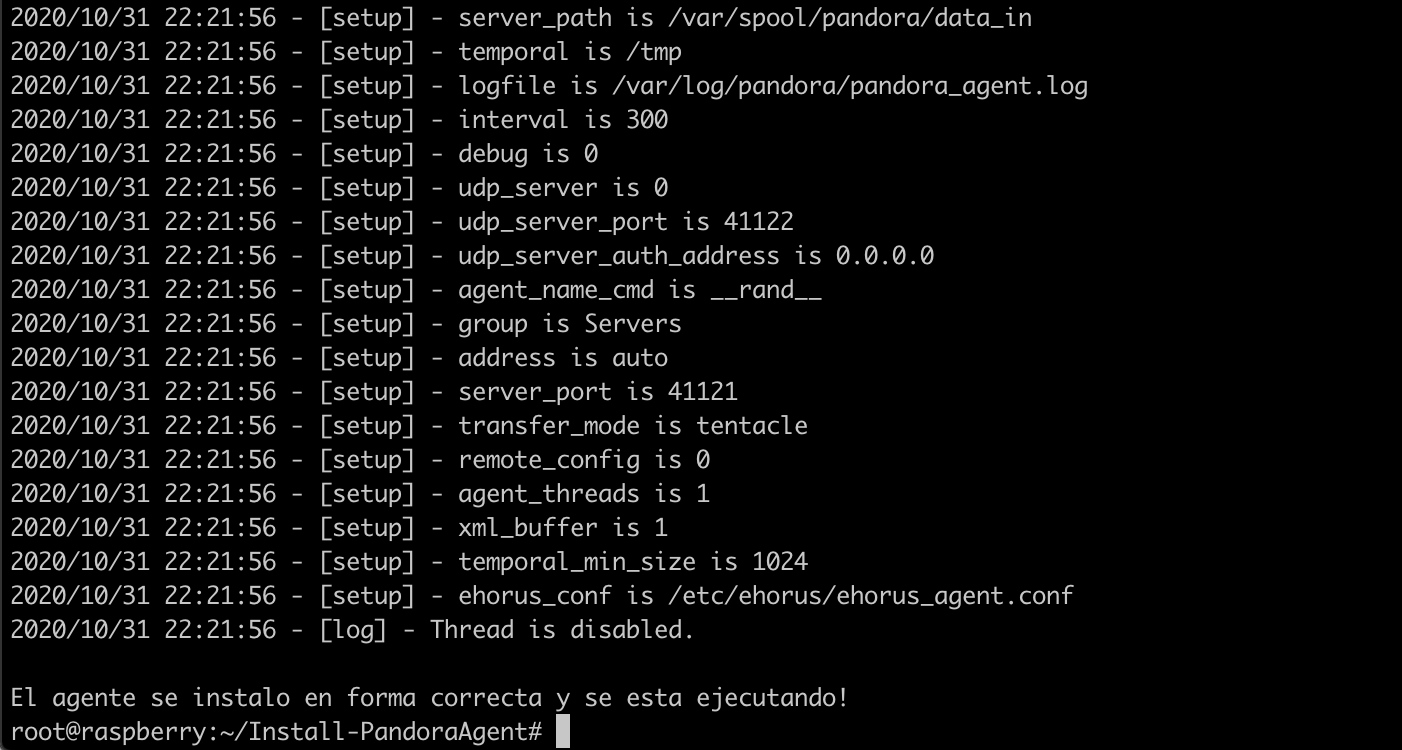](https://pandorafms.com/guides/public/uploads/images/gallery/2020-11/image-1604194323764.png)