The agent will have the basic values of the operating system and will run a **Speed Test** *every half hour* and you will be ready to analyze the speed of internet link.
**What are we going to monitor in GNU/Linux?** We are going to see the values that are important to take into account in the health of an operating system which are:Disk usage percentage CPU wait time CPU usage Network usage Internet speed (Speed Test)
The internet speed measurement is done using the GNU/Linux client on the page [https:/ /www.speedtest.net/](https://www.speedtest.net/) a very reliable tool for this type of testing: [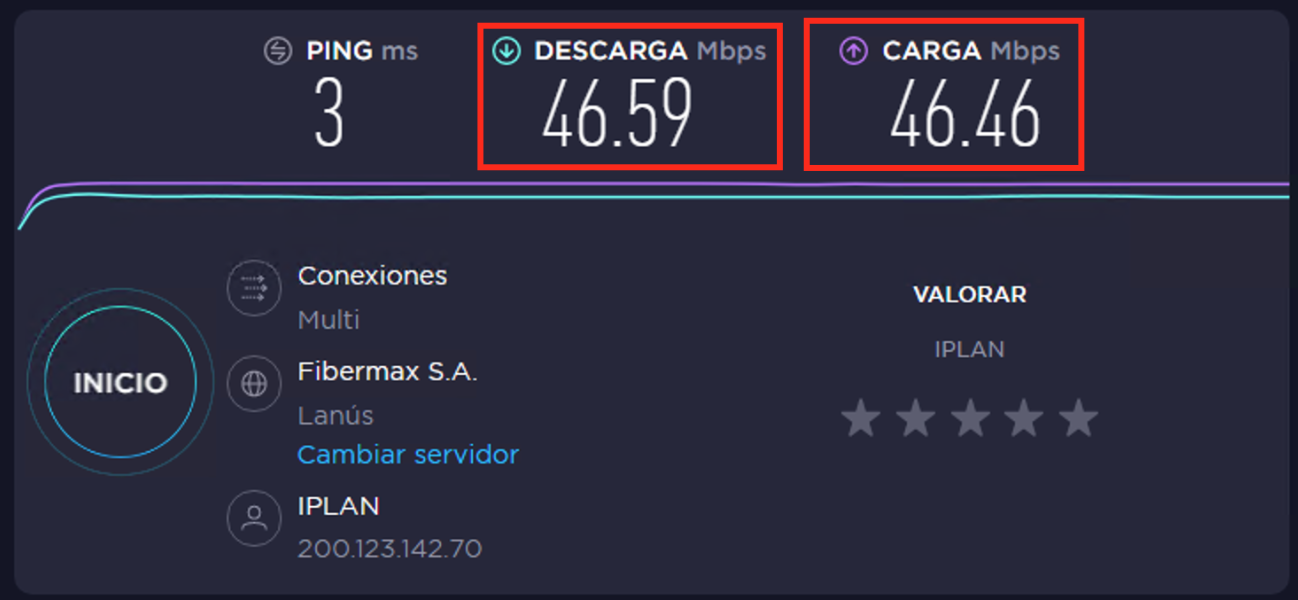](https://pandorafms.com/guides/public/uploads/images/gallery/2020-11/image-1604327078152.png)