Apache Enterprise Plugin
This plugin allows to monitor the Apache web server status using the module mod_status.
- Introduction
- Compatibility matrix
- Configuration
- General plugin parameters
- Plugin specific parameters
- Manual execution
- Pandora Configuration
- Modules generated by the plugin
Introduction
This plugin allows to monitor the Apache web server status using the module_plugin.
Compatibility matrix
| Tested and developed with | Rocky linux 8/9, Fedora 34 |
| Expected to work with | Any linux system |
you need to have installed the version of Apache 1.3 and higher
Configuration
To be able to use the apache service (httpd) we need to make the following configuration
enable status in the apache configuration file, it is necessary to create the file inside the conf.d path to access:
cd /etc/httpd/conf.d/then create the file with .conf extension
touch server-status.confor create and edit it directly, from any path
vim /etc/httpd/conf.d/server-status.confOpen it and add the following :
ExtendedStatus On

<Location "/server-status">
    SetHandler server-status
    Require valid-user

    AuthType Basic
    AuthName "Restricted Access"
    AuthUserFile /etc/httpd/.htpasswd

</Location>
assign a password:
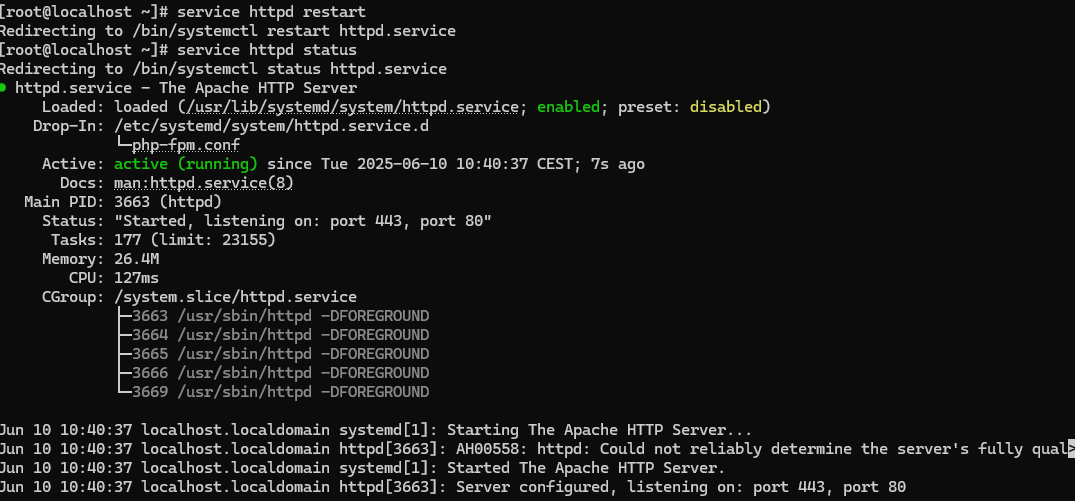
sudo htpasswd -c /etc/httpd/.htpasswd adminrestart apache and verify that everything is correct:
General plugin parameters
The parameters necessary for the monitoring to be provided by the area requiring monitoring services are:
./pandora_apache -url <target url> -user <username> -pass <password user>example of execution

Plugin specific parameters
The plugin has the following parameters:
| Parameter | Description |
| -url | specific url |
| -user | username to authenticate to Apache. |
| -pass | password to authenticate to Apache. |
Example of help:
./pandora_apache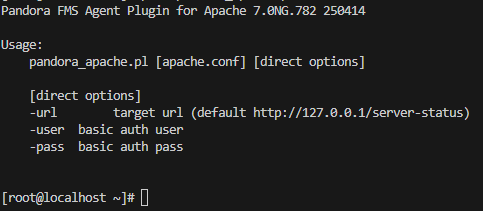
Manual execution
The plugin execution format is as follows:
./pandora_apache -url <target url> -user <username> -pass <password user>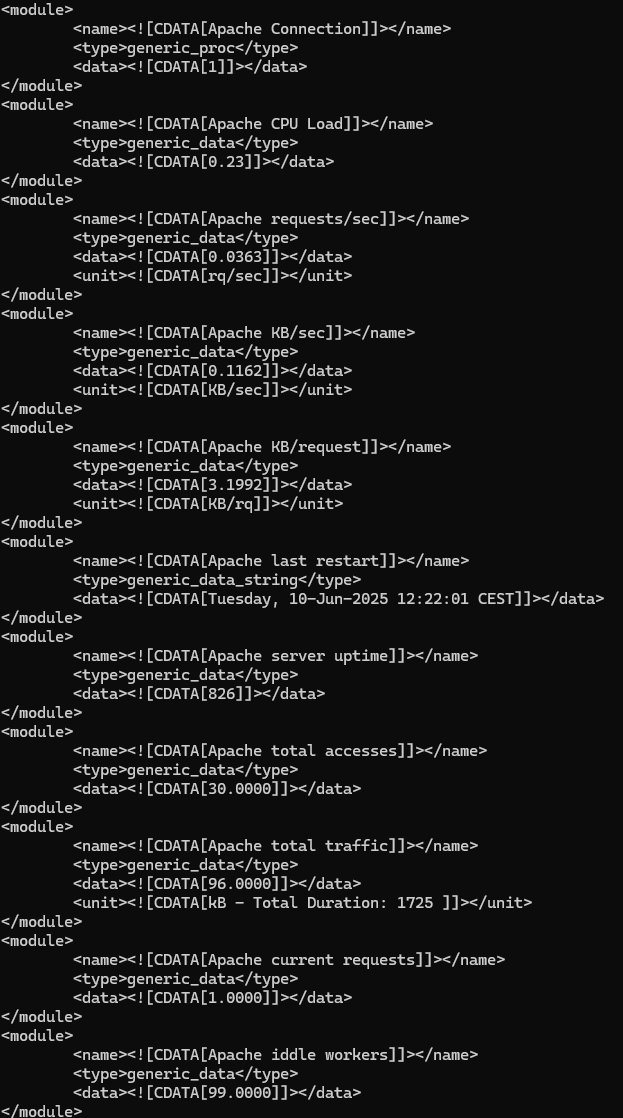
Pandora Configuration
In the pandora terminal, once downloaded, we will move it to the /etc/pandora/plugins folder, which is where we place the agent plugins.
We will give permissions to the file with :
chmod 755 pandora_apacheThen we will go to the pandora agent, located in /etc/pandora, open the conf and at the bottom we put :
module_plugin /etc/pandora/plugins/pandora_apache -url (apache_url_to_server_status) -user (user) -pass (password)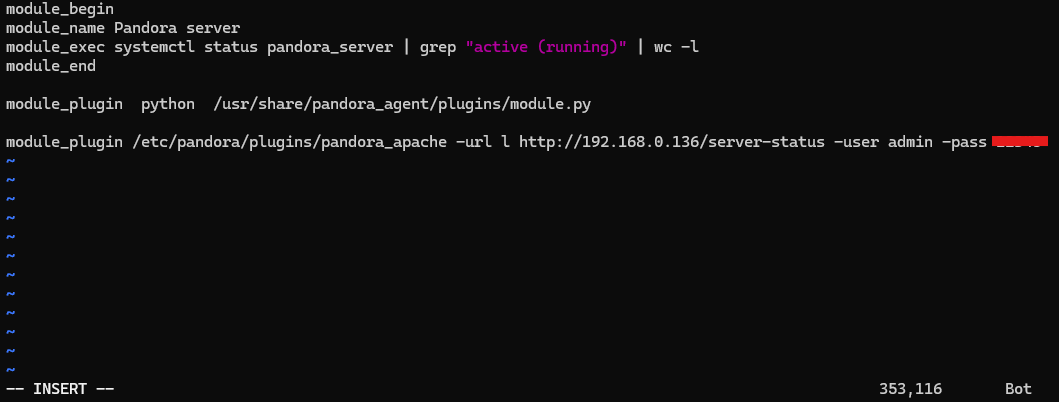
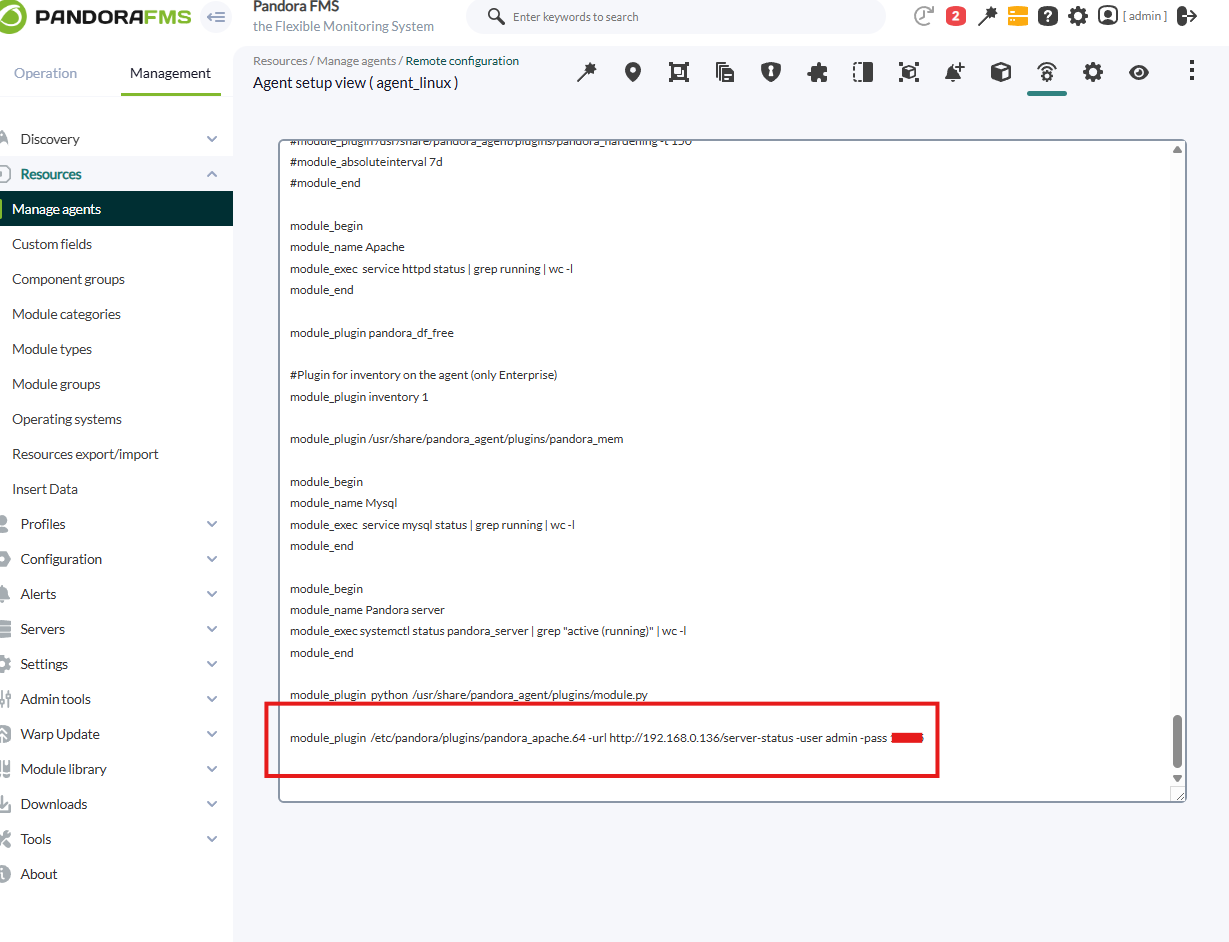
In the enterprise version we will be able to do it by remote configuration.
Modules generated by the plugin
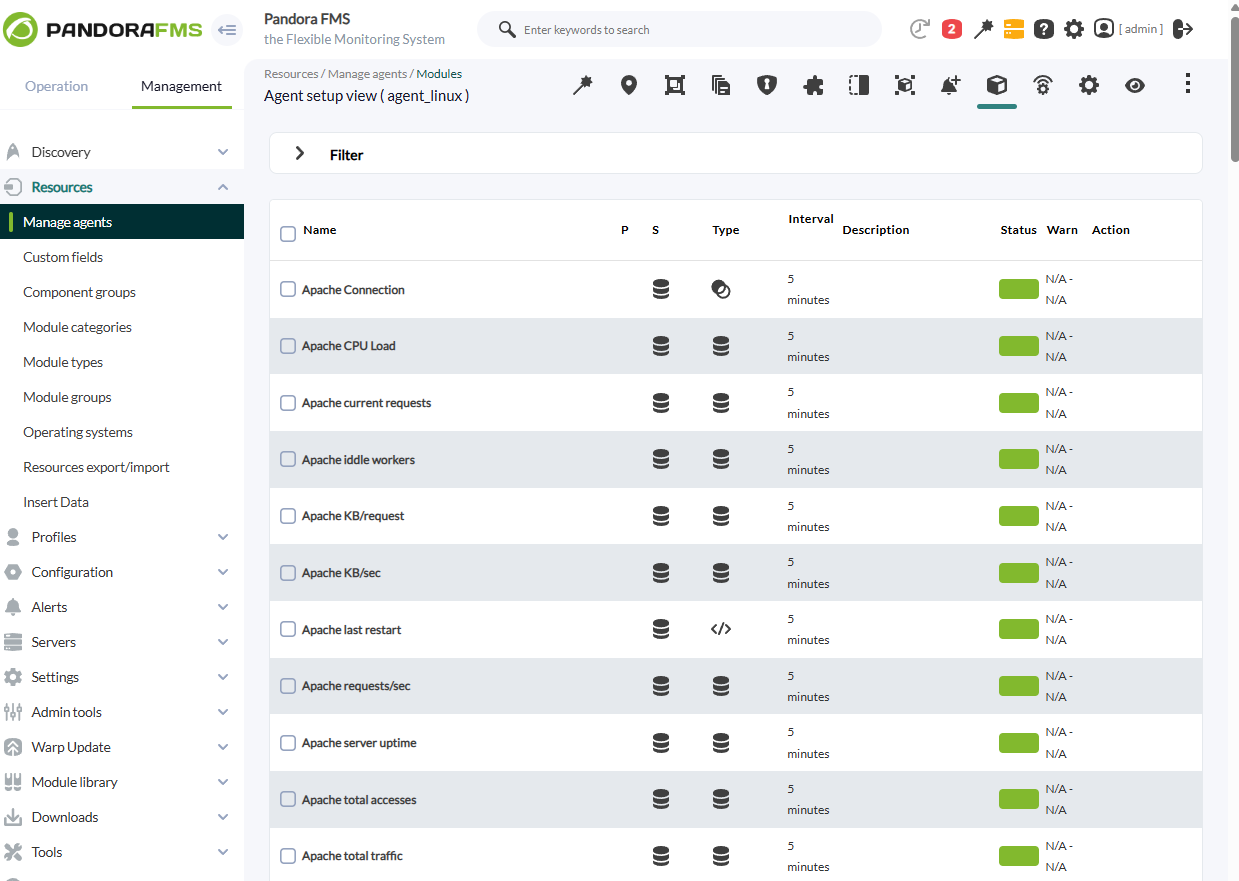
The following modules will be created in the pandora agent: