Configuration in PandoraFMS
Installation from the console
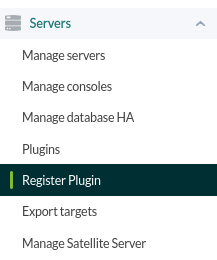
To register the plugin, go to the “register plugin” section from the console.
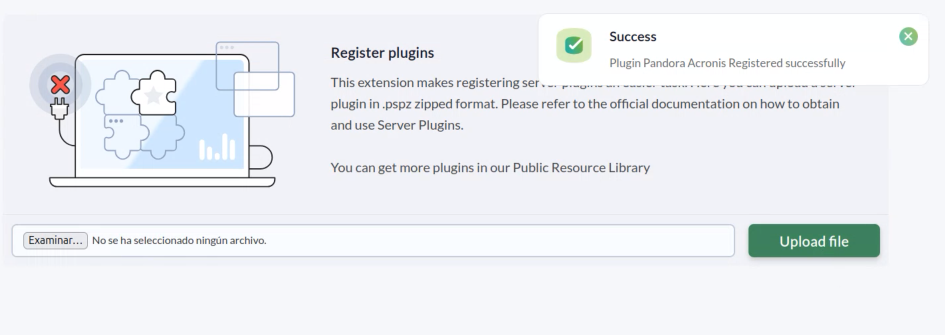
We will allow you to select a file.

Select the pspz2 file containing the plugin.
A message will appear indicating that it has been successfully installed.
Once the plugin is registered, we will see it in the plugins section.

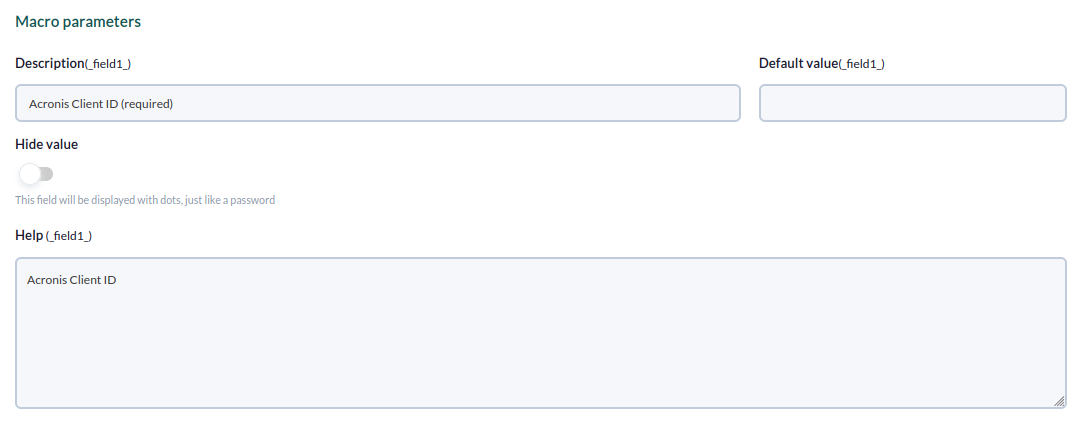
The parameters section will display all the parameters contained in the plugin, which can be configured. The mandatory parameters are the client ID, secret, and URL (-c, -p, and -u).
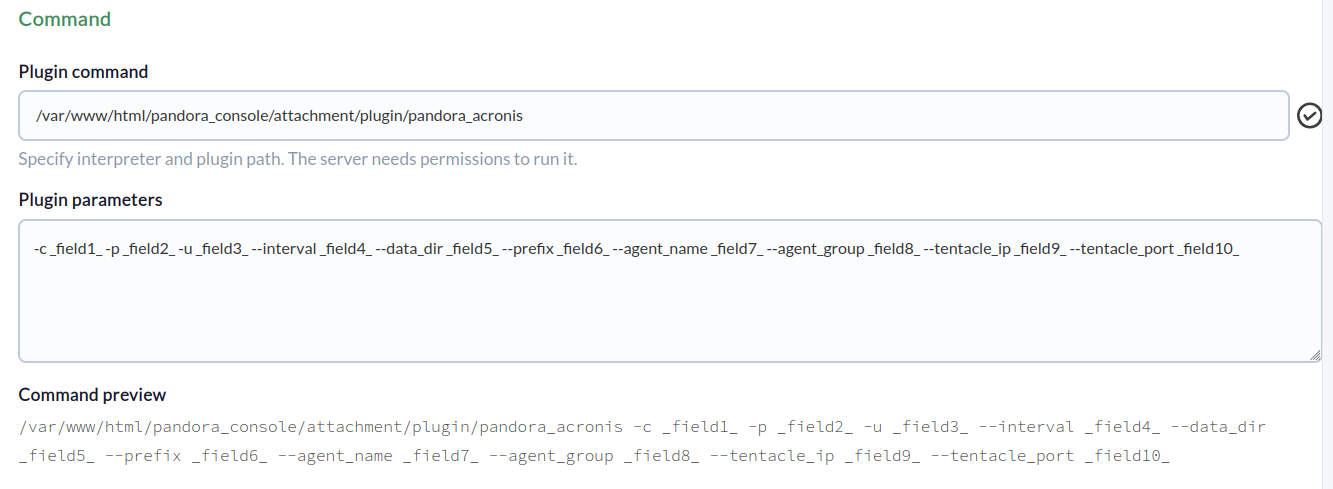
Below, you can assign a value to each macro.
Once configured, we will click on “update.”